

The right way to delete approval process configurations
We've all been there. You're cleaning up a messy org or migrating to Flow and you realize you need to delete approval process steps that haven't been touched in years. It seems like a simple "click and confirm" task, but if you've worked in Salesforce long enough, you know nothing is ever that simple. If you rush it, you'll end up with locked records, broken integrations, and frustrated users.
I've seen teams try to delete approval process metadata in production without checking for pending requests first. It's not pretty. You end up with records stuck in a "Pending" state that nobody can edit, and you have to spend your weekend running anonymous Apex just to fix the data. Let's look at how to do this without the headache.
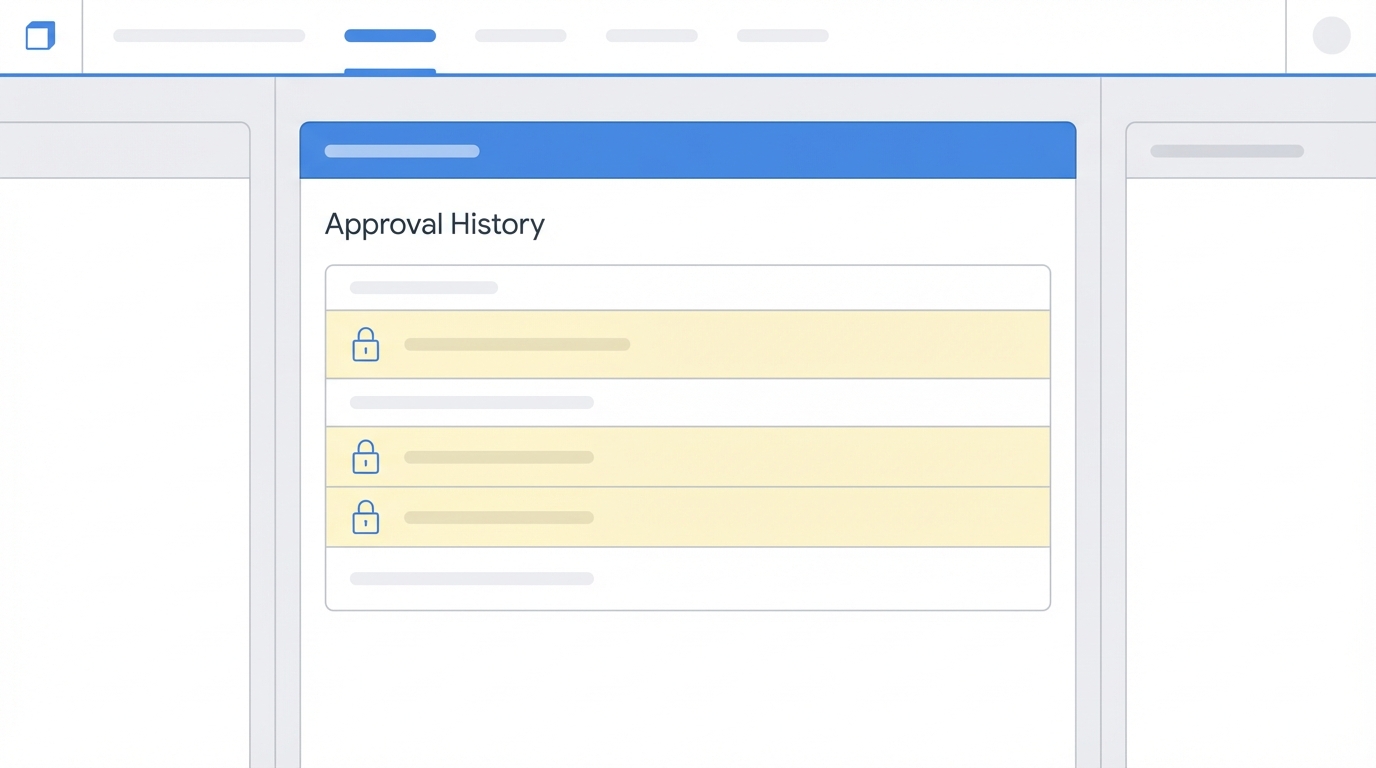
A Salesforce user interface showing a record locked in a pending approval state with an active approval history list.
Why you shouldn't just delete approval process metadata without a plan
Look, the "Delete" button is tempting, but Salesforce puts up guardrails for a reason. Approval processes aren't just standalone logic; they are tied to record locking, email alerts, and field updates. When you delete one, you're removing the instructions for how those records should behave. If you still have records sitting in someone's inbox, you're essentially deleting the map while the hikers are still in the woods.
Deactivate before you do anything else
Salesforce won't even let you delete an active process. You have to flip the switch to Inactive first. This is your first line of defense. It stops anyone else from submitting new records while you're doing your cleanup. I usually suggest doing this a few days before the actual deletion just to see if any "hidden" dependencies or user complaints pop up.
Dealing with the "Pending" nightmare
This is the part that usually trips people up. If there are any open approval requests, the system is going to block you. You have to resolve them. That means either approving them, rejecting them, or recalling them. If you have hundreds of records, don't do this manually. Use a SOQL query in the Developer Console to find out what's still open.
SELECT Id, ProcessDefinitionId, TargetObjectId, Status
FROM ProcessInstance
WHERE Status = 'Pending'
Once you have those IDs, you can use a script or the Data Loader to clear them out. If you're dealing with complex logic, you might want to check out my guide on Mastering the Apex Approval Process for Complex Logic to see how these instances are handled programmatically.
Steps to safely delete approval process configurations
So, what does a safe retirement look like? Here is the workflow I use whenever I'm cleaning up old automation. It's a bit more work upfront, but it saves you from a "System Administrator" emergency call later.
Check your record locks
Remember that approval processes often lock the record so nobody can change it while it's being reviewed. If you deactivate and delete the process while a record is still locked, that record might stay locked. Always make sure you've recalled or finished the process so users can actually do their jobs once the automation is gone.
Audit your side effects
Approval processes are famous for their "Final Approval Actions." These are the field updates and email alerts that happen at the end. Before you delete the process, ask yourself: does any other part of the system rely on that "Status" field being updated to "Approved"? If you have a report or a dashboard looking for that value, it's going to stop updating. You might need to replace that logic with a Flow before you pull the plug.
Pro Tip: Always check your Apex triggers. I've seen many triggers that are hard-coded to look for specific approval status values. If you delete the process, those triggers might never fire again.
Deployment and Sandbox testing
Never, ever delete directly in production if you can help it. Do it in a sandbox first. Use a Developer Pro or Full Sandbox to test the deletion. If you use a DevOps tool or the Ant Migration Tool, you'll need to use a destructiveChanges.xml file to handle the deletion. It's much cleaner than clicking buttons in the UI, especially if you have to do this across multiple environments.
Key Takeaways
- Deactivate first: You can't delete what's currently running.
- Clean up data: Resolve every single pending request or the delete will fail.
- Check locks: Ensure records are editable before the process disappears.
- Watch integrations: If an external system calls this process by name, it will break.
- History remains: Deleting the process removes the logic, but the historical
ProcessInstancerecords usually stick around for audit purposes.
A simple checklist for your next cleanup
- Document the current entry criteria and actions.
- Back up the metadata using your favorite IDE or VS Code.
- Set the process to Inactive.
- Run SOQL to find and recall all pending requests.
- Check for any hard-coded references in Apex or Middleware.
- Test the deletion in a sandbox to ensure no records stay locked.
- Perform the final delete approval process step in production.
Retiring old automation is a sign of a healthy Salesforce org. It's easy to keep adding new things, but the best architects are the ones who aren't afraid to remove the clutter. Just make sure you're doing it systematically. Once you've cleared out the old stuff, you'll have a much easier time managing your org without the "ghosts" of old processes haunting your data.




Leave a Comment