

Agentforce custom actions are how an agent does anything other than talk. With Spring ’26 (v66.0), Salesforce finished the move from assistive "Copilots" to autonomous "Agents", and that changes how you architect AI on the platform: less prompt tinkering, more deterministic code with a reasoning engine sitting on top of it.
This guide covers the parts that matter when you build for the enterprise. How Atlas picks your actions, the thin entry point pattern for Apex, Agent Script, the metadata bundle your CI/CD now has to deploy, and where the latency hides.
Four things worth knowing before you start:
- The Atlas Reasoning Engine uses a "System 2" inference loop to achieve a 33% accuracy uplift over traditional RAG.
- Agent Script (Beta) adds YAML-like deterministic logic for controlling agent transitions.
- The metadata has consolidated into the GenAiPlannerBundle as of v64.0+.
- Custom Apex actions should follow the thin entry point pattern so they stay modular and testable.
The evolution of agentic AI: from Einstein Copilot to Agentforce
Spring ’26 (v66.0) is where the roadmap turns. Einstein Copilot suggested answers inside a side panel. Agentforce executes tasks autonomously across channels, and it does it from the new Agentforce Studio.
The developer experience framework gives you more granular control over the agent's behavior. The significant shift is from probabilistic LLM responses, where the model essentially guesses the next token, to deterministic execution through Agent Script. In the v66.0 framework you define the boundaries of the agent's reasoning, so sensitive operations like order cancellations or financial transfers follow strict programmatic paths.
Agentforce Studio is the hub for that orchestration. It connects the Atlas Reasoning Engine to your existing Apex logic, Flow automations, and Data Cloud retrievers, so a lead qualification agent and a customer support bot sit on the same architecture.
Inside the Atlas Reasoning Engine: the plan-evaluate-refine-retrieve loop
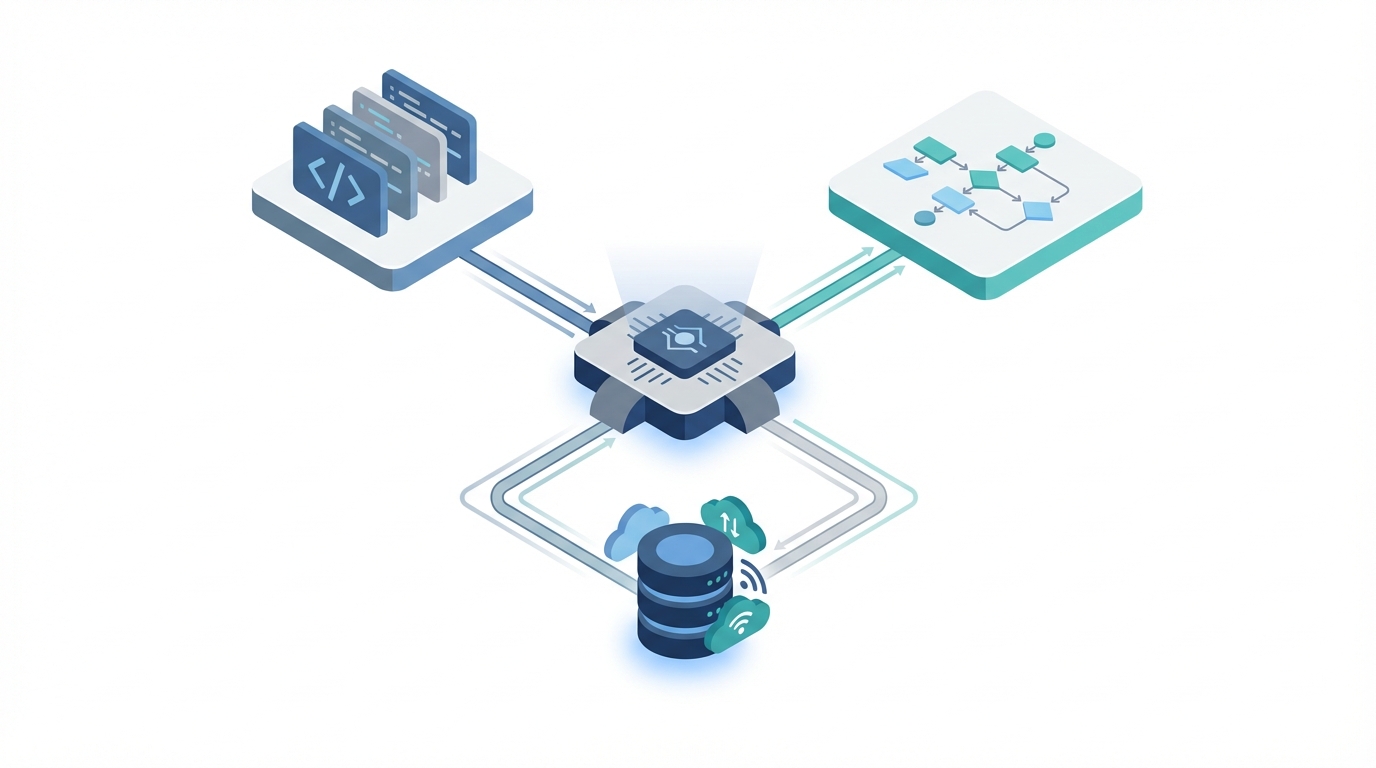
Atlas sits behind every autonomous interaction. Traditional "System 1" AI patterns are fast and intuitive and wrong often enough to hurt. Atlas uses a "System 2" approach instead: a deliberate, multi-step inference process designed to minimize hallucinations and maximize task success. Each interaction runs a four-step loop of plan, evaluate, refine, and retrieve.
Atlas reads the user's intent and builds a multi-step plan, then works out which custom actions that plan needs. If the plan is insufficient it refines the strategy before retrieving the data or executing the Apex. That loop is where the 33% accuracy uplift over Retrieval-Augmented Generation (RAG) comes from. For more on the orchestration, see our guide on architecting for scale with the Atlas Reasoning Engine.
The part that pays off in practice is that Atlas can orchestrate several InvocableMethods inside a single reasoning cycle. In a lead qualification scenario it might call one action to check the lead's current status, a second to query Data Cloud for recent website activity, and a third to update the lead's score. That reason-act pattern has been shown to reduce lead qualification latency by 40%, with the agent handling triage without a human in the middle.
Implementing custom actions: the thin entry point pattern
You expose business logic to Atlas with the @InvocableMethod annotation. As agents get more complex, the thin entry point pattern is the one worth copying: the invocable method acts strictly as a gateway, and the real business logic lives in modular service classes. Your code stays testable and reusable everywhere else on the platform.
Requirement checklist for custom Apex actions
- Method signature:
static, and eitherpublicorglobal. - Outer class: the method has to reside within an outer class.
- Input and output: use
List<T>structures to support bulkification, even though the agent currently processes requests individually. - Description: the
descriptionattribute in the annotation is the critical one. Atlas reads that text to decide when to trigger the action.
If you're weighing code against clicks, when to use Apex over Flow is worth a read, because Agentforce adds execution constraints of its own. Here is a modern, secure custom action in v65.0+ syntax:
public with sharing class OrderServiceAction {
    @InvocableMethod(
        label='Cancel Customer Order'
        description='Cancels an active order based on Order Number. Use this when a customer explicitly asks to stop an order.'
    )
    public static List<ActionResult> cancelOrder(List<ActionRequest> requests) {
        List<ActionResult> results = new List<ActionResult>();
        for (ActionRequest req : requests) {
            ActionResult res = new ActionResult();
            try {
                // Delegate to Service Class for modularity
                OrderManagementService.cancel(req.orderNumber);

                res.message = 'Order ' + req.orderNumber + ' has been successfully cancelled.';
                res.isSuccess = true;
            } catch (Exception e) {
                res.message = 'Error: ' + e.getMessage();
                res.isSuccess = false;
            }
            results.add(res);
        }
        return results;
    }

    public class ActionRequest {
        @InvocableVariable(required=true description='The unique order number provided by the customer')
        public String orderNumber;
    }

    public class ActionResult {
        @InvocableVariable public String message;
        @InvocableVariable public Boolean isSuccess;
    }
}
Security here comes from with sharing on the class and from the underlying service class using WITH USER_MODE and update as user syntax. Together they stop the agent from quietly bypassing field level security or sharing rules, which matters for any action that touches sensitive data.
Agent Script (Beta): deterministic logic in a YAML-like syntax
Agent Script arrived as a Beta feature in Spring ’26. It's the glue for defining strict logic paths inside an agent's reasoning loop. Atlas handles intent; Agent Script is where you put the guardrails. The syntax is YAML-like and covers topics, instructions, and conditional logic.
Use it to move the agent out of general conversation and into a specific topic when criteria are met. A user mentions "billing" and the agent switches to a billing script with a different set of custom actions available, which keeps the reasoning engine from drowning in tools it doesn't need.
The syntax supports if/then logic, variable mapping, and direct calls to Apex. A conceptual example:
topic: order_management
instructions: "Handle all requests related to order status, tracking, and cancellations."
variables:
  current_order_id: Text
  eligibility_status: Boolean
logic:
  - if: "@current_order_id != null"
    then:
      - call_action: "Check_Cancellation_Eligibility"
        inputs:
          orderId: "@current_order_id"
        outputs:
          isEligible: "@eligibility_status"
  - if: "@eligibility_status == true"
    then:
      - say: "I've checked your order, and it is eligible for cancellation. Would you like me to proceed?"
    else:
      - say: "I'm sorry, this order has already shipped and cannot be cancelled."
That deterministic layer is what stops the agent from inventing a cancellation process that doesn't exist. It maps your custom actions directly onto the conversation, so data moves cleanly between the user's input and your backend Apex.
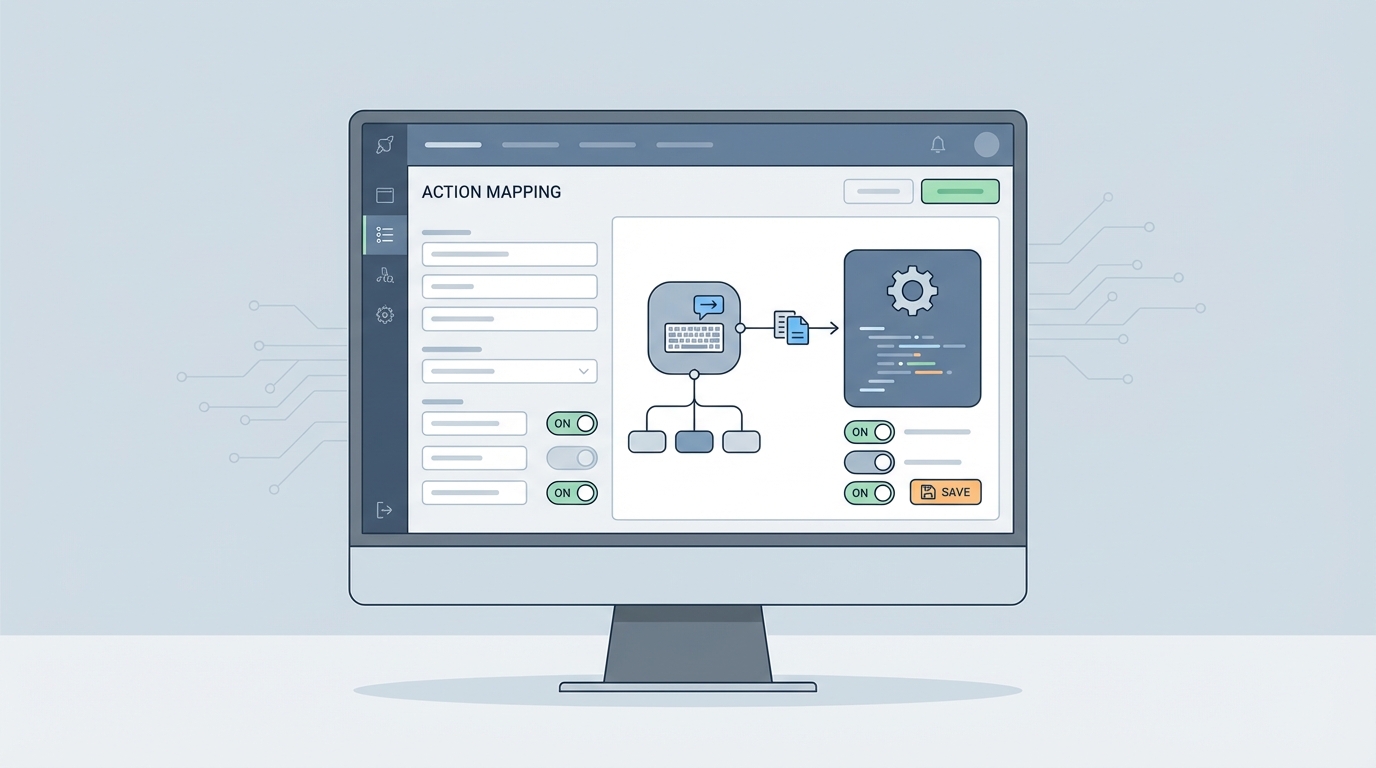
Metadata architecture: migrating to GenAiPlannerBundle
The Agentforce metadata has moved fast. Winter ’25 (v60.0) introduced GenAiPlanner, GenAiPlugin, and GenAiFunction. As of Summer ’25 (v64.0), GenAiPlanner is deprecated in favor of the GenAiPlannerBundle, a consolidation meant to make deployments more reliable and easier to keep in version control.
The bundle is a single authoring unit that holds topics, actions, and instructions. Retrieve your agent configuration through the Metadata API or the Salesforce CLI and you'll see it organizes those components hierarchically, which is a real improvement on the fragmented metadata types of the earlier releases.
On complex implementations you also need the relationship between GenAiPlugin, which groups related actions, and GenAiFunction, which defines the individual action signature. If you're still running legacy GenAiPlanner types, Spring ’26 is your mandatory window to migrate to the bundle structure before your CI/CD pipelines stop working. For custom data connections, our tutorial on Agentforce RAG Grounding covers how these metadata types interact with Data Cloud.
Advanced execution: Apex REST and AuraEnabled actions
The most welcome update of the Spring ’26 era is the one people call foundation-fixing: you can now expose existing Apex REST and AuraEnabled methods as agent actions. Before that, developers were refactoring perfectly functional logic into @InvocableMethod patterns purely to make it reachable by AI.
With v66.0 you wrap your existing REST endpoints or LWC controller logic and present them as agent actions, which lowers the barrier a long way for enterprises with large established codebases. The architectural thinking still applies. Reusing @AuraEnabled code is efficient, but check that the method suits the agent's execution context, which may differ from a standard browser-based LWC interaction.
- InvocableMethods: best for logic that needs to be shared between Flow and Agentforce.
- Apex REST: best for external systems and complex integrations that already have established endpoints.
- AuraEnabled: best for quick wins where existing UI logic can be repurposed for an agentic experience.
Deployment patterns and CI/CD for Agentforce
Custom actions couple Apex code tightly to GenAiPlannerBundle metadata, so a partial deployment leaves you with a broken reasoning loop where the agent calls an action that doesn't exist in the target environment.
Using the Salesforce CLI (SFDX), group your Apex classes and the matching GenAiPlannerBundle into the same deployment package. Version control matters just as much for Agent Script. These scripts define the deterministic logic of your agent, so treat them with the rigor you give Apex. Branching strategy should account for the fact that a change to a prompt template, or to one instruction in the Agent Script, can fundamentally alter how the agent performs.
Automating those deployments keeps your production agents in sync with the business logic underneath. The more autonomous the agent, the more configuration drift costs you, which is why automated testing and deployment pipelines are a non-negotiable part of the Agentforce lifecycle.
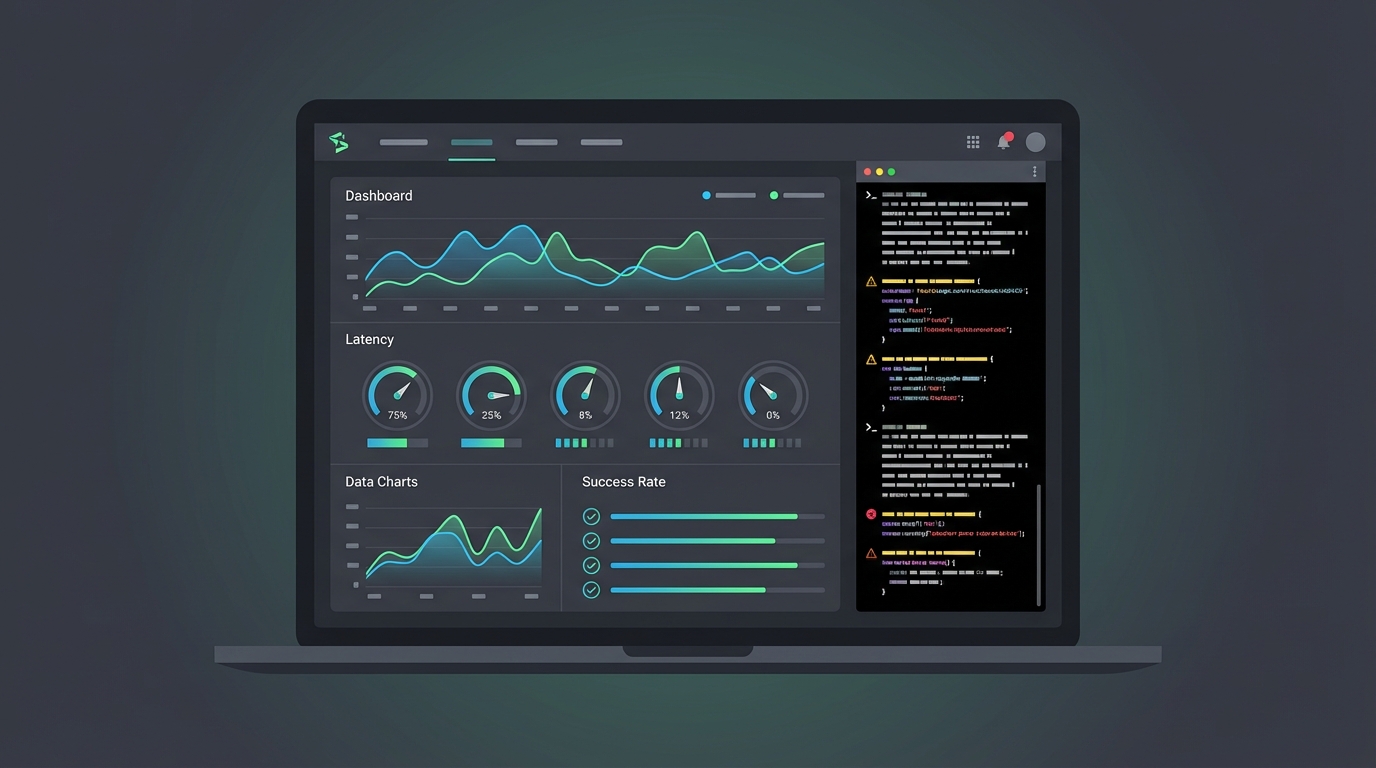
Performance benchmarking and debugging the reasoning loop
Monitoring the performance of your custom actions is how you keep user trust. Agentforce 3.0, released in August 2025, introduced real-time response streaming and optimized inference, giving a 50% improvement in response times. Complex Apex logic can still add latency if you let it.
Use the Agentforce Studio trace analysis tools to watch the plan-evaluate phase. An agent that takes too long to decide which action to take usually has ambiguous or overlapping descriptions on its @InvocableMethod definitions. Debugging this takes a change of habit: stack traces aren't enough, and you read the reasoning logs to see why Atlas chose, or failed to choose, a specific action.
Keep an eye on governor limits too. The reasoning engine has its own execution context, but the Apex actions underneath are still subject to standard Salesforce limits. Benchmark your actions under load, especially any that run complex SOQL queries or callouts.
Conclusion
Architecting for Agentforce is mostly a matter of wrapping a deterministic frame around a probabilistic engine. Use the thin entry point pattern, write action descriptions Atlas can actually tell apart, and get onto the new metadata bundles. A good first move is auditing the Invocable methods you already have and preparing your metadata for GenAiPlannerBundle before the Spring ’26 window closes.


Leave a Comment