


The Salesforce Metadata Coverage Report is the authoritative source of truth that shows which metadata types are supported across the CLI, change sets, source tracking, and unlocked packages. Checking the report early reveals whether your components can be automated or will require manual migration steps in your release plan. Starting in the Summer '25 release, Salesforce is replacing the legacy version with a redesigned report to make tracking component compatibility easier.
I've seen so many teams jump straight into building a new feature without checking whether they can actually automate the deployment. Catching that early is what separates the pros from the people who spend their weekends doing manual migrations. If you want to sharpen your skills, scenario-based developer interview questions show how these technical details play out in real roles.
The big Summer '25 change for the Metadata Coverage Report
The old report did the job, but it was getting a bit dusty. Salesforce is officially deprecating the legacy version, so if you have it bookmarked or built into your CI/CD documentation, you'll need to update those links soon. The new version is cleaner and easier to navigate, which is a win for anyone who spends their day looking at a package.xml file.
The report is also the authoritative place to see whether a metadata type supports source tracking or is limited to the Metadata API. I've seen teams try to use source tracking for types that don't support it yet, and it's a recipe for a long night of manual fixes. Checking this report first is a habit every developer should have, right alongside using the right Salesforce Chrome extensions to speed up your work.
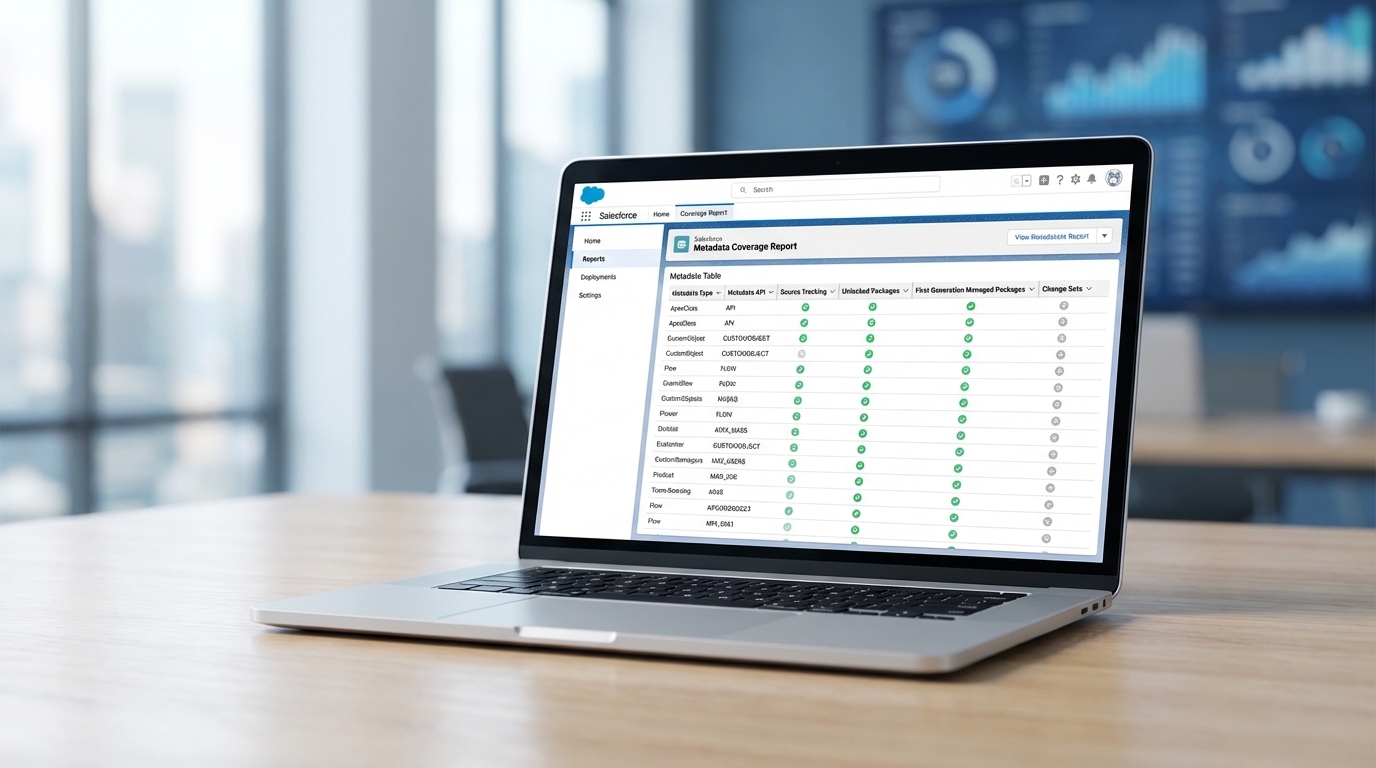
The report lists each component alongside the deployment methods that support it.
Why you need the Metadata Coverage Report in your workflow
Not all metadata is created equal. Some types work perfectly in unlocked packages, while others still require a manual migration or a specific API call. The Metadata Coverage Report helps you spot these gaps before you start building your release plan.
Before you start a new project involving newer features like Agentforce or Data Cloud, check the report. These newer metadata types often have specific limitations on how they can be moved between environments.
In my experience, the most overlooked part of the report is the source tracking column. If you're using scratch orgs or developer sandboxes with DevOps Center, you need to know whether your changes will actually be tracked. If they aren't, you'll be back to manually pulling files, which is exactly what we're trying to avoid. You might even want to check your Salesforce sandbox types to make sure you're using the right environment for the metadata you're testing.
How to handle unsupported metadata
When the report tells you a type isn't supported by your favorite tool, you usually have three options:
- Use the Metadata API directly with a
package.xmlfile for retrieval. - Perform a manual setup in the target org (it's painful, but sometimes necessary).
- Check if a different packaging format, like an unlocked package, offers better support for that specific type.
Key takeaways
- The legacy Metadata Coverage Report is being retired in the Summer '25 release.
- Update your internal runbooks and bookmarks to the new URL found in the official release notes.
- Always verify source tracking support before starting development in a scratch org, or you'll be hunting for missing components later.
- Use the report to plan for manual deployment steps early in your sprint rather than discovering them on release day.
This update to the Metadata Coverage Report is a small change that prevents those "why won't this deploy?" headaches. Grab the new link from the official release notes and share it with your team before your next release cycle.


Leave a Comment