


A sandbox refresh is the simplest way to reset a broken environment, and it is also a destructive action: every record, every change, every uncommitted Apex class in that sandbox is gone the moment the refresh starts. This guide covers both halves of the problem. How to refresh a Salesforce sandbox correctly, and what to do when a refresh isn't an option because you'd lose work you can't reproduce.
How to refresh a Salesforce sandbox: the 5-step process
- Confirm the refresh interval has elapsed. Developer and Developer Pro = 1 day, Partial Copy = 5 days, Full = 29 days. The Refresh button stays greyed out until the interval is up.
- Commit any uncommitted work. Push Apex, LWC, flows, and metadata to your Git repo. Anything not in source control is lost.
- Export critical test data with the Data Loader: Accounts, Contacts, and any Custom Objects you've populated. Save the CSVs somewhere outside the sandbox.
- Go to Setup → Environments → Sandboxes, find the row, and click Refresh. For Partial Copy, attach the right sandbox template before confirming.
- Monitor and post-process. Refresh times range from 30 minutes (Developer) to 24+ hours (Full). After refresh: log in, reset OAuth named credentials, reapply data masks if your org requires them, and re-import test data.
When an environment goes sideways and a refresh isn't viable, your first instinct might be to hit the refresh button anyway. But hold on. Depending on your Salesforce sandbox types, a refresh might take days, or wipe out other work you actually wanted to keep. The rest of this guide is about handling that without losing your mind.
Common scenarios for Salesforce sandbox recovery
In my experience, sandbox disasters usually fall into a few buckets. Sometimes it's a developer who accidentally deleted a custom object thinking they were in a personal dev org. Other times, it's a "quick" data load that goes wrong because someone forgot to turn off a flow, triggering thousands of unwanted records.
And then there's the classic refresh failure. You start a refresh on a Friday, expecting to work on Monday, and find the status stuck in "Processing" for 48 hours. Or worse, the data is so inconsistent that your tests won't even run. Working out whether you're dealing with a metadata issue or a data corruption issue is the first step toward getting back on track.
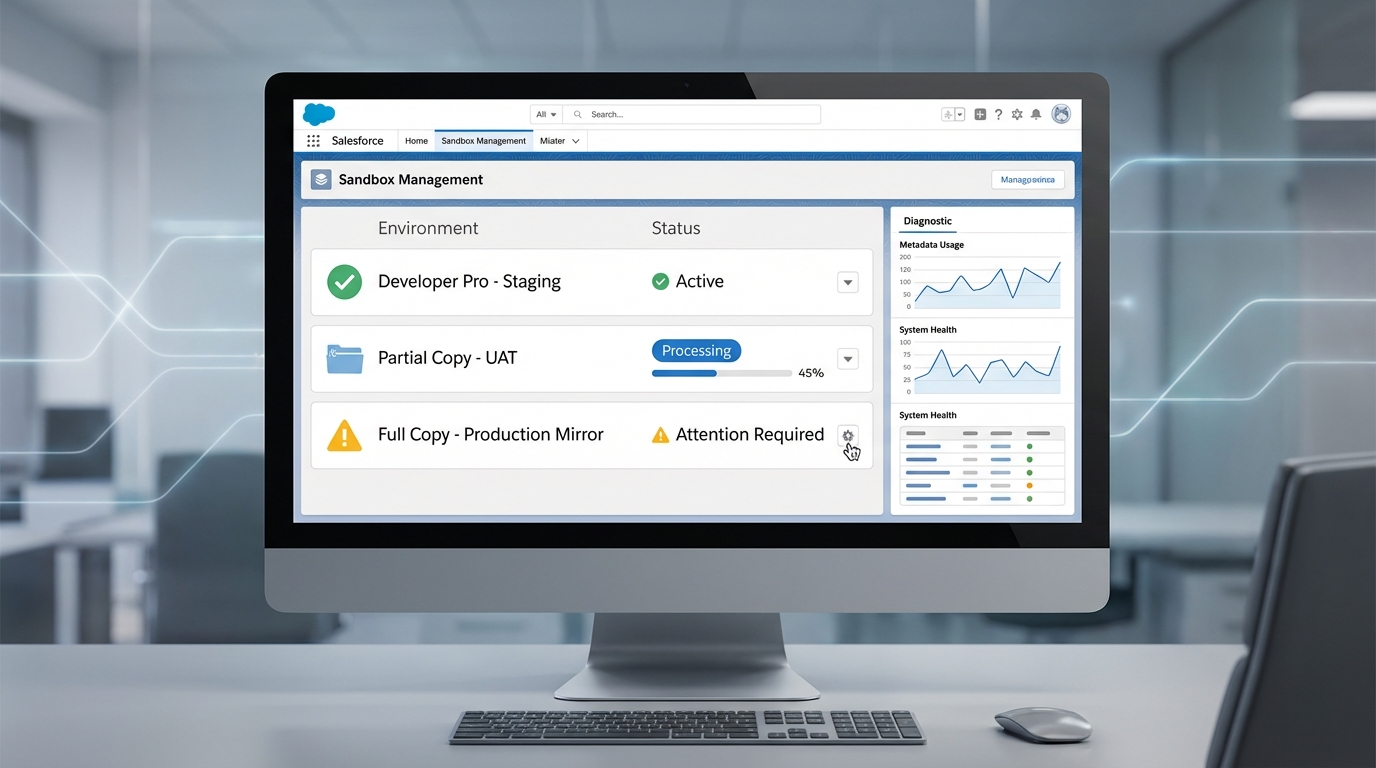
A high-fidelity UI mockup of a Salesforce sandbox management dashboard showing environment status lists and diagnostic technical panels.
Practical strategies for Salesforce sandbox recovery
So what do you actually do when things break? You have a few paths, depending on what you've got backed up.
1. Use your metadata backups
If you're using a version control system like Git, this is your best friend. You can quickly redeploy your Apex classes, flows, and layouts. But if you aren't using a CI/CD pipeline yet, you can use the Metadata API or even basic Change Sets to pull missing pieces from production or another healthy sandbox. It's a manual process, but it works when you're in a pinch.
2. Data Loader for record restoration
When the data itself is the problem, you'll need to reach for the Data Loader. If you've been running weekly exports, you can map those CSVs back into the sandbox. One thing that trips people up is the order of operations. You have to load the parent records first before you can fix the lookups. If you're dealing with managing Salesforce large data volumes, make sure to use the Bulk API to avoid hitting those pesky governor limits.
"Never treat a sandbox refresh as a backup strategy. A refresh is a destructive action that replaces everything. If you haven't committed your code to Git or backed up your test data, that work is gone forever the moment you click 'Refresh'."
3. When to call Salesforce Support
I don't like waiting on support tickets any more than you do. But if your sandbox is stuck in a weird state, or a refresh is hanging for no reason, Support are the only people who can see what's happening under the hood. If it's a platform-level glitch, stop trying to fix it yourself and open a case immediately.
Best practices to avoid the headache
Most teams get this wrong because they treat sandboxes like a playground where nothing matters. Then a release is blocked because the Full Copy sandbox is a mess, and suddenly it matters a lot. Four habits keep that from happening.
- Document your data loads. Keep a log of what was imported, when, and by whom. It makes mistakes much easier to undo.
- Limit who can refresh. Don't give every junior admin the power to refresh the Full Copy. That's a recipe for disaster.
- Audit regularly. Every few weeks, check whether your sandbox metadata has drifted too far from production. The sooner you spot the gap, the easier the Salesforce sandbox recovery will be.
- Use partial sandboxes wisely. They're great for testing, but remember they have data limits. Don't try to cram a production-sized dataset into one.
Key takeaways
- Always identify whether you've lost metadata (code/config) or data (records) before starting a recovery.
- Version control is the most reliable way to recover your configuration.
- Load data in the correct order: parents first, then children.
- Keep a regular export of your sandbox data if you're doing heavy testing.
- Don't be afraid to use Salesforce Support for refresh hangs or platform errors.
Getting back to work
Salesforce sandbox recovery is mostly preparation. With a solid backup of your metadata and a clear plan for your data, a "disaster" becomes just another Tuesday. Start by checking your current backup process. If you don't have one, make that your first task today.
So what's your plan for the next time a sandbox breaks? Hopefully it involves a little less panic and a lot more Git commits. If you're unsure where to start, pick one sandbox and try a "mock recovery" this week.
FAQ: Refreshing a Salesforce sandbox
How often can I refresh a Salesforce sandbox?
Refresh intervals are fixed by sandbox type: Developer every 1 day, Developer Pro every 1 day, Partial Copy every 5 days, Full every 29 days. The Refresh button is disabled in Setup until the interval has elapsed since the last successful refresh, and there's no override, even for admins.
What happens to my data when I refresh a sandbox?
Refreshing wipes the entire sandbox and recopies metadata from production. For Developer and Developer Pro sandboxes, no data is copied, so they start empty. For Partial Copy, a sample is pulled based on the active sandbox template. For Full, every record and attachment is replicated. Any custom records, test data, or unmerged code in the sandbox is permanently destroyed.
How long does a Salesforce sandbox refresh take?
Times vary by type and org size. Developer and Developer Pro sandboxes typically refresh in 30 minutes to 2 hours. Partial Copy ranges from 2 to 8 hours depending on the template size. Full sandboxes often take 24 to 48 hours and occasionally longer for large orgs (10+ TB). Refreshes that hang past 72 hours warrant a Salesforce Support case.
Can I cancel a Salesforce sandbox refresh?
Yes, but only before the copy phase begins. In Setup → Environments → Sandboxes, an in-progress refresh shows a "Cancel" link for the first few minutes. Once the data copy starts, you can't cancel, and you have to wait for it to complete (or fail) before refreshing again. There is no rollback to the pre-refresh state.
Do I need to reconnect integrations after refreshing a sandbox?
Yes. The sandbox URL changes (the suffix .sandbox is added), so every external integration needs to be updated to point at the new domain: webhooks, named credentials, OAuth connected app callback URLs, and middleware endpoints. Email deliverability also resets to "System Email Only" by default and must be re-enabled if your tests send mail.
Can I copy specific data into a sandbox without a Full refresh?
Yes. Use a sandbox template with a Partial Copy sandbox to choose specific objects and record filters before refresh. For one-off data copies between existing sandboxes, use the Data Loader (export from source, import to target) or Salesforce DevOps Center's data deployments. Avoid Change Sets for record data, because they're metadata-only.


Leave a Comment