

Why it's hard to refresh LWC data automatically
Ever had that moment where you update a field on a standard Salesforce page and your custom LWC just sits there showing old data? It's a classic headache. To refresh LWC data in that situation, you need a way to tell the component that something happened on the server.
Standard components and custom LWCs live in their own little worlds. If a Flow or a Trigger updates a record in the background, your @wire method doesn't always know it needs to run again. That's especially true when the update came from an automated process or a different user.
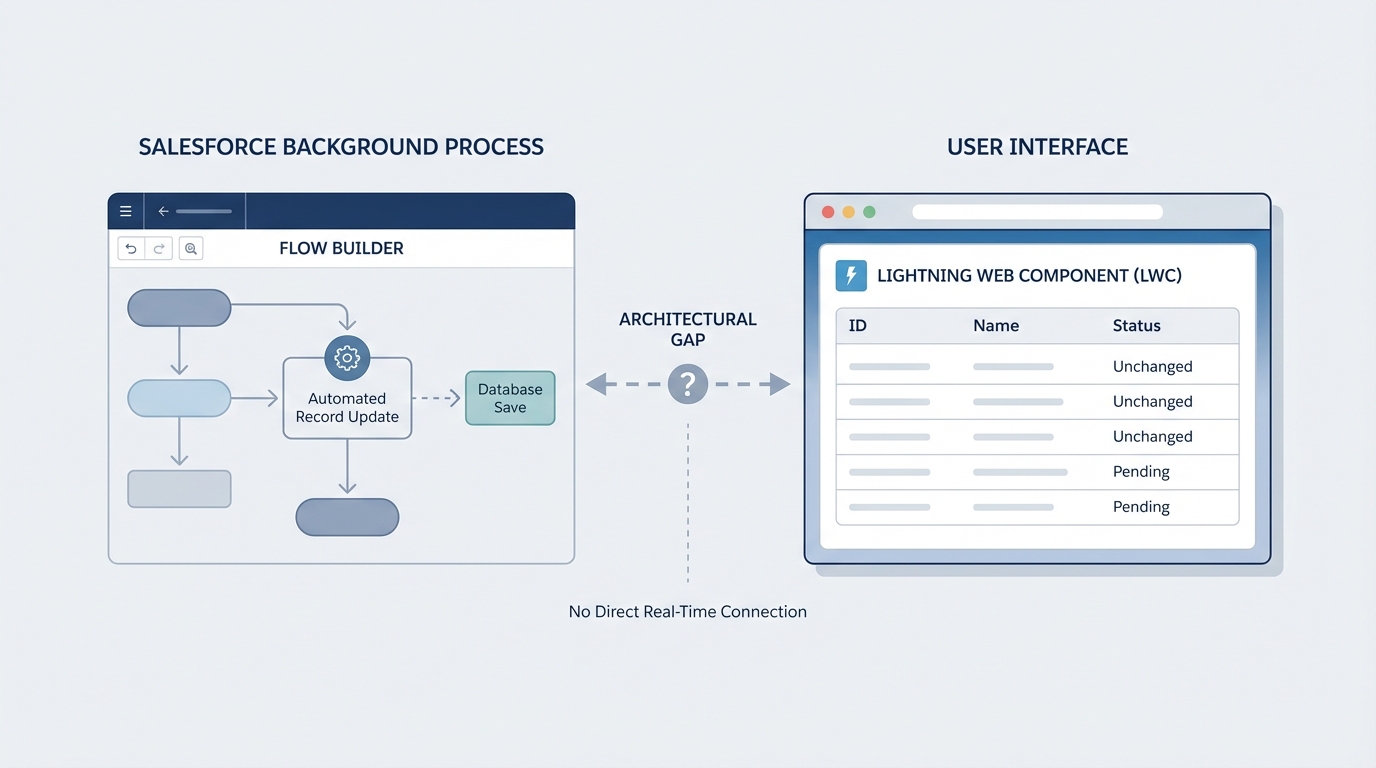
A technical diagram illustrating the synchronization gap between a Salesforce background Flow update and a front-end Lightning Web Component UI.
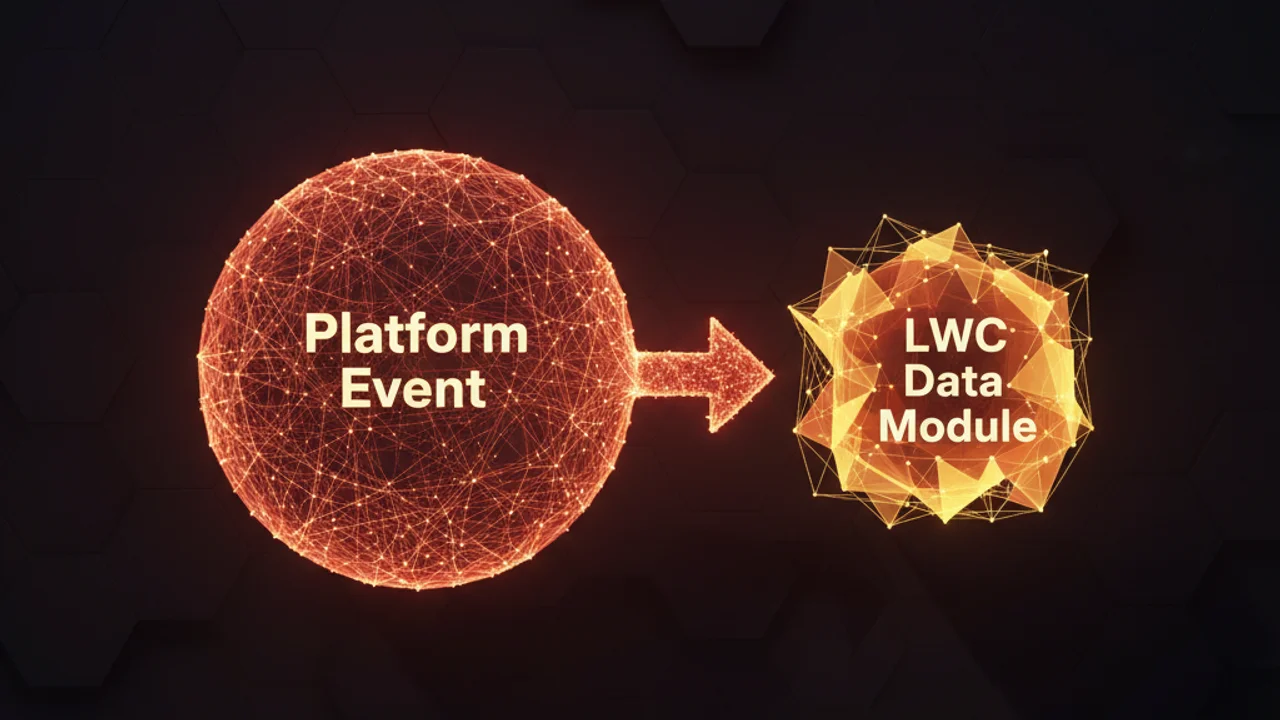
A better way to refresh LWC data using Platform Events
I've seen teams try to use timers or constant polling to keep data fresh. That wastes resources and usually leads to performance lag. A much cleaner approach is to use a Platform Event as a "notification bell."
The logic is simple. When a record changes in the backend, you fire off a Platform Event. Your LWC listens for that specific event and, once it hears one, triggers refreshApex(). It's a lightweight way to refresh LWC data without overcomplicating your architecture.
Event storms trip people up. Publish your Platform Event only when the specific fields you care about actually change. Fire it on every single update and you'll hit your daily limits fast.
Step 1: Create the Platform Event
Head over to Setup and create a new Platform Event. Let's call it Refresh_Custom_Components__e. You don't even need custom fields for this specific pattern, because the event itself acts as the signal.
Step 2: Fire the event from your Trigger
Now you need to publish that event. You can do it from a Flow, but if you're already working in Apex, a trigger is usually the way to go. Here is a simple example of how to hook this into an Opportunity trigger.
trigger OpportunityTrigger on Opportunity (after update) {
    if (Trigger.isAfter && Trigger.isUpdate) {
        List<Refresh_Custom_Components__e> events = new List<Refresh_Custom_Components__e>();
        events.add(new Refresh_Custom_Components__e());
        EventBus.publish(events);
    }
}
In a real project, I'd move this logic into a helper class to keep the trigger thin. For this example, the main point is just getting that EventBus.publish() call to run when the data changes.
Step 3: Wiring the LWC to listen and refresh
We'll use lightning/empApi to subscribe to our event channel. Communication between components normally happens through standard events, but this signal comes from the backend, so empApi is our best friend here.
import { LightningElement, api, wire } from "lwc";
import { refreshApex } from "@salesforce/apex";
import getOppty from "@salesforce/apex/OpptiesOverAmountApex.getOpptyOverAmount";
import { subscribe, onError } from 'lightning/empApi';

export default class OpportunitiesOverAmount extends LightningElement {
    @api recordId;
    wiredOpptyResult;

    @wire(getOppty, { recordId: "$recordId" })
    wiredOppty(result) {
        this.wiredOpptyResult = result;
    }

    connectedCallback() {
        const self = this;
        const messageCallback = function (response) {
            console.log('Event received: ', response);
            // This is the call that actually updates the UI
            refreshApex(self.wiredOpptyResult);
        };

        subscribe('/event/Refresh_Custom_Components__e', -1, messageCallback).then(response => {
            console.log('Successfully subscribed to channel');
        });
    }
}
When the trigger fires the event, the LWC catches it and tells refreshApex to go grab the latest data. The UI updates almost instantly after the record is saved, which feels much more responsive to the end user.
Key takeaways to refresh LWC data
- Use Platform Events as signals: you don't always need to pass data in the event, because knowing that something changed is often enough.
- Remember the wired property: to use
refreshApex, capture the entire object returned by the wire. The unwrapped data property on its own won't work. - Filter your triggers: publish the event only if the specific fields displayed in your LWC have changed.
- Handle unsubscriptions: in a production component, unsubscribe in the
disconnectedCallbackto prevent memory leaks.
There are other ways to do this, like using the new RefreshView API, but that doesn't always work if the change happens entirely in the backend. This Platform Event pattern is a reliable fallback I've used on dozens of projects.
Give it a try the next time your users complain about having to hit the browser refresh button to see their updates.


Leave a Comment