


Why Salesforce Flow bulkification keeps your org alive
If you have spent any time building automation, you know Salesforce Flow bulkification is a survival skill. I have seen plenty of flows work perfectly in a sandbox with one record, only to fall apart the second a Data Loader import hits production. Salesforce processes records in batches, and if your flow is not ready for that, you are going to see those dreaded governor limit errors.
The platform is built to handle many operations at once. A flow that processes records one by one is asking the server to do a hundred small chores instead of one big one, and that is how you hit SOQL and DML limits fast. Design for the crowd.
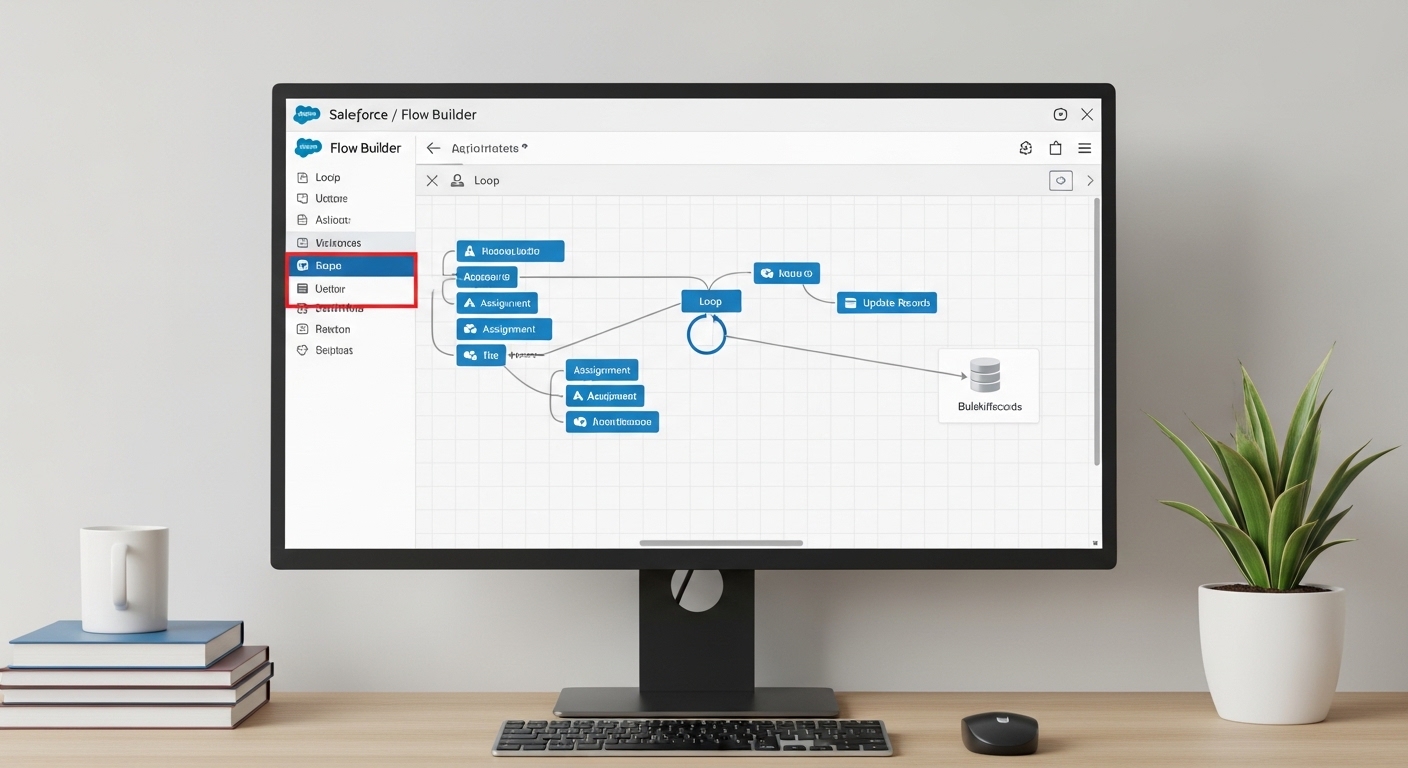
A Salesforce Flow Builder canvas with the database update element sitting outside the loop.
The core rules of Salesforce Flow bulkification
The math is simple. You get 101 SOQL queries and 150 DML statements per transaction. Put a Get Records or Update Records element inside a loop, run that loop for 200 records, and you have already lost. Here is how I usually explain the ground rules to my team:
- No database calls in loops. Never put a Get, Create, Update, or Delete element inside a loop. Period.
- Think in collections. Instead of updating a record inside a loop, add it to a collection variable. You do the work in the loop, then you hit the database once at the very end.
- Work before the save. Before-save flows are incredibly fast because they do not even need a DML statement to update the triggering record.
- Know your limits. If you are dealing with massive amounts of data, sometimes a flow is not the right tool, and you want large data volumes strategies instead.
How different flows handle bulk data
Record-triggered flows are the most common place where bulk issues pop up. When someone updates 200 accounts via the API, Salesforce triggers 200 flow interviews. If those interviews are bulkified, Salesforce is smart enough to batch those database operations together.
Scheduled flows behave differently. They are great for cleaning up data overnight, but you still have to be careful with how you query. Collection-based actions are the only thing I have found that keeps these reliable when the record count starts climbing into the thousands.
Mastering Salesforce Flow bulkification in the real world
So what does this actually look like when you are staring at the canvas? One thing that trips people up is trying to find a specific record inside a collection without querying. It is tempting to just drop a Get Records in there, but do not. Use an assignment element to build your list instead.
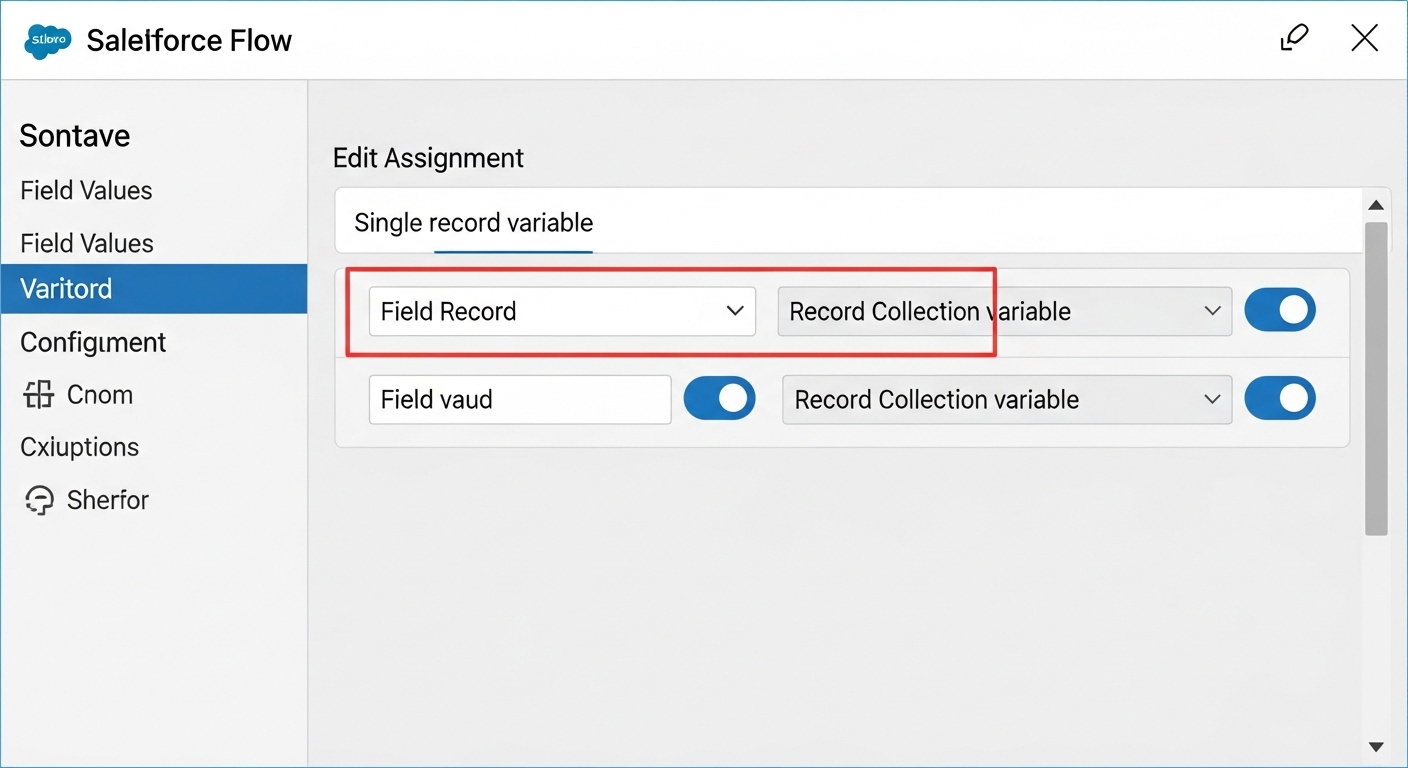
A Salesforce Assignment element adding individual records to a collection variable.
1. Use collection variables for everything
This is probably the most overlooked feature by beginners. You want a Record Collection Variable to hold everything you plan to change. Inside your loop, use an Assignment element to set the field values on a single record variable, then use a second Assignment to add that record to your collection. Once the loop finishes, use one Update Records element on that collection. It is much cleaner and way faster.
2. Favor before-save flows for field updates
Most teams get this wrong. If you are just updating fields on the record that triggered the flow, use a Fast Field Update (before-save). These run before the record is even committed to the database, they do not count against your DML limits, and they are significantly faster.
3. Offload the heavy lifting to Apex
Sometimes a flow just gets too complex. If you are doing heavy math, or trying to simulate maps to avoid nested loops, it is time to call in the big guns. I am a big fan of Invocable Apex when the logic gets hairy. It keeps your flow readable and lets you use more efficient coding patterns. If you are on the fence, check out this guide on when to use Apex over Flow.
Pro tip: always test your flows with at least 200 records using a tool like Data Loader. If it fails there, it will fail in production when you least expect it.
Practical example: the "Has Open Opps" flag
Say you need to check a box on an Account if it has open Opportunities. The wrong way is to loop through Accounts and query for Opportunities inside that loop. That is a one-way ticket to a 101 error.
The right way? Query all relevant Opportunities first and store them in a collection. Then loop through your Accounts and use the collection to see if a match exists. On a recent release you can use the Transform element to map those values without needing a loop at all. Either way, once you have flagged the Accounts in your collection, run a single update at the end.
/* The Bulkified Logic */
- Get Records: All Open Opportunities where AccountId is in our set.
- Loop: Iterate through Accounts.
- Assignment: If Opp exists for Account, set Has_Open_Opps__c = True.
- Assignment: Add Account to 'AccountsToUpdate' Collection.
- Update Records: 'AccountsToUpdate' (Performed ONCE after the loop).
Key takeaways for Salesforce Flow bulkification
- Stay out of the loop. Keep all DML (Create, Update, Delete) and SOQL (Get Records) elements outside of loop paths.
- Collect then commit. Use Assignment elements to populate a collection and update it once at the end.
- Before-save is better. Use before-save flows for any updates on the triggering record to save on performance.
- Batching matters. For huge datasets, use Scheduled Paths or Apex to break the work into smaller chunks.
- Test at scale. Never assume a flow is bulk-safe until you have tested it with a bulk import.
Bulkification is really about being a good citizen on a multi-tenant platform. It makes your automation faster, your users happier, and your life as a consultant a lot easier. For more on building better automation, have a read of my other post on Best practices for Salesforce Flow.



Leave a Comment