

Delete public group is reshaping how Salesforce professionals work — and this article breaks down everything you need to know.
Have you ever tried to delete a public group only to have Salesforce throw a cryptic error message in your face? It is a common headache when you are cleaning up a messy org, but understanding how the system handles a delete public group request can save you a lot of troubleshooting later. In my experience, most admins treat groups as simple buckets for users, but they are actually the glue holding together some of your most critical sharing logic.
What happens when you hit delete public group?
The short answer? It depends on how much "stuff" is tied to that group. Salesforce is actually pretty smart here - it won't just let you break your org without a fight. If the group is being used by active configuration, the system will block you. You'll get an error telling you that the group is referenced elsewhere, though it isn't always great at telling you exactly where.
But if there are no hard references? Salesforce just wipes it out. The group record is gone, and every entry in the GroupMember table is deleted. Now, here is where it gets tricky. Any access that relied only on that group is gone instantly. I have seen teams delete a group thinking it was "unused," only to realize an hour later that half the sales team lost access to their dashboard folders. It is a lot like the precautions you need to take when you delete a Salesforce role - you have to know the downstream impact.
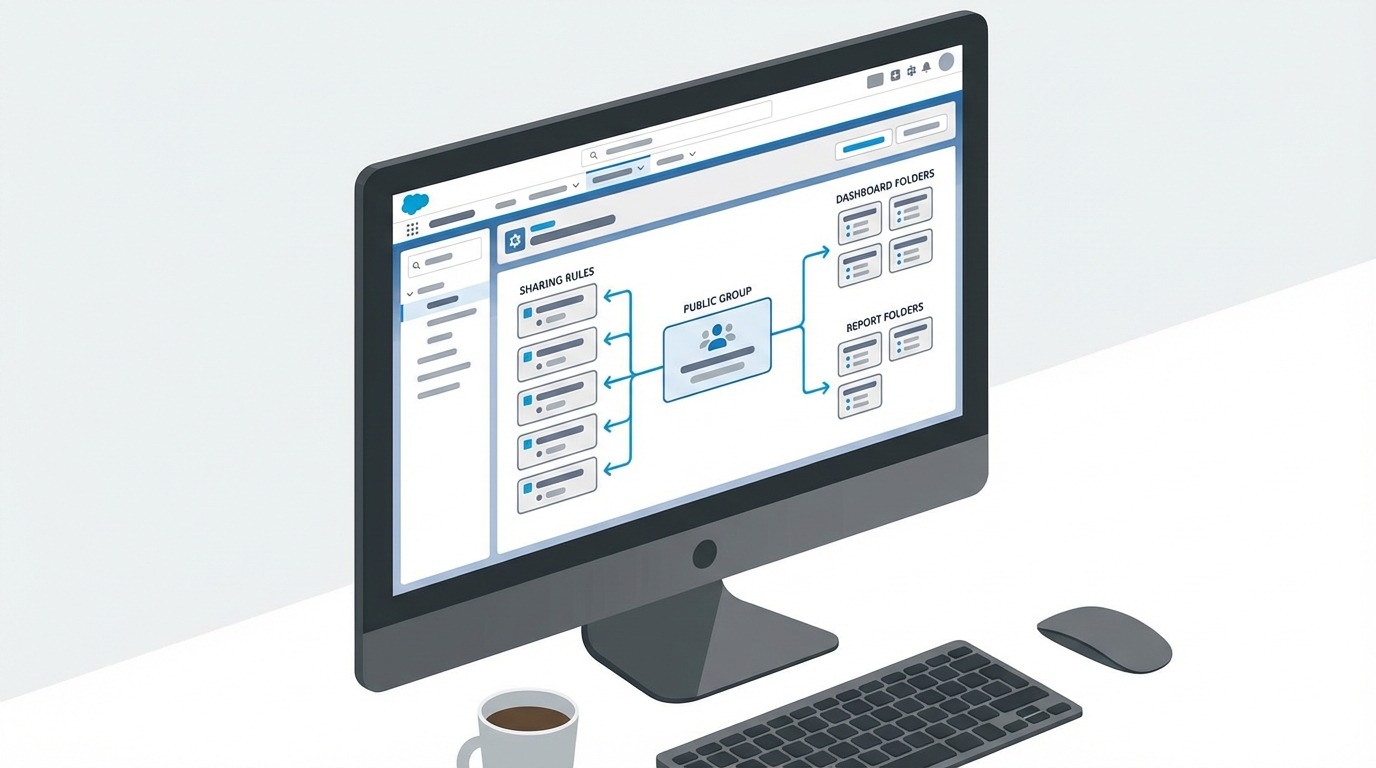
A professional UI mockup showing the complex dependencies between a Salesforce Public Group, sharing rules, and dashboard folder permissions.
How to find dependencies before you delete public group
Before you even think about clicking that delete button, you need to do some detective work. Honestly, the Setup UI doesn't give you a "Where is this used?" button for groups like it does for custom fields. You have to go hunting. Here are the usual suspects where groups hide:
- Sharing Rules: This is the big one. If a group is the recipient of a sharing rule, you're blocked until you remove that rule.
- Folder Sharing: Report and dashboard folders often grant access to specific groups.
- Queues: Public groups can be members of queues. If you delete the group, the queue stays, but the members are gone.
- Apex and Flows: If your developers hardcoded a Group ID or developer name into a query, you're going to have a bad time.
Pro tip: Always check your AccountShare or OpportunityShare tables. Even if there isn't a sharing rule, someone might have manually shared records with that group years ago, and those shares will vanish when the group does.
Using SOQL to spot trouble
I find it's much faster to use the Developer Console or Workbench than clicking through every folder in the UI. If you have the Group ID, you can run a few quick queries to see what's attached to it. For example, to see which users are actually in the group, use this:
SELECT Id, UserOrGroupId FROM GroupMember WHERE GroupId = '00GXXXXXXXXXXXX'
To check for manual shares on the Account object, try something like this:
SELECT Id, AccountId, RowCause FROM AccountShare WHERE UserOrGroupId = '00GXXXXXXXXXXXX'
If you're dealing with complex sharing logic, it's worth reviewing a guide to Salesforce sharing rules to make sure you aren't about to cause a massive recalculation that locks up your org.
The safe way to clean up groups
Look, we've all been tempted to just "delete and see what breaks," but in a production environment, that's a recipe for a long weekend. Here is the process I follow to keep things clean:
- Export the members: Run a SOQL query and save the User IDs to a CSV. If you have to recreate the group later, you'll be glad you did.
- Audit the "hard" links: Check sharing rules, assignment rules, and approval processes. You'll have to manually swap the group out for something else or delete the rule entirely.
- Check the "soft" links: This means folder shares and list views. Salesforce won't always block the deletion for these, but they will break for your users.
- Run a Sandbox test: If it's a mission-critical group, try the deletion in a sandbox first. It's the only way to be 100% sure.
Key Takeaways
- Salesforce blocks the delete public group action only if there are hard metadata dependencies like sharing rules.
- Manual shares and folder access are silently removed, which can lead to "hidden" access loss.
- There is no "Recycle Bin" for public groups. Once it's gone, you have to rebuild it from scratch.
- Always use SOQL to verify dependencies before touching the delete button in Setup.
So, what's the bottom line? Deleting a group isn't just about removing a name from a list. It is about understanding the ripple effect on your security model. If you are unsure, just rename the group to "Z_DEPRECATED" for a month and see if anyone complains. It is the oldest trick in the book, but it works every time.




Leave a Comment