
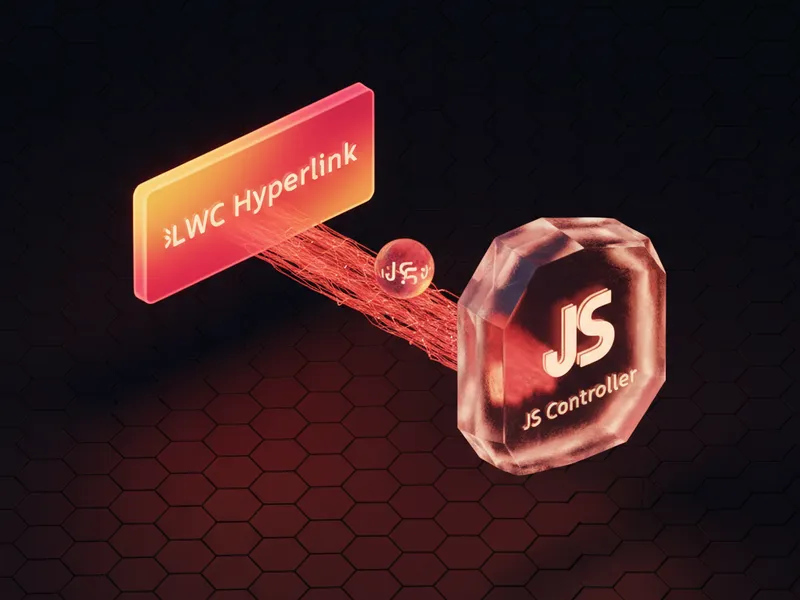
How to make an LWC pass value to your JavaScript controller
Ever tried to figure out the best way to make an LWC pass value to a controller when someone clicks a link? It's one of those tasks that feels like it should be a one-liner, but then you start worrying about event bubbling, security, and whether you're doing it the "Salesforce way." I've been there, and honestly, I've seen plenty of experienced devs overcomplicate this.
Whether you're working on a brand new Lightning Web Component or patching up an old Visualforce page, the goal is the same. You want to click a link, grab a record ID or a status flag, and do something with it in your JS. Let's look at how we actually handle this in the real world.
The modern standard: Data attributes in LWC
When you need an LWC pass value from the UI to your logic, data attributes are your best friend. They're clean, they're standard HTML5, and they keep your JavaScript separated from your markup. Instead of trying to parse a URL or use weird global variables, you just tag the element with what you need.
<! - template.html - >
<template>
  <a href="#" data-id={acc.Id} onclick={handleAccountClick}>
    {acc.Name}
  </a>
</template>
Now, here's the part that trips people up. In your JavaScript, you have to prevent the default link behavior (so the page doesn't refresh) and then grab that data attribute. This LWC pass value pattern is something you'll use constantly in LWC component communication and data handling.
// component.js
import { LightningElement } from 'lwc';
export default class AccountList extends LightningElement {
  handleAccountClick(event) {
    event.preventDefault();
    // This is the magic line
    const accountId = event.currentTarget.dataset.id;
    console.log('You clicked account:', accountId);
  }
}
Why an LWC pass value strategy needs the right event target
Look, if there's one thing I've seen break more LWC components than anything else, it's the confusion between event.target and event.currentTarget. If your hyperlink has an icon or a span inside it, and the user clicks that icon, event.target will be the icon. But event.currentTarget will always be the link where you attached the listener.
Pro tip: Always use event.currentTarget.dataset. It's much more reliable because it ensures you're grabbing data from the element that actually has the onclick handler, even if the user clicks a nested child element.
But what if you're still stuck in Aura or Visualforce? The logic is surprisingly similar. In Aura, you'd still use data- attributes on your anchor tags. In Visualforce, you might use apex:outputLink, but if you're calling JS, a standard <a> tag with a data attribute is still the cleanest way to go. It beats building long JavaScript strings in your page markup every single time.
Best practices for an LWC pass value workflow
So, we know how to get the data. But how do we keep the code from turning into a bowl of spaghetti? Here are a few things I've learned the hard way over the years.
- Don't use javascript:void(0). It's an old habit. In LWC, just use a hash or a real URL and call
preventDefault(). It's better for accessibility and feels more natural to the browser. - Keep it simple. Don't try to pass entire JSON objects through a data attribute. If you need more than a simple ID or a string, pass the ID and then find the rest of the data in your JS array.
- Think about navigation. If you're just trying to open a record, don't use a JS controller at all. Use the
lightning/navigationservice. It's built for this and handles all the heavy lifting for you. - Watch your types. Remember that values coming out of
datasetare always strings. If you're passing a number or a boolean, you'll need to cast it in your JS.
If you're building complex interfaces, you might also want to look into LWC element scrolling to improve the user experience once that link is clicked. It's those little polish details that make a component feel professional.
What about security?
Whenever you're taking a value from the DOM and passing it to a controller, you have to think about XSS. Salesforce does a great job with Locker Service (or Lightning Web Security now), but you still shouldn't trust everything coming from the UI blindly. If that LWC pass value is going straight into an Apex call, make sure your Apex is properly secured and using bind variables.
Key Takeaways
| Feature | Recommended Approach |
|---|---|
| Standard LWC pass value | Use data-attributes and event.currentTarget.dataset. |
| Navigation | Use NavigationMixin instead of raw links where possible. |
| Legacy Visualforce | Stick to data- attributes or Remote Actions. |
| Event Handling | Always use event.preventDefault() to stop page reloads. |
The short answer? Use data attributes. They're the most "future-proof" way to handle this. Whether you're passing a record ID to open a modal or a row index to delete an item from a list, the data-* pattern keeps your code readable and easy to debug. Next time you're tempted to write a complex string-building function in your HTML, just stop and reach for a data attribute instead. Your future self (and your teammates) will thank you for it.


Leave a Comment