

Getting Started with Salesforce Object Relationships
When you’re designing a data model, understanding Salesforce object relationships is the first thing you need to get right. It’s not just about how records connect in a diagram. These relationships dictate how your sharing model works, how you’ll write your SOQL queries, and whether or not you can use roll-up summary fields. If you mess this up early on, you’ll be fighting against the platform for the rest of the project.
I’ve seen plenty of developers treat every connection like a standard foreign key from the SQL world. But in Salesforce, the type of link you choose has massive implications for record ownership and security. Let’s break down how these actually work in the wild.
The Two Heavy Hitters of Salesforce Object Relationships
1. Lookup Relationship
Think of a Lookup as a loose link. It’s the most common type of connection you’ll use. It basically says, “This record is related to that record, but they’re both independent adults.” If you delete the parent, the child usually just hangs around with a blank field (though you can change that behavior).
Look, most Salesforce object relationships you build will be lookups. They’re flexible. One thing that trips people up is Salesforce data skew. If you have ten thousand contacts all looking up to one single “Generic Account,” you’re going to see some serious performance lag during updates. I always tell my team to watch out for that during the design phase.
2. Master-Detail Relationship
This is a much tighter bond. In a Master-Detail setup, the “Detail” (child) record is completely dependent on the “Master” (parent). It’s a parent-child relationship where the parent calls all the shots. Here’s why that matters:
- The child record doesn’t have its own owner. It just inherits whatever the parent has.
- If you delete the parent, the child is gone too. No questions asked.
- You get access to Roll-up Summary fields. This is usually the main reason people choose Master-Detail over a Lookup.
Pro Tip: You can’t create a Master-Detail relationship on an object that already has data unless you create a Lookup first, fill it with data for every record, and then convert it. It’s a bit of a pain, so try to decide this before you go live.
3. Many-to-Many (Junction Objects)
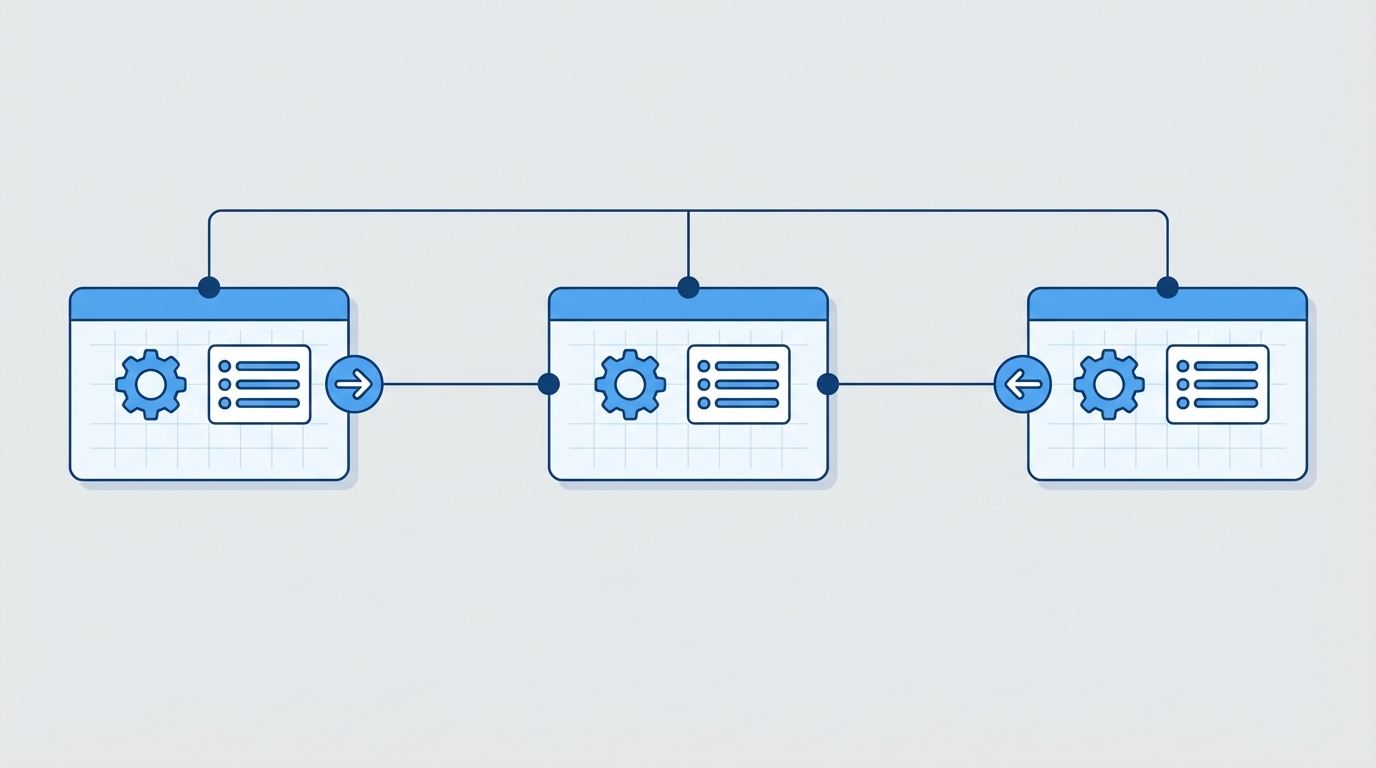
Sometimes you need a record to relate to many things at once. Think of a “Student” and a “Class.” A student has many classes, and a class has many students. You can’t do that with a simple field. You need a “Junction Object” in the middle.
To build this, you create a custom object (like “Enrollment”) and give it two Master-Detail fields – one pointing to each parent. It’s a clean way to model complex data without making your Salesforce objects messy with redundant data.
Advanced and Special Relationship Types
Self and Hierarchical Relationships
A Self-Relationship is just a lookup that points back to the same object. I use this all the time for things like “Parent Account” or “Original Case.” Then you’ve got the Hierarchical Relationship, which is a special version used only on the User object. It’s mostly there so you can define things like a manager-subordinate chain for approvals.
Polymorphic Relationships
These are the weird ones. A polymorphic field can point to more than one type of object. Think of the “WhoId” on a Task. It could be a Lead or a Contact. You can’t just use standard dot notation in SOQL for these. You usually have to use TYPEOF if you’re querying them in Apex, which can get a bit wordy.
SELECT Id, Subject,
  TYPEOF Who
    WHEN Contact THEN Name, Email
    WHEN Lead THEN Name, Company
  END
FROM Task
External and Indirect Lookups
If you’re using Salesforce Connect to bring in data from an outside system (like an ERP), you’ll use these. An External Lookup links a child to an external parent. An Indirect Lookup does the opposite – it links a standard Salesforce child to an external parent using an External ID. It’s great because you don’t have to sync all that data into Salesforce storage.
Comparing Different Salesforce Object Relationships
So what does this actually mean for your day-to-day work? Here is a quick breakdown of the main differences you’ll run into when managing Salesforce object relationships in a real org.
| Feature | Lookup | Master-Detail |
|---|---|---|
| Ownership | Independent | Inherited from Master |
| Deletion | Optional (Keep or Delete) | Cascade Delete (Child dies too) |
| Roll-up Summaries | No (Unless using DLRS) | Yes |
| Required? | Optional | Always Required |
Working with Relationships in Code and Queries
When you’re writing SOQL, you’ll use dot notation to go “up” the chain (child to parent) and subqueries to go “down” (parent to child). Here’s a quick look at how that looks in practice.
Going Up (Child to Parent):
SELECT Name, Account.Name, Account.Industry FROM ContactGoing Down (Parent to Child):
SELECT Name, (SELECT LastName FROM Contacts) FROM AccountOne thing to keep in mind: when you’re deciding between Apex vs Flow for your logic, remember that Master-Detail relationships can trigger some heavy automation when parents are updated. Always test your triggers for bulk processing.
Key Takeaways
- Use a Lookup if you want the records to stay independent and have their own owners.
- Go with Master-Detail if the child record shouldn’t exist without the parent or if you need native roll-up summaries.
- Junction Objects are your best friend for many-to-many scenarios.
- Watch out for Data Skew when creating lookups to a single “hub” record.
- Polymorphic fields like
WhoIdrequire special handling in your SOQL queries.
The Bottom Line
Getting your Salesforce object relationships right from the start saves you a massive headache later. I’ve spent too many weekends refactoring data models because a client realized six months in that they actually needed roll-up summaries on a lookup relationship. Take the time to map out your sharing and deletion requirements before you start clicking “New Field.” It pays off.