

Look, the way we work is shifting. AI for Salesforce Admins isn't just a buzzword anymore - it's changing how we build and maintain our orgs on a daily basis. We're moving away from just clicking buttons and toward managing "agents" that talk to our users.
I've seen plenty of teams get excited about the shiny new features, but then they realize their data is a mess. If your data is junk, your AI will be junk too. It's that simple. Here's how you can actually prepare for this shift without losing your mind.
Why AI for Salesforce Admins starts with clean data
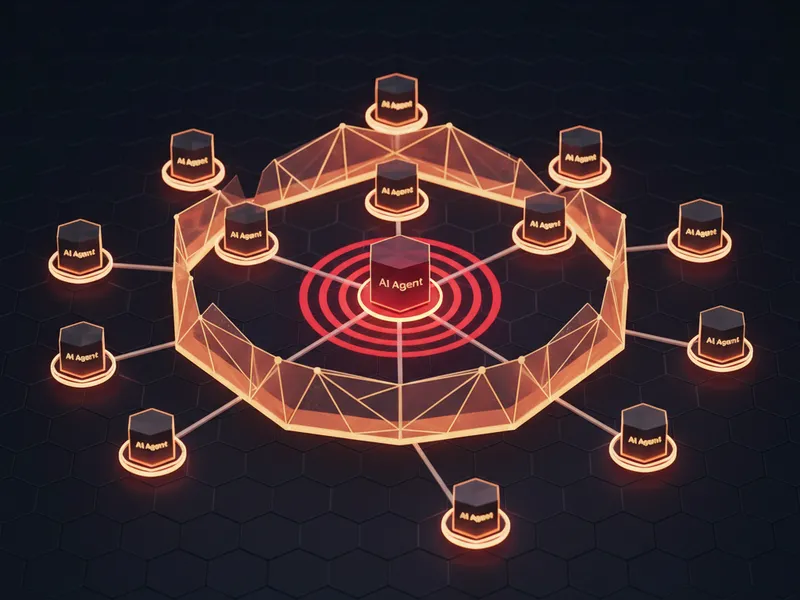
AI is moving from a tool that just summarizes text to an "agentic" layer. That's a fancy way of saying AI now lives directly on top of your data to perform tasks. Because of this, the accuracy and structure of your org are more important than they've ever been.
In my experience, the admins who win with AI are the ones who treat data governance like a religion. You need to know exactly where your data comes from and how it's modeled. If you want to understand how this works under the hood, check out this guide on what is RAG in Salesforce to see how data grounding actually happens.
One thing that trips people up is thinking AI will fix their bad data. It won't. It'll just find more creative ways to show you how bad it is. Fix your picklists and duplicates now before you turn on the AI features.
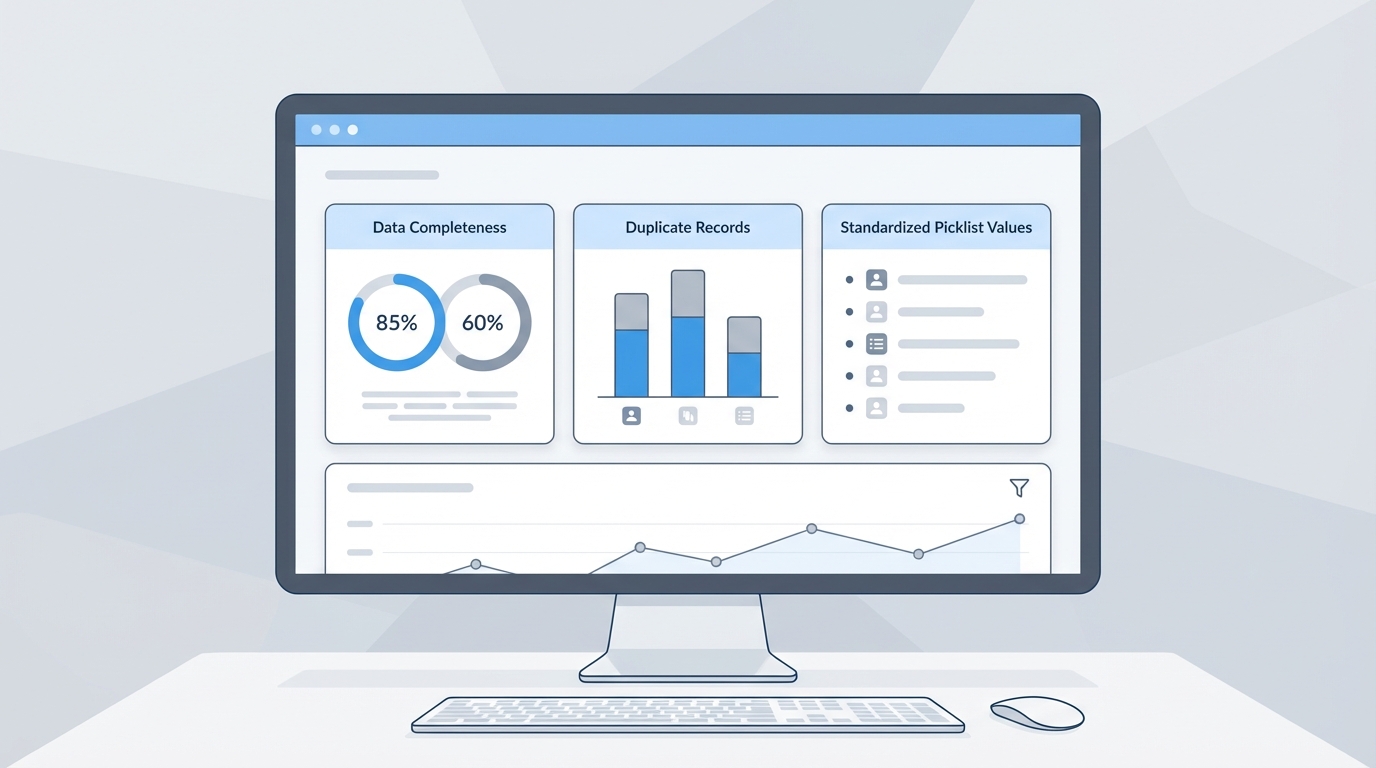
A professional Salesforce-style dashboard showing data health metrics like duplicate counts and field completeness.
Practical ways to master AI for Salesforce Admins
So how do you actually get ready? It's not about learning to code overnight. It's about being the bridge between the business needs and the data that feeds the AI. Honestly, most teams get this wrong because they focus on the "magic" instead of the mechanics.
Start by auditing your most important objects. Look for missing ownership, inconsistent values, and old fields that nobody uses. If an AI agent has access to five different "Phone Number" fields, it's going to get confused. You have to be the one to clean that up. It's a huge part of being successful with AI for Salesforce Admins.
Lock down your security model
Security is another big one. You don't want an AI agent accidentally leaking sensitive salary info or private notes to the wrong users. You should document your access patterns and use the principle of least privilege. Tools like the Agentforce Security Center can help you stay on top of these risks before they become real problems.
Use AI as your own personal coach
Here's a tip I use all the time: use ChatGPT or Claude to rehearse your presentations or demos. Don't just read a script. Ask the AI to give you blunt feedback on your pacing or to point out where you're being too technical. This helps you move from being a "manual" admin to a storyteller who can explain the true value of an admin to the leadership team.
But here's the thing - don't let the AI do all the thinking for you. Use it to generate slide subtitles or create images for your internal training decks, but keep your talking points flexible. If the tech fails during a live demo (and we've all been there), you need to be able to keep going without a script.
Key Takeaways for AI for Salesforce Admins
- Data is the foundation: Clean, governed data is the only way to get reliable results.
- Security is non-negotiable: Use strict permission sets to prevent data leakage.
- Storytelling wins: Focus on business outcomes, not just technical clicks.
- Practice with AI: Use LLMs to get feedback on your demos and training sessions.
The short answer? The real secret to AI for Salesforce Admins isn't the code. It's your ability to organize data and explain how it helps the business. If you can do that, you'll be the most valuable person in the room. Start with a small data cleanup sprint this week and see how much easier everything else becomes.

Leave a Comment