
Why You Need Solid OmniScript Naming Conventions
If you've ever stepped into a messy project, you know that solid OmniScript naming conventions are the only thing standing between you and a total headache. I've worked in orgs where scripts were named things like "Test_Flow_V2" or "New_Process_Final_FINAL," and let me tell you, it's a nightmare to maintain. When you're working with a team, you can't afford that kind of guesswork.
OmniScripts aren't just standalone UI pieces. They generate JSON definitions that other parts of the system rely on. If your names are a mess, your DataRaptors, Integration Procedures, and even your deployments will start to feel the friction. I've seen teams spend hours just trying to find the right version of a script because the naming was inconsistent. So, let's look at how to do this the right way.
Why Naming Matters for Your Team
When we talk about OmniScript naming conventions, we're really talking about communication. A clear name tells your fellow developers exactly what a script does, which module it belongs to, and what version is currently active. It also makes your life easier when you're moving metadata between environments. If your naming is predictable, your CI/CD pipelines won't break as often, and troubleshooting becomes a lot faster.
The best naming convention is the one your team actually follows. It doesn't have to be perfect, but it absolutely has to be consistent across every single asset you build.
Now, you might think you'll remember what "Script123" does six months from now. But you won't. And neither will the person who inherits your work. Just like when you're setting up naming conventions for FlexCards, you want a pattern that scales.
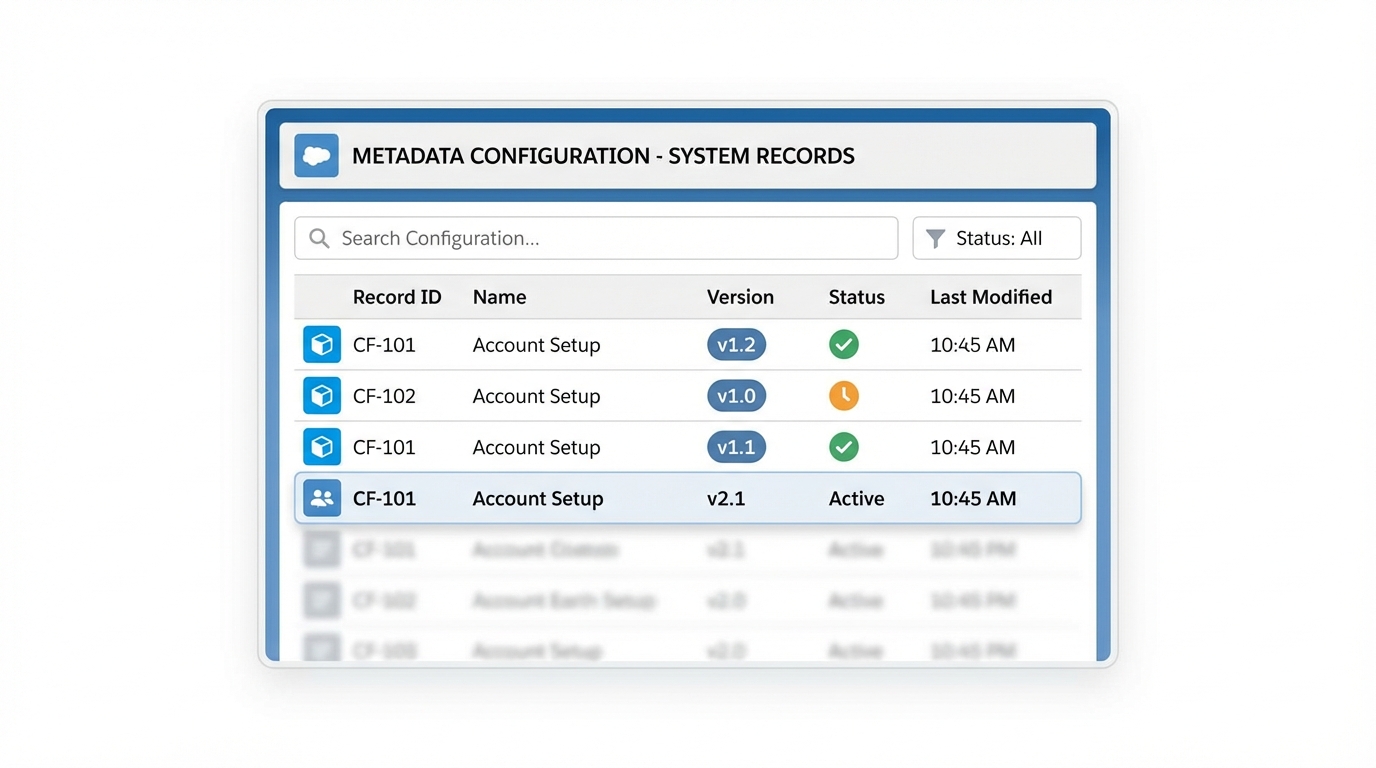
A professional and organized Salesforce-style list view interface representing a structured naming system for metadata.
A Standard Pattern for OmniScript Naming Conventions
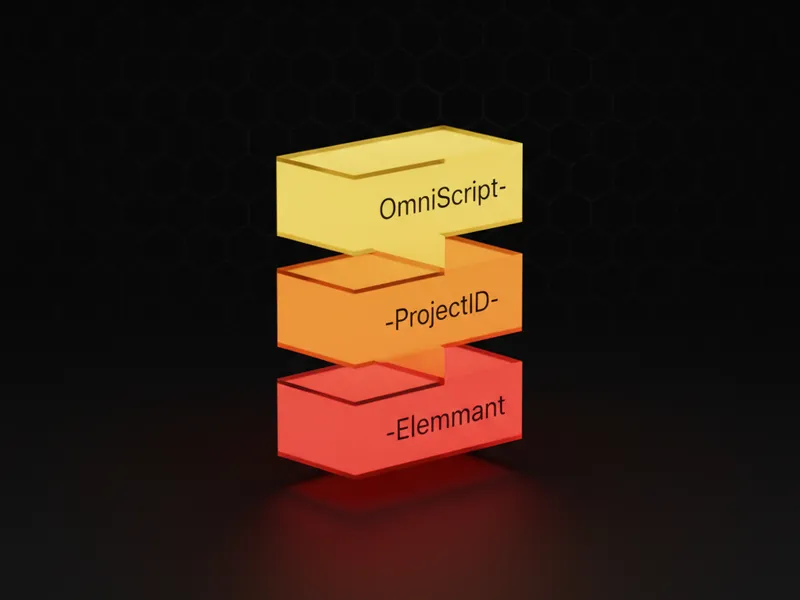
In my experience, the most successful projects use a "Segmented" approach. You want to break the name down into specific parts using underscores. A common pattern I've used is: PROJECT_Module_Object_Action_v1. This gives you all the context you need at a glance. But don't feel like you have to follow this exactly - the key is to pick a structure and stick to it.
- Project Prefix: Use a 2-3 letter code for the client or project (e.g.,
ACME). - Module: What functional area is this for? (e.g.,
Billing,Sales,Support). - Object/Action: What is it doing? (e.g.,
CreateAccount,UpdatePolicy). - Version: Always add a version suffix like
_v1if you're running side-by-side versions.
But keep an eye on the length. Salesforce has limits, and long names can get truncated in some views. Try to keep your identifiers under 50 characters if possible. It's a bit of a balancing act between being descriptive and being concise.
Handling Elements and API Names
One thing that trips people up is the difference between the Label and the Name of an element. The Label is what the user sees - feel free to use spaces and make it look nice there. But for the Name (the API name), you need to be strict. No spaces, no special characters, and I highly recommend using camelCase.
For example, instead of naming an input field "Customer First Name", use customerFirstName. If you're using a Remote Action, name it something like RA_GetAccountDetails. This makes the JSON structure much easier to read when you're debugging in the browser console.
Aligning Integrations and DataRaptors
Your OmniScript naming conventions shouldn't stop at the script itself. You need to align your DataRaptors and Integration Procedures too. If your script is named ACME_Sales_CreateLead, your DataRaptor should probably be ACME_Sales_DR_LoadLead. See the connection? It makes it obvious which assets belong together.
I usually use short tokens to identify the asset type:
IPfor Integration ProceduresDRfor DataRaptorsOSfor OmniScriptsSUBfor Sub-OmniScripts
This is especially helpful when you're looking at a long list of metadata in VS Code or DevOps Center. You can quickly filter by the prefix and see the whole "family" of assets for a specific process.
Managing Reusable Sub-OmniScripts
When you build a reusable component, don't tie it to a specific module in the name. If you've built a generic address capture flow, name it ACME_Common_SubAddressCapture. Using "Common" or "Global" as the module name tells other developers that this script is meant to be used in multiple places. It's a small detail, but it prevents people from rebuilding the same thing over and over again.
So, how do you actually enforce this? Honestly, most teams get this wrong by just writing a document and forgetting about it. You need to make it part of your code review process. If a developer submits a script called "MyNewScript", send it back. It sounds harsh, but it's the only way to keep the org clean. You can even check out some best practices for Salesforce Flow to see how similar logic applies to standard automation.
Key Takeaways
- Always use a project or client prefix to group your assets.
- Stick to a
Project_Module_Actionpattern for consistency. - Use camelCase for API names and avoid spaces at all costs.
- Align your DataRaptors and IPs with the parent OmniScript name.
- Keep versioning clear with suffixes like
_v1or_v2.
Consistency is the name of the game here. It might feel like extra work upfront, but when you're six months into a project and need to find a bug in a complex flow, you'll be glad you took the time to set up your OmniScript naming conventions properly. Start small, document the rules in your team wiki, and hold everyone accountable during reviews. Your future self will thank you.




Leave a Comment