

We’ve all been there. You jump into a client’s org to help with OmniStudio and it’s a total mess. If you don’t have solid FlexCard naming conventions in place from day one, your project is going to get messy fast. It’s not just about being organized; it’s about making sure the next person who touches your work doesn’t spend half their day just trying to find the right component.
Why FlexCard naming conventions save your sanity
Look, I’ve seen teams build amazing things, but without a plan for names, they eventually hit a wall. When you have fifty cards and half of them are named things like “TestAccountCard” or “New_Update_v2,” nobody wins. Clear names help everyone move faster. Whether you’re a developer or an admin, you want to be able to look at a list and know exactly what a card does without opening it.
And it’s not just about the cards themselves. It’s about how they fit into the bigger picture. If you’re already working with OmniScripts, you probably know how important it is to keep things clean. I’ve found that these OmniScript naming conventions work really well alongside what we’re talking about here. Consistency across the whole OmniStudio suite is what makes a project manageable.
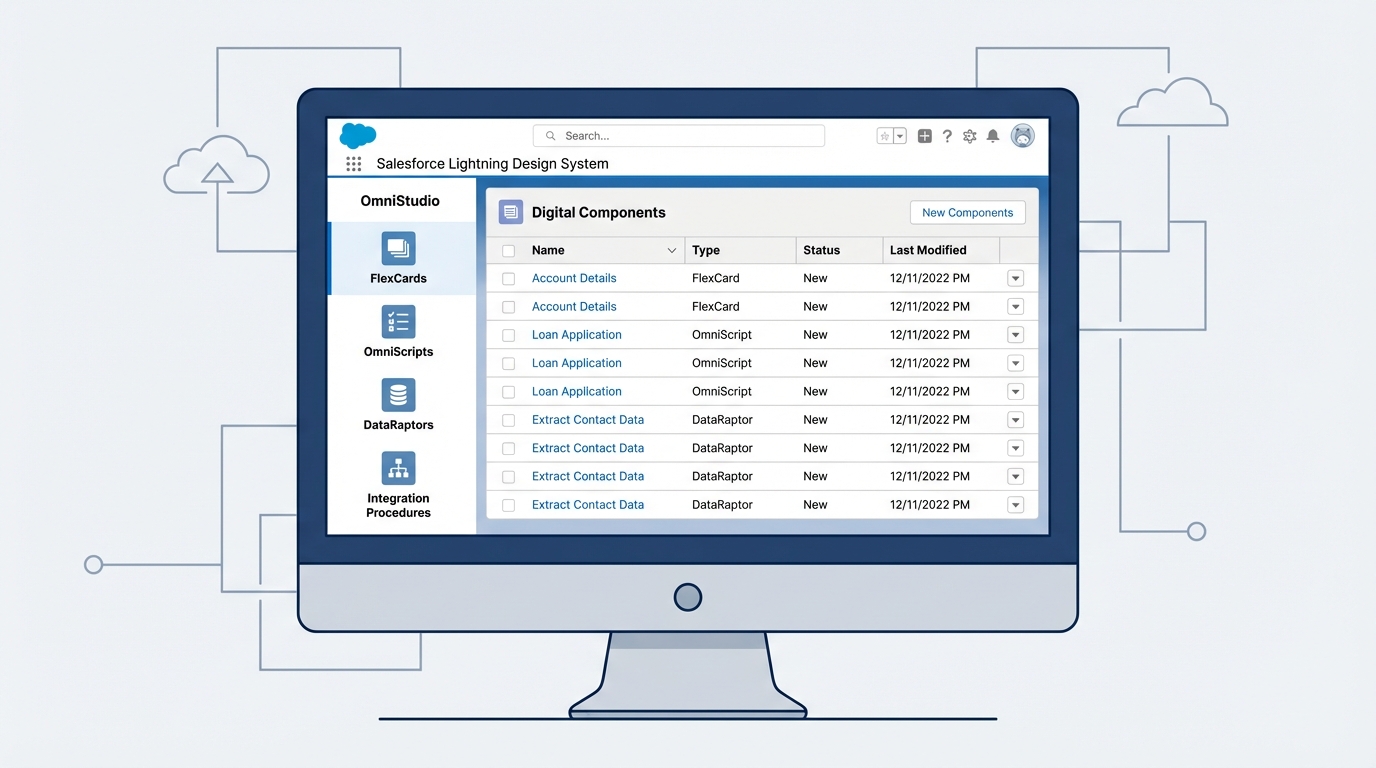
The standard pattern for FlexCard naming conventions
So what does a good name actually look like? In my experience, a tokenized approach is the way to go. You want to be descriptive but keep it short enough that it doesn’t get cut off in the UI. Here is the pattern I usually recommend to my clients:
FC-[BusinessDomain]-[Object]-[Purpose]-[Variant]
Let’s break that down. The “FC” prefix is a simple way to group all your FlexCards together when you’re searching. The business domain tells you if it’s for Sales, Service, or maybe Billing. Then you’ve got the object, like Account or Case, and finally the purpose, like “Summary” or “Header.”
One thing that trips people up is the variant. Only use it if you really need it. If you have a specific version for mobile or a condensed view for a sidebar, add it. If not, keep it simple and leave it off.
Practical examples you can use
Here are a few ways this looks in the real world:
- FC-Sales-Account-Header-Desktop: A main header for account pages.
- FC-Service-Case-List-Condensed: A tight list of cases for a console sidebar.
- FC-Billing-Invoice-Detail-Mobile: A specific view for mobile users to see invoice data.
But here’s the thing: don’t get too hung up on the exact order. The most important part is that your whole team agrees and sticks to it. If you prefer underscores over hyphens, that’s fine. Just don’t mix them. It reminds me of why clarity is an admin’s most valuable contribution to any project. It makes the system predictable.
Naming internal elements and components
Now, we can’t just talk about the card names. What’s happening inside the card matters just as much. When you’re setting up your FlexCard naming conventions, you need to think about your DataRaptors, Integration Procedures, and actions.
I like to use short prefixes for these so I can see what they are at a glance. For example, use dr_ for DataRaptors and ip_ for Integration Procedures. For actions, something like act_UpdateAccount tells you exactly what happens when a user clicks that button. It makes debugging so much easier when you’re looking at the debugger and can see exactly which element is firing.
Common pitfalls to avoid
Honestly, most teams get this wrong by being too vague. Avoid names like “Card1” or “TempFix.” You think you’ll remember what they are next week, but you won’t. Also, stay away from putting environment names like “QA” or “PROD” in the actual name of the card. That’s what your deployment pipeline and versioning are for. If you bake “QA” into the name, you’ll just have to rename it when it goes to production, which is a recipe for broken references.
Key Takeaways for FlexCard naming conventions
- Always use a prefix: Start with “FC” so you can filter your assets quickly.
- Be semantic: Use names that describe the “what” and “why,” not just the “how.”
- Keep it clean: Use hyphens or underscores, but never spaces or weird characters.
- Document it: Put your convention in a shared doc so new hires don’t have to guess.
- Internal consistency: Prefix your internal actions and data sources (dr_, ip_, act_).
Setting up FlexCard naming conventions might feel like extra work upfront, but it pays for itself the first time you have to troubleshoot a complex page. Start simple, get your team on board, and stick to it. Your future self will thank you when you’re not digging through a pile of “Test_Card_Final_v3” files at 5 PM on a Friday.