

Why you should think twice before you delete Salesforce role entries
Look, we’ve all been there. You’re cleaning up an old org and you see a role that hasn’t been used in years. Your first instinct is to just hit that button and delete Salesforce role records that seem useless. But I’ve seen teams do this and accidentally lock half their sales team out of their own accounts. It’s not pretty.
Roles aren’t just for show in a hierarchy. They are the backbone of your data access strategy. When you decide to delete Salesforce role records, you’re potentially pulling the rug out from under your sharing model. I once worked on a project where a junior admin deleted a “Regional Lead” role because only one person was in it. Within ten minutes, the entire East Coast team lost access to their dashboards. Not a fun morning.
If you’re ever confused about how these work compared to other settings, it helps to understand what is the difference between Roles and Profiles before you start making big changes. Roles control what you can see, and profiles control what you can do. Messing with the hierarchy affects the “what you can see” part in a big way.
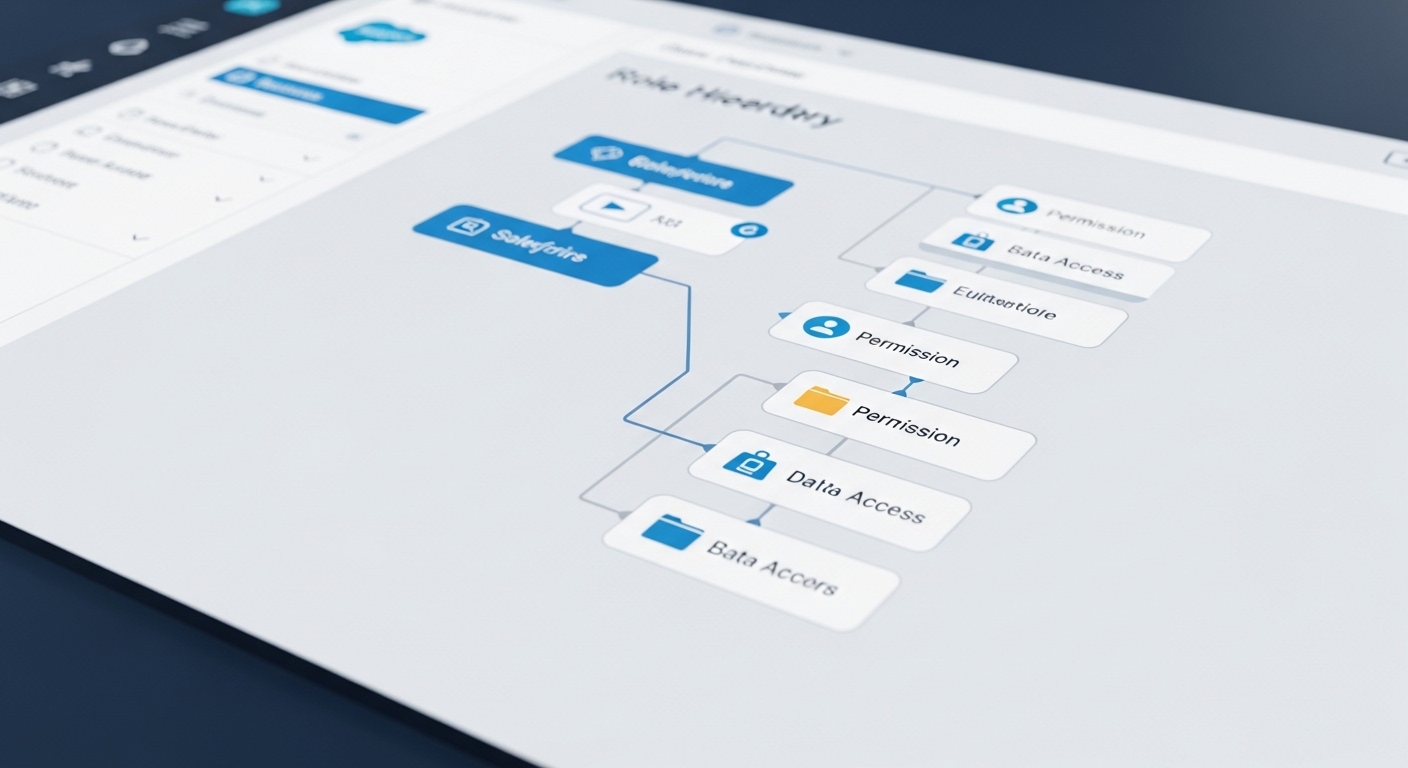
The “Don’t Break the Org” checklist
Before you commit to delete Salesforce role assignments, you need to know exactly who and what is tied to that role. Here is how I usually handle the investigation. First, find out who is actually assigned to it. You can run a quick query to see the potential impact.
SELECT Id, Name FROM User WHERE UserRoleId = '00Exxxxxxxxxxxx'So what do you do once you have those users? Check what they own. If they own thousands of records, those records might be shared with others specifically because of that role. You should also check out what are sharing rules in your org to see if any of them reference this specific role or its subordinates. If they do, those rules will just vanish when the role goes away.
Check your code and flows
Now, here’s where it gets interesting. I’ve found that people often hardcode Role IDs or names in Apex and Flows. It’s a bad practice, sure, but it happens. If you delete Salesforce role metadata that a Flow is looking for, that Flow is going to crash. Search your metadata for the Role ID and the Developer Name. It takes five minutes and saves hours of debugging later.
Don’t forget about reports and dashboards either. Many folders are shared based on roles. If you delete the role, the people who were moved to a new role might suddenly find their “My Team’s Sales” dashboard is completely empty. It’s an easy thing to miss until the VP of Sales starts calling your desk.
How to safely delete Salesforce role assignments
So how do you actually get rid of it without the drama? Reassign your users first. Move them to a new role or a temporary “Holding” role while you sort out the permissions. If you have sharing rules that rely on that role, consider moving those users into a Public Group instead. Groups are often easier to manage anyway.
“Pro tip: Always run a quick manual sharing audit. Sometimes users share records manually with a role, and those shares are invisible until they’re gone.”
Once you’ve moved the users and updated your sharing rules, wait a few days. Honestly, most teams get this wrong by rushing. I like to let the changes sit for a week. If nobody complains that they can’t see their data, then you’re probably safe to finally delete Salesforce role records for good. Here’s a quick summary of the mitigation steps:
- Move users to their new roles before touching the old one.
- Swap out role-based sharing rules for public groups.
- Update any Apex or Flows that mention the role name.
- Check your queue memberships to make sure the role isn’t a member.
Key Takeaways
If you’re about to delete Salesforce role data, keep these points in mind to keep your org stable:
- Visibility is king: Roles drive the hierarchy. Deleting one can hide records from managers or peers.
- Sharing rules break: Any rule using “Role and Subordinates” will be deleted along with the role.
- Hardcoded references: Always search your code and Flow for the Role ID before you delete.
- Audit after the change: Use the “View” button on a user record to see exactly what they can still see after the move.
The short answer? Don’t just click delete. Take the time to map out where that role lives in your automation and sharing settings. It’s much easier to do the homework now than it is to try and rebuild a complex sharing model from memory after it’s been wiped out. Once you’ve cleared the path, you can delete Salesforce role records with confidence and move on to the next task.