
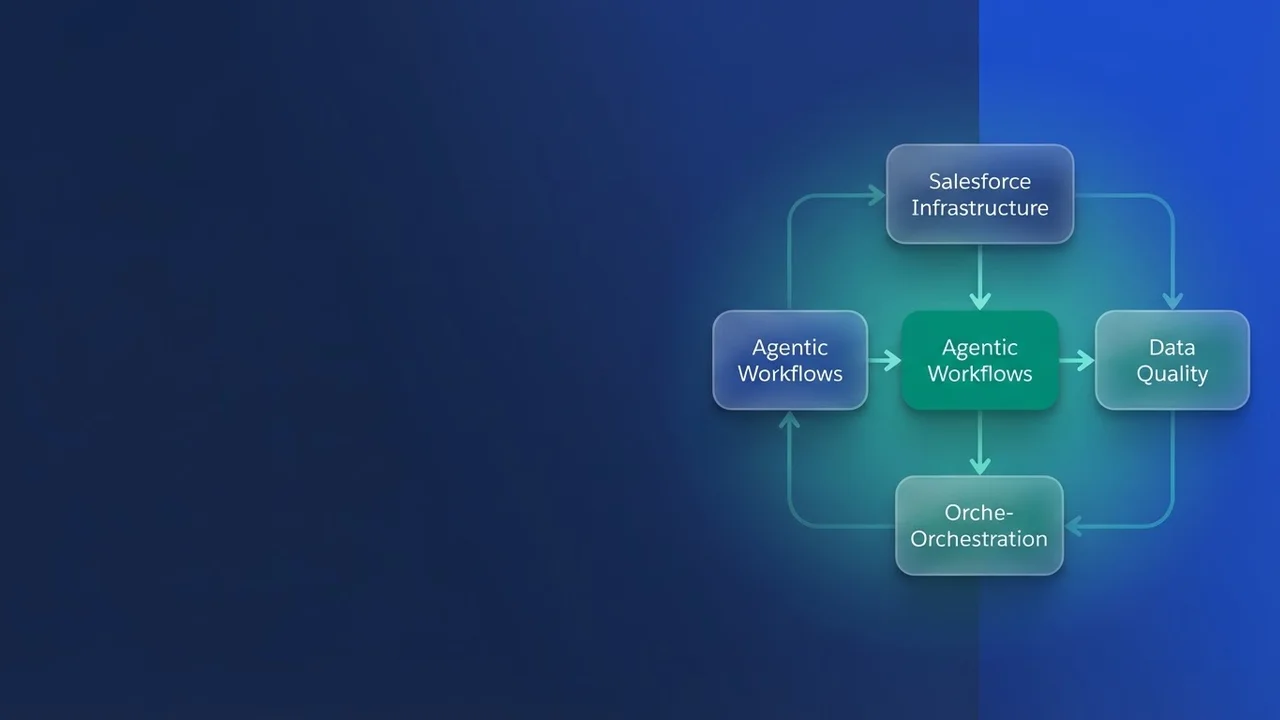

The shift to agentic systems
Government caseworkers lose most of their day to legacy infrastructure, siloed data and manual retrieval. Agentforce moves that work toward agentic systems, which is a larger change than an upgraded LLM chatbot. Its agents evaluate context, execute actions across integrated systems, and iterate on the feedback those actions produce, which is what separates them from reactive models.
The Atlas reasoning engine
The Atlas Reasoning Engine sits underneath the shift. Earlier AI on the platform was tuned for one thing, token generation speed. Atlas runs a "reasoning, acting, and observing" loop:
- Retrieve: fetch relevant data from configured sources such as Data Cloud.
- Evaluate: work out whether that data applies to the request in hand.
- Execute: trigger actions through Flow, Apex or OmniStudio.
- Observe and adjust: watch the output and refine the response when context is missing or the reasoning path drifts.
Where implementations break
Agentforce surfaces architectural debt. When an agent fails in an org that lacks modularity, the fragile part is the system underneath it.
- Poorly defined topics: imprecise intent mapping sends the agent down the wrong pathway.
- Monolithic workflows: agents need granular, reusable processes. Logic hardcoded into massive, non-modular Apex classes or Flows is logic the agent cannot orchestrate.
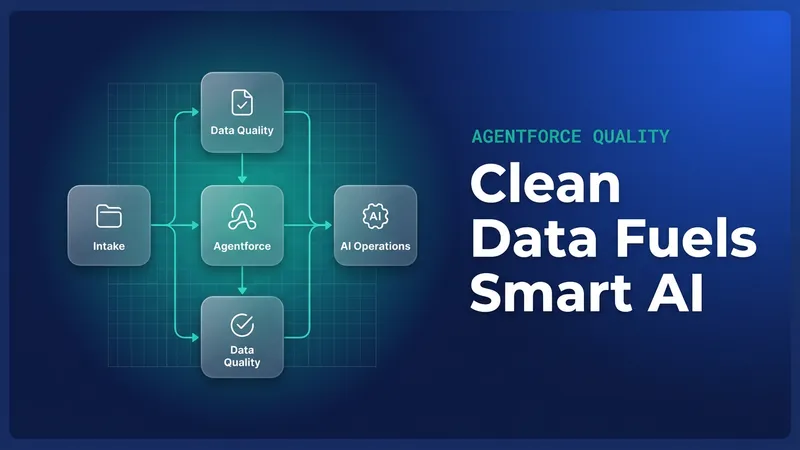
- Inconsistent data: output quality tracks data grounding. Fragmented or uncleaned source data gives you "confident mistakes."
Compliance and the trust layer
Salesforce holds FedRAMP High authorization, and compliance stays a shared responsibility. The infrastructure is certified. Data governance and configuration sit with the agency.
- PII masking and grounding: use the Salesforce Trust Layer so PII is masked before it reaches external models, and so responses stay constrained by user-level permission sets.
- Data classification: improperly tagged data can expose information you never meant to expose. Make sure your Data Cloud schema reflects current security classifications.
Integrating data and workflows
Two things carry a pilot into production.
1. Data unification
An agent can only reason over data it can reach. Use Data Cloud to build a 360-degree view of your constituents. Skip the big bang approach: start narrow, permit status for example, and widen as more sources are unified.
2. Operational layer optimization
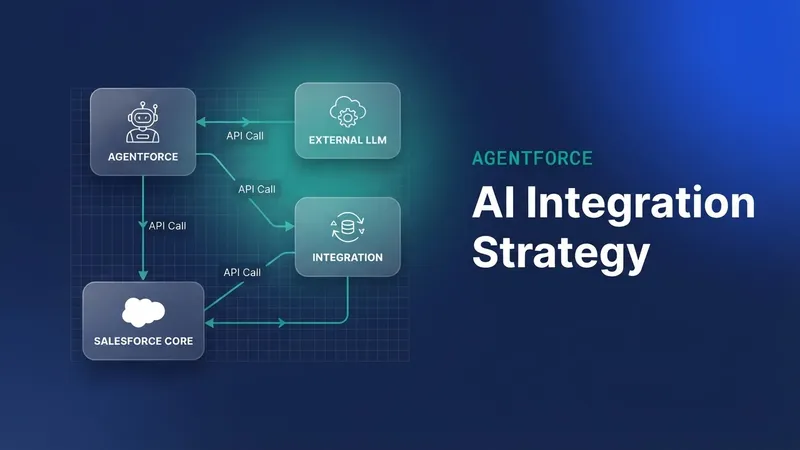
Treat the orchestration layer, meaning Flow, OmniStudio and Apex, as an API-first interface. Every action the agent performs should fire a well-defined, testable, idempotent process. If the agent triggers a Flow, that Flow needs low latency and transactional integrity.
// Example: Ensuring an action is robust for Agentic orchestration
public class CaseActionService {
    public static void executeCaseUpdate(Id caseId, String payload) {
        // Validate inputs before the agent initiates the process
        if (String.isBlank(caseId)) throw new ValidationException('Case ID required');
        // Perform transactional update
        update new Case(Id = caseId, Description = payload);
    }
}

Leave a Comment