

Implementing Agentforce Custom Actions is the cornerstone of building autonomous, intelligent agents that go beyond simple chat interfaces to perform real-world business operations. With the release of Spring ’26 (v66.0), Salesforce has officially transitioned from the era of assistive “Copilots” to fully autonomous “Agents.” This shift represents a fundamental change in how developers architect AI within the Salesforce ecosystem.
For architects and developers, this means moving away from “black box” prompt engineering toward a structured, deterministic framework. By leveraging Agentforce Custom Actions, teams can now orchestrate complex logic, enforce strict security protocols, and ensure that their AI agents act as reliable extensions of their workforce. In this guide, we will dive deep into the technical architecture required to build, deploy, and scale these next-generation agents.
- The Atlas Reasoning Engine uses a “System 2” inference loop to achieve a 33% accuracy uplift over traditional RAG.
- Agent Script (Beta) introduces YAML-like deterministic logic to control agent transitions.
- The metadata landscape has consolidated into the GenAiPlannerBundle as of v64.0+.
- Custom Apex actions should follow the “Thin Entry Point” pattern to ensure modularity and testability.
The Evolution of Agentic AI: From Einstein Copilot to Agentforce
The transition to Spring ’26 (v66.0) marks a pivotal moment in the Salesforce roadmap. We are no longer building tools that simply “suggest” answers; we are building agents that “execute” tasks. While Einstein Copilot focused on assisting the user within a side panel, Agentforce operates autonomously across channels, powered by the new Agentforce Studio.
This new Developer Experience (DX) framework allows for a more granular control over the agent’s behavior. The shift from probabilistic LLM responses—where the model essentially “guesses” the next token—to deterministic execution via Agent Script is the most significant change. In the v66.0 framework, developers define the boundaries of the agent’s reasoning, ensuring that sensitive operations like order cancellations or financial transfers follow strict programmatic paths.
Agentforce Studio provides the centralized hub for this orchestration. It integrates the Atlas Reasoning Engine with your existing Apex logic, Flow automations, and Data Cloud retrievers. This unified environment ensures that whether you are building a lead qualification agent or a customer support bot, the underlying architecture remains consistent, scalable, and secure.
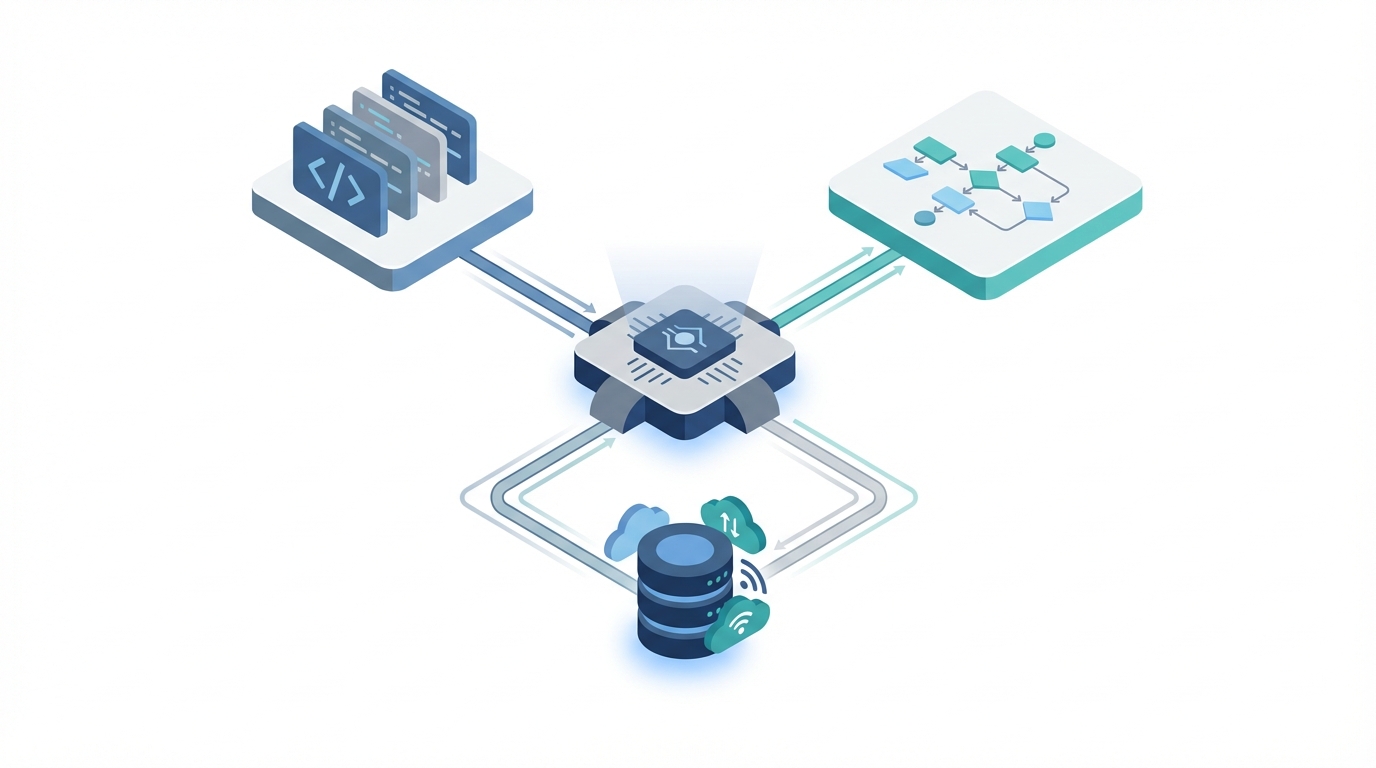
Inside the Atlas Reasoning Engine: The Plan-Evaluate-Refine-Retrieve Loop
At the heart of every autonomous interaction is the Atlas Reasoning Engine. Unlike traditional “System 1” AI patterns—which are fast, intuitive, but prone to error—Atlas employs a “System 2” approach. This is a deliberate, multi-step inference process designed to minimize hallucinations and maximize task success. When a user interacts with an agent, Atlas enters a four-step loop: Plan, Evaluate, Refine, and Retrieve.
First, Atlas analyzes the user’s intent and creates a multi-step plan. It then evaluates which Agentforce Custom Actions are necessary to fulfill that plan. If the initial plan is insufficient, it refines the strategy before finally retrieving the necessary data or executing the required Apex logic. This loop is what allows Agentforce to achieve a 33% accuracy uplift over traditional Retrieval-Augmented Generation (RAG) patterns. For a deeper look at this orchestration, see our guide on architecting for scale with the Atlas Reasoning Engine.
One of the most powerful features of Atlas is its ability to orchestrate multiple InvocableMethods within a single reasoning cycle. For example, in a lead qualification scenario, Atlas might first call an action to check a lead’s current status, then call a second action to query Data Cloud for recent website activity, and finally execute a third action to update the lead’s score. This “Reason-Act” pattern has been shown to reduce lead qualification latency by 40%, as the agent handles the triage without human intervention.
“The move to the Atlas Reasoning Engine represents the end of the ‘chat-only’ AI era. We are now building execution engines that happen to have a conversational interface.” — Salesforce Technical Architect Community Insight
Implementing Agentforce Custom Actions: The ‘Thin Entry Point’ Pattern
To expose your business logic to the Atlas engine, you must utilize the @InvocableMethod annotation. However, as agents become more complex, the “Thin Entry Point” pattern has emerged as the architectural best practice. In this pattern, the Invocable method acts strictly as a gateway, while the actual business logic resides in modular Service classes. This ensures that your code remains testable and reusable across different parts of the platform.
Requirement Checklist for Custom Apex Actions
- Method Signature: Must be
staticand eitherpublicorglobal. - Outer Class: The method must reside within an outer class.
- Input/Output: Must use
List<T>structures to support bulkification, even if the agent currently processes requests individually. - Description: The
descriptionattribute in the annotation is critical; Atlas uses this text to decide when to trigger the action.
When deciding between code and clicks, it’s helpful to review when to use Apex over Flow, especially as Agentforce introduces new execution constraints. Below is a implementation of a modern, secure custom action using the v65.0+ syntax:
public with sharing class OrderServiceAction {
    @InvocableMethod(
        label='Cancel Customer Order'
        description='Cancels an active order based on Order Number. Use this when a customer explicitly asks to stop an order.'
    )
    public static List<ActionResult> cancelOrder(List<ActionRequest> requests) {
        List<ActionResult> results = new List<ActionResult>();
        for (ActionRequest req : requests) {
            ActionResult res = new ActionResult();
            try {
                // Delegate to Service Class for modularity
                OrderManagementService.cancel(req.orderNumber);

                res.message = 'Order ' + req.orderNumber + ' has been successfully cancelled.';
                res.isSuccess = true;
            } catch (Exception e) {
                res.message = 'Error: ' + e.getMessage();
                res.isSuccess = false;
            }
            results.add(res);
        }
        return results;
    }

    public class ActionRequest {
        @InvocableVariable(required=true description='The unique order number provided by the customer')
        public String orderNumber;
    }

    public class ActionResult {
        @InvocableVariable public String message;
        @InvocableVariable public Boolean isSuccess;
    }
}
In this example, we enforce security by using with sharing and ensuring the underlying service class utilizes WITH USER_MODE and update as user syntax. This prevents the agent from inadvertently bypassing Field Level Security (FLS) or sharing rules, a critical consideration for Agentforce Custom Actions handling sensitive data.
Agent Script (Beta): Defining Deterministic Logic with YAML-like Syntax
Introduced as a Beta feature in Spring ’26, Agent Script is the “glue” that allows developers to define strict logic paths within an agent’s reasoning loop. While Atlas is excellent at handling intent, Agent Script is where you define the “guardrails.” It uses a YAML-like syntax to define topics, instructions, and conditional logic.
By using Agent Script, you can transition the agent from a general conversation to a specific “Topic” when certain criteria are met. For instance, if a user mentions “billing,” the agent can switch to a billing-specific script that has access to a different set of Agentforce Custom Actions. This prevents the reasoning engine from becoming overwhelmed by too many available tools at once.
The syntax allows for if/then logic, variable mapping, and direct calls to Apex. Here is a conceptual example of how Agent Script orchestrates logic:
topic: order_management
instructions: "Handle all requests related to order status, tracking, and cancellations."
variables:
  current_order_id: Text
  eligibility_status: Boolean
logic:
  - if: "@current_order_id != null"
    then:
      - call_action: "Check_Cancellation_Eligibility"
        inputs:
          orderId: "@current_order_id"
        outputs:
          isEligible: "@eligibility_status"
  - if: "@eligibility_status == true"
    then:
      - say: "I've checked your order, and it is eligible for cancellation. Would you like me to proceed?"
    else:
      - say: "I'm sorry, this order has already shipped and cannot be cancelled."
This deterministic layer ensures that the agent doesn’t hallucinate a cancellation process that doesn’t exist. It maps Agentforce Custom Actions directly to the conversation flow, providing a seamless data flow between the user’s input and your backend Apex logic.
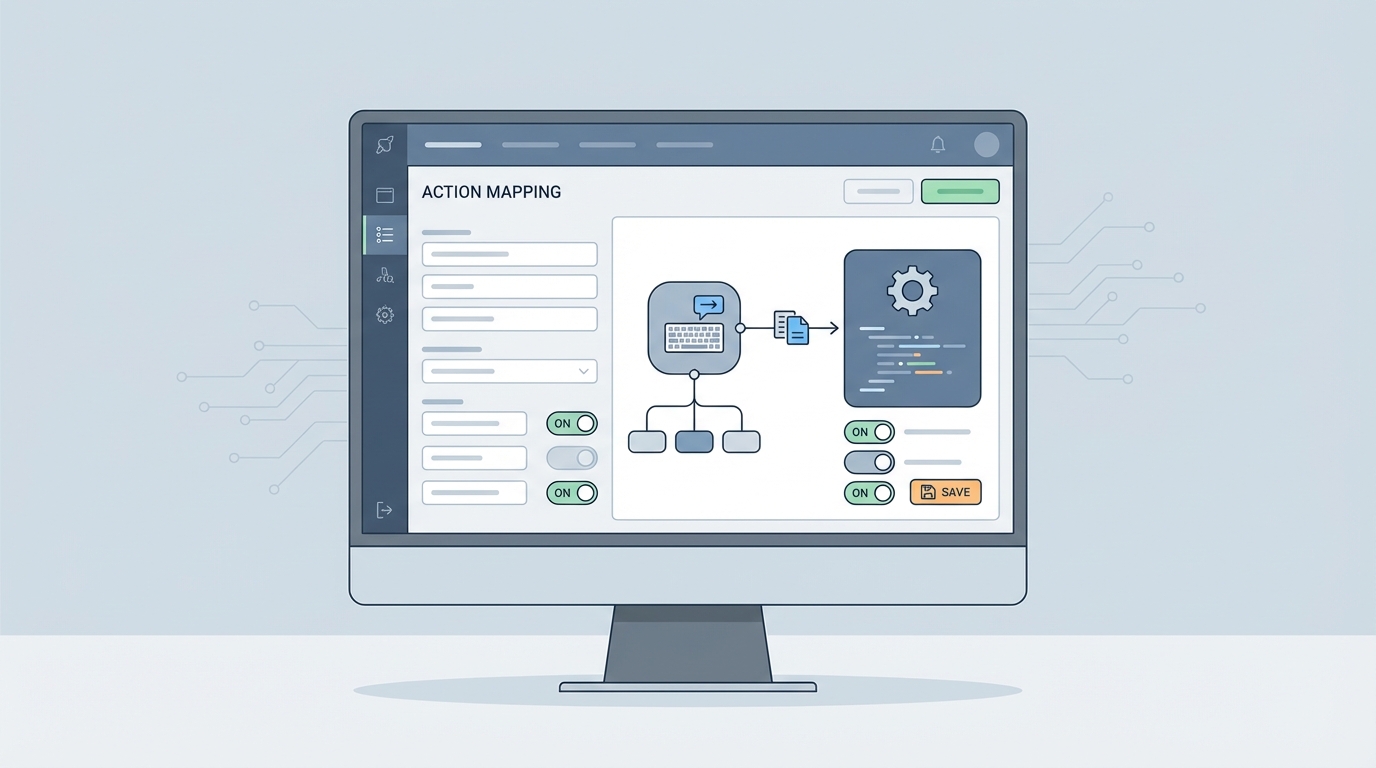
Metadata Architecture: Migrating to GenAiPlannerBundle
The metadata landscape for Agentforce has evolved rapidly. In Winter ’25 (v60.0), Salesforce introduced GenAiPlanner, GenAiPlugin, and GenAiFunction. However, as of Summer ’25 (v64.0), the GenAiPlanner has been deprecated in favor of the GenAiPlannerBundle. This consolidation is designed to make deployments more reliable and easier to manage in version control.
The GenAiPlannerBundle acts as a single authoring unit that encapsulates topics, actions, and instructions. When you retrieve your agent configuration via the Metadata API or Salesforce CLI, you will notice that the bundle structure organizes these components hierarchically. This is a significant improvement over the fragmented metadata types of earlier versions.
For teams working on complex implementations, understanding the relationship between GenAiPlugin (which groups related actions) and GenAiFunction (which defines the individual action signature) is essential. If you are still using legacy GenAiPlanner types, the Spring ’26 release serves as a mandatory window to migrate to the bundle structure to ensure your CI/CD pipelines continue to function. For those building custom data connections, our tutorial on Agentforce RAG Grounding provides essential context on how these metadata types interact with Data Cloud.
Advanced Execution: Apex REST and AuraEnabled Action Integration
One of the most welcomed updates in the Spring ’26 era is what many call the “Foundation-Fixing” update: the ability to expose existing Apex REST and AuraEnabled methods as agent actions. Previously, developers were often forced to refactor perfectly functional logic into @InvocableMethod patterns just to make them accessible to AI.
With v66.0, you can now wrap your existing REST endpoints or LWC controller logic and present them as Agentforce Custom Actions. This significantly lowers the barrier to entry for enterprises with large, established codebases. However, architectural considerations still apply. While reusing @AuraEnabled code is efficient, you must ensure that the method is optimized for the agent’s execution context, which may differ from a standard browser-based LWC interaction.
- InvocableMethods: Best for logic that needs to be shared between Flow and Agentforce.
- Apex REST: Best for integrating external systems or complex integrations that already have established endpoints.
- AuraEnabled: Best for quick wins where existing UI logic can be repurposed for an agentic experience.
Deployment Patterns and CI/CD for Agentforce
Deploying autonomous agents requires a robust CI/CD strategy. Because Agentforce Custom Actions rely on a tight coupling between Apex code and GenAiPlannerBundle metadata, partial deployments can lead to “broken” reasoning loops where the agent attempts to call an action that doesn’t exist in the target environment.
Using the Salesforce CLI (SFDX), developers should group their Apex classes and the corresponding GenAiPlannerBundle into the same deployment package. Version control is also vital for Agent Script; since these scripts define the deterministic logic of your agent, they should be treated with the same rigor as Apex code. Branching strategies should account for the fact that a change in a prompt template or an instruction in the Agent Script can fundamentally alter the agent’s performance.
Automating the deployment of these configurations ensures that your production agents are always in sync with the underlying business logic. As agents become more autonomous, the risk of “configuration drift” increases, making automated testing and deployment pipelines a non-negotiable part of the Agentforce lifecycle.
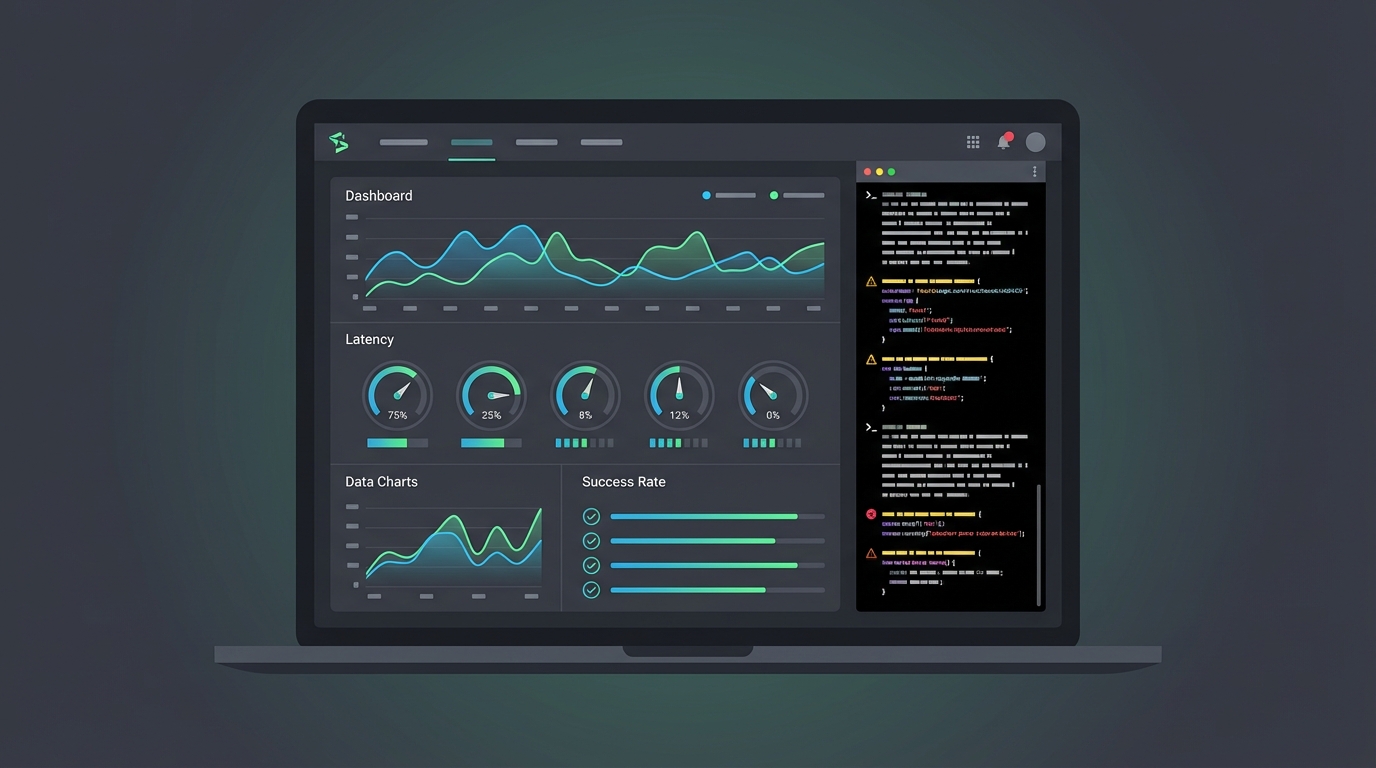
Performance Benchmarking and Debugging the Reasoning Loop
Monitoring the performance of your Agentforce Custom Actions is critical for maintaining user trust. Agentforce 3.0 (released in August 2025) introduced real-time response streaming and optimized inference, resulting in a 50% improvement in response times. However, complex Apex logic can still introduce latency if not properly optimized.
Developers should use the Agentforce Studio trace analysis tools to monitor the “Plan-Evaluate” phase. If an agent is taking too long to decide which action to take, it usually indicates that the descriptions provided in the @InvocableMethod are ambiguous or overlapping. Debugging these failures requires a shift in mindset: instead of just looking at stack traces, you must analyze the reasoning logs to see why Atlas chose (or failed to choose) a specific action.
Finally, always keep an eye on governor limits. While the reasoning engine has its own execution context, the underlying Apex actions are still subject to standard Salesforce limits. Benchmarking your actions under load—especially if they involve complex SOQL queries or callouts—is essential to ensuring a smooth, high-performance agentic experience.
Conclusion
Architecting for Agentforce is about more than just writing code; it’s about designing a deterministic framework for an autonomous world. By mastering Agentforce Custom Actions, implementing the “Thin Entry Point” pattern, and embracing the new metadata bundles, you can build agents that are not only intelligent but also reliable and secure. As the platform continues to evolve toward the Spring ’26 standards, the role of the developer shifts from a builder of tools to an orchestrator of intelligence. Start by auditing your existing Invocable methods today and prepare your metadata for the move to the GenAiPlannerBundle—the future of Agentic AI on Salesforce is here.
Ready to take your Agentforce implementation to the next level? Explore our latest deep dives into Salesforce automation and AI to stay ahead of the curve in the v66.0 ecosystem.