

Infrastructure as a Service is the foundation of the modern cloud, and it basically changed how we build systems. If you've ever had to wait six weeks for a physical server to arrive in a crate, you know exactly why this model is a big deal. Instead of buying and racking heavy hardware, you just rent what you need over the internet.
In my experience, this is the "rawest" form of cloud computing. You aren't just getting an app or a platform; you're getting the virtual equivalent of a blank slate. You get the CPU, the memory, and the storage, but the rest is up to you. It's flexible, but it also means you're on the hook for a lot of the heavy lifting.
What is Infrastructure as a Service and how does it work?
The short answer? It's like renting a plot of land instead of buying a pre-built house. Cloud providers like AWS or Azure run massive data centers full of physical servers. They use virtualization to slice those big machines into smaller "virtual machines" (VMs) that they lease to you. You get to pick your operating system, install your own software, and configure the networking exactly how you want it.
So what does this actually mean for your day-to-day? It means you can spin up a server in minutes using a web console or a few lines of code. Look at how easy it is to launch a basic instance using the AWS CLI:
aws ec2 run-instances - image-id ami-0abcdef1234567890 - count 1 - instance-type t3.medium - key-name MyKeyPair - subnet-id subnet-12345678
But here's the thing: since you have total control, you also have total responsibility. If the operating system needs a security patch, that's your job. If the firewall rules are too open, that's on you. The provider just makes sure the physical hardware stays powered on and connected.
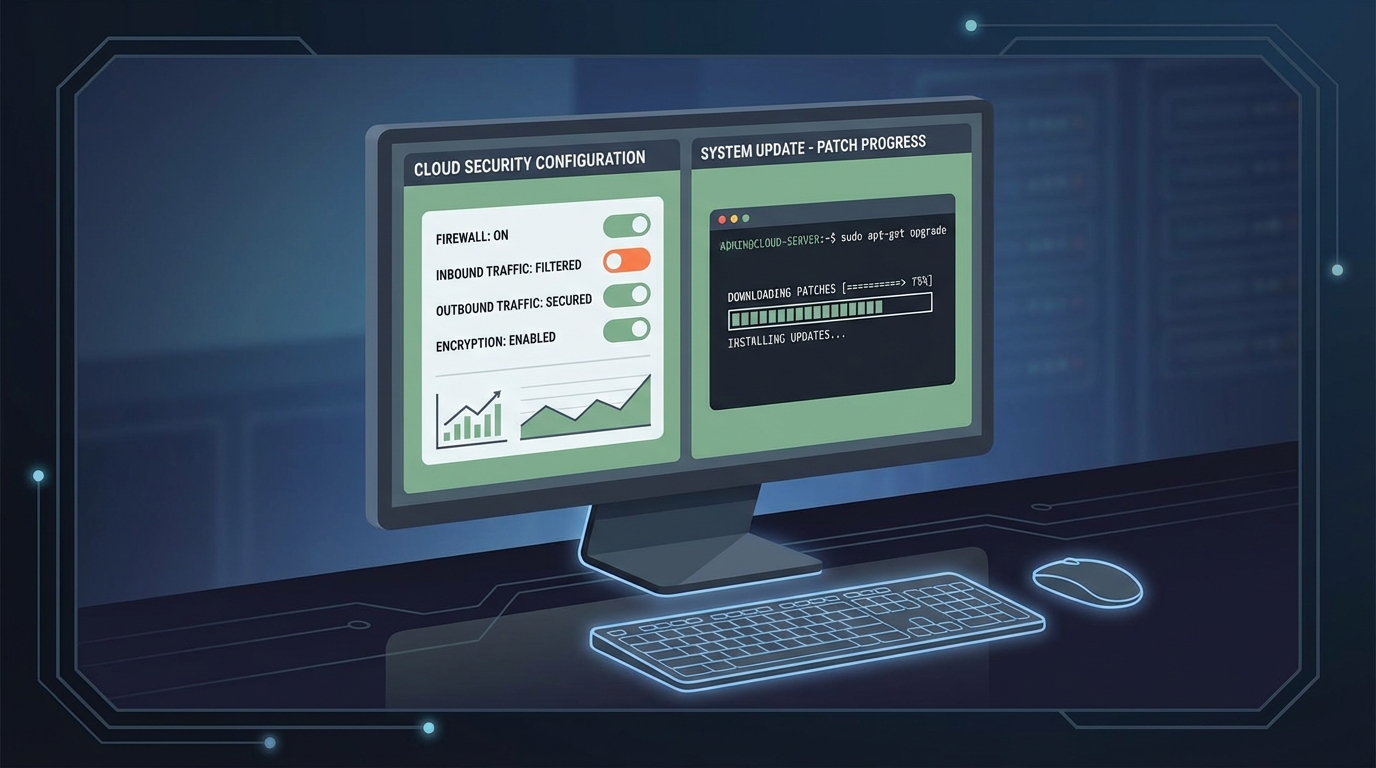
A professional cloud management interface showing network firewall settings and an operating system update terminal.
The real benefits of Infrastructure as a Service in the real world
I've seen teams save a fortune by moving to this model, but not always in the ways they expected. It's not just about the hardware cost; it's about the speed. When I first worked with legacy on-premise setups, we had to over-provision everything just in case we hit a traffic spike. With this model, you only pay for what you're actually using.
- Cost efficiency: You move from big upfront capital costs to monthly operating expenses.
- Scaling: Need ten more servers for a holiday sale? You can have them in five minutes.
- Control: You can run almost anything, including weird legacy apps that won't work on a standard platform.
- Global reach: You can put your data in a data center in London or Tokyo with a single click.
One thing that trips people up is the bill. I've seen teams spin up massive instances for a "quick test" and then forget about them for a month. Cloud is cheap until you leave the lights on.
How it stacks up against PaaS and SaaS
People often get these mixed up, so let's break this down. If you're used to Cloud Computing Basics, you know there are three main layers. Infrastructure as a Service is the bottom layer where you manage the OS and everything above it.
If you move up to What is Platform as a Service?, the provider handles the OS and the runtime, leaving you to just worry about your code. At the very top, you have Software as a Service, where you just log in and use the app, like Salesforce or Gmail. Honestly, most teams get this wrong by trying to manage IaaS when they really should be using a managed service to save time.
Common use cases I see all the time
So when should you actually use this? In my experience, it's usually for one of these three reasons:
- Lift and Shift: You have an old app running on a server in your office and you want to move it to the cloud without rewriting the whole thing.
- Testing and Dev: You need a temporary environment that looks exactly like production, but you don't want to keep it running forever.
- High-Performance Computing: You're doing heavy data crunching or batch processing that needs a ton of raw power for a short window of time.
Key Takeaways
- Infrastructure as a Service gives you virtualized computing resources like servers, storage, and networking over the internet.
- It follows a shared responsibility model where the provider secures the hardware and you secure the software.
- The pay-as-you-go pricing is great for saving money, but you have to monitor your usage to avoid surprises.
- It's the best choice when you need full control over your environment or need to run custom software.
Working with this model is a fundamental skill for any developer or architect today. It gives you the power to build exactly what you need without the headache of managing a physical data center. Just remember that with great power comes the need to actually patch your servers. Start small, use automation tools like Terraform to manage your setup, and always keep an eye on your security groups.




Leave a Comment