
SFDC Developers
0
  • Home
  • Apex
    • Integration
  • Visualforce
  • Lightning
    • Aura Component
    • Web Component
  • Interview Questions
  • DMCA
  • Terms & Conditions
  • Privacy Policy
  • About Us
  • Contact Us

Archives

  • February 2026
  • January 2026
  • December 2025
  • November 2025
  • October 2025
  • September 2025
  • April 2023
  • December 2020
  • November 2020
  • July 2020
  • June 2020
  • May 2020
  • April 2020
  • March 2020
  • February 2020
  • January 2020
  • December 2019

Categories

  • Apex
  • AppExchange
  • Architecture
  • Artificial Intelligence
  • Aura Component
  • Career Advice
  • Career Development
  • Community Cloud
  • Configs
  • CRM Analytics
  • Data Cloud
  • Deployment
  • DevOps
  • Flow Automation
  • Ideas
  • Integration
  • Interview Preparation
  • Interview Questions
  • Lightning
  • Lightning Web Components
  • News
  • Other
  • Process Builder
  • Recommandations
  • Sales Cloud
  • Salesforce
  • Salesforce Administration
  • Salesforce CPQ
  • Salesforce Development
  • Salesforce Events
  • Salesforce Flow
  • Salesforce Integration
  • Salesforce Integrations
  • Salesforce Tips
  • Step-by-Step Guides
  • Tech Industry
  • Uncategorised
  • Visualforce
  • Web Component

Meta

  • Log in
  • Entries feed
  • Comments feed
  • WordPress.org
[email protected]
  • Disclaimer
  • DMCA
  • Terms & Conditions
  • About Us
  • Contact Us
SFDCDevelopers Mobile Logo
SFDC Developers
  • Home
  • Categories
    • Apex
    • Integration
    • Configs
    • News
    • Flow Automation
    • Ideas
    • Interview Questions
    • Aura Component
    • Salesforce Tips
SFDC Developers
  • Home
  • Categories
    • Apex
    • Integration
    • Configs
    • News
    • Flow Automation
    • Ideas
    • Interview Questions
    • Aura Component
    • Salesforce Tips
SFDC Developers > Apex > Evaluate Dynamic Formulas in Apex – Spring ’25 GA
ApexSalesforce Development

Evaluate Dynamic Formulas in Apex – Spring ’25 GA

Posted by Vinay Vernekar 12th December 2025

Dynamic Formulas in Apex is reshaping how Salesforce professionals work — and this article breaks down everything you need to know.

Have you ever had to create a “technical” formula field just so you could pull a value into a trigger or a flow? It is a common workaround, but it clutters your schema and makes maintenance a headache. With the Spring ’25 release, we finally have Dynamic Formulas in Apex as a generally available feature, and it is going to change how you handle business logic.

Look, we have all been there. You have a complex rule engine or a pricing tool, and you want admins to be able to tweak the logic without asking a developer for a deployment. Before now, that usually meant building a messy parser or relying on those hidden fields. Now, you can use the FormulaEval namespace to run formula strings directly in your code.

Why You Should Care About Dynamic Formulas in Apex

The real power here is flexibility. In my experience, the best Salesforce setups are the ones where developers build the engine and admins provide the fuel. By using Dynamic Formulas in Apex, you can store formula logic in Custom Metadata or Custom Settings. When the business changes a discount rule, an admin just updates a text field, and your Apex picks it up instantly.

But it is not just about making things easier for admins. This feature is a huge win for performance too. When you use the formula builder, you can actually see which fields the formula needs before you even run it. This means you aren’t stuck querying every single field on an object just in case the formula needs it. When deciding between Apex vs Flow for complex logic, this new capability might push you toward code if you need highly configurable rules that stay fast.

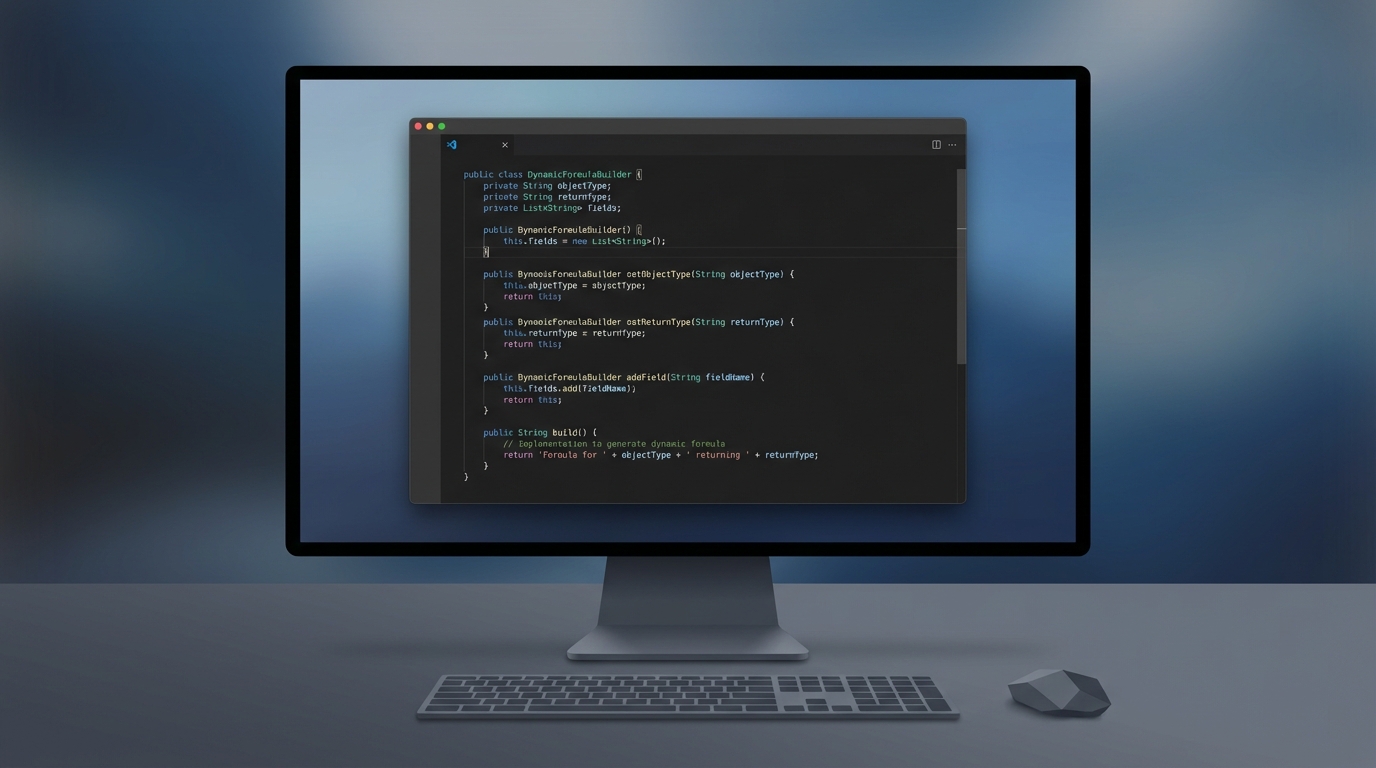
A professional code editor showing a clean Apex code snippet that implements the new Formula builder pattern for dynamic evaluation.

How to Implement Dynamic Formulas in Apex

So how do you actually get this working? The process is pretty straightforward. You use a builder pattern to define your formula, tell it what object type you are working with, and specify what kind of result you expect back – like a String, Boolean, or Number.

Here is a simple example of how I’ve been setting this up in my projects. This method takes a formula string and a record ID, then does the heavy lifting of figuring out which fields to query and then evaluating the result.

@AuraEnabled
public static String evaluateRule(String formulaStr, String sobjectType, String returnTypeStr, Id recordId) {
    // Set up the return type
    FormulaEval.FormulaReturnType returnType = FormulaEval.FormulaReturnType.valueOf(returnTypeStr);

    // Build the formula instance
    FormulaEval.FormulaInstance instance = Formula.builder()
        .withType(Type.forName(sobjectType))
        .withReturnType(returnType)
        .withFormula(formulaStr)
        .build();

    // Get the fields we actually need to query
    List<String> fields = instance.getReferencedFields();
    String query = 'SELECT ' + String.join(fields, ',') + ' FROM ' + sobjectType + ' WHERE Id = :recordId LIMIT 1';
    
    SObject record = Database.query(query);
    
    // Run the formula against the record
    Object result = instance.evaluate(record);
    return String.valueOf(result);
}

One thing that trips people up is the return type. Make sure your Apex code and your formula string are in sync. If your formula returns a Boolean but your code expects a Decimal, you’re going to have a bad time.

Practical Tips for Success

I have seen teams try to over-engineer this, but the trick is to keep it simple. Start by using getReferencedFields(). It is probably the most overlooked part of this feature. If you hard-code your queries, you lose half the benefit of using Dynamic Formulas in Apex. Let the formula tell you what it needs.

Another thing to keep in mind is error handling. Formulas can fail if the syntax is wrong or if a field is missing. Always wrap your evaluation in a try-catch block. You don’t want a typo in a Custom Metadata record to crash your entire Apex Trigger or user interface.

Key Takeaways

  • Dynamic Formulas in Apex allow you to evaluate logic at runtime without extra fields.
  • Use the Formula.builder() method to define your object type and return type.
  • Always call getReferencedFields() to keep your SOQL queries efficient.
  • This is perfect for rule engines, dynamic pricing, and custom validation tools.
  • Handle errors gracefully so admin mistakes don’t break the system.

Wrapping Up

This feature has been a long time coming. Honestly, most teams get bogged down by “formula bloat,” and this is the perfect way to clean that up. It lets you keep your logic where it belongs – in a configuration layer – while keeping your Apex code clean and reusable.

If you are looking to build tools that are easy for admins to manage but still have the power of code, you need to start playing with Dynamic Formulas in Apex today. It is one of those rare updates that actually makes everyone’s life easier, from the dev writing the code to the business user waiting for a new feature.

Tags: Apex Apex Triggers Custom Metadata FormulaEval Salesforce Flow Spring '25 Release
Shares
Share on Facebook Share on Twitter Share on Pinterest Share on Email
Previous Article Is it possible to use the value of another attribute or any custom label as the default value of one attribute in aura component instead of using hardcode? | Aura attribute default value - Featured Image Is it possible to use the value of another attribute or any custom label as the default value of one attribute in aura component instead of using hardcode? | Aura attribute default value
Next Article How to Extend Components in the Aura Framework (Salesforce) | Aura component inheritance - Featured Image How to Extend Components in the Aura Framework (Salesforce) | Aura component inheritance

Leave a Reply

Leave a Reply Cancel reply

Your email address will not be published. Required fields are marked *

Popular Posts

Agentforce Custom Actions: Architecting Apex & Metadata

Agentforce Custom Actions: Architecting Apex & Metadata

20th February 2026
Salesforce for Beginners: A Free Udemy Course to Kickstart Your CRM Career in 2026

Salesforce for Beginners: A Free Udemy Course to Kickstart Your CRM Career in 2026

12th February 2026
Salesforce Layoffs 2026: The Truth Behind the AI Revolution

Salesforce Layoffs 2026: AI Impact and Future Outlook

11th February 2026
Salesforce Spring '26 Release: Flow Kanban & File Triggers

Salesforce Spring ’26 Release: Flow Kanban & File Triggers

11th February 2026

You Might Also Enjoy

Salesforce Spring '26 - Apex Cursors and LWC Expressions - Featured Image
ApexLightning Web ComponentsSalesforce

Salesforce Spring ’26 – Apex Cursors and LWC Expressions

I've been testing the Salesforce Spring '26 preview and the new Apex Cursors are a total game changer for large data volumes. We also finally get LWC Expressions to help clean up those messy HTML templates.

25th January 2026
Architecting for Scale with the Atlas Reasoning Engine - Featured Image
SalesforceSalesforce Flow

Architecting for Scale with the Atlas Reasoning Engine

I used to spend all my time building rigid if-then logic, but this engine changes everything. It is less about mapping every step and more about giving your agents the right tools to solve problems on their own.

25th January 2026
Mastering the Apex Approval Process for Complex Logic - Featured Image
ApexSalesforce

Mastering the Apex Approval Process for Complex Logic

Standard approval tools are great, but sometimes you need more control. I'm breaking down how to use Apex to handle complex routing and bulk requests that Flow just can't touch.

25th January 2026
Guide to the Apex Zip Namespace in Salesforce Spring '25 - Featured Image
ApexSalesforceSalesforce Integration

Guide to the Apex Zip Namespace in Salesforce Spring ’25

Salesforce finally added a native way to handle zip files without needing AWS or external libraries. I will show you how to use ZipWriter and ZipReader to manage your documents directly in Apex.

24th January 2026
Load More
  • Disclaimer
  • DMCA
  • Terms & Conditions
  • About Us
  • Contact Us
©2026 SFDCDevelopers.com

Our website uses cookies to improve your experience. Learn more about: cookie policy

Accept