


If you've spent any time building complex integrations or data cleanup jobs, you've probably run into Asynchronous Apex limits. It usually happens at the worst time, right in the middle of a production deployment or a massive data migration. We've all been there, staring at a "Too many future calls" error and wondering where it all went wrong.
Why Asynchronous Apex limits trip us up
Salesforce is a multi-tenant world, so these Asynchronous Apex limits exist to keep one bad query from killing the whole server. The daily execution cap is only part of it. You also have to worry about concurrency, heap size, and that dreaded CPU time. I've seen teams try to chain 50 future calls together and then wonder why the org slows to a crawl.
Asynchronous code isn't a "get out of jail free" card for bad logic. It just moves the work to a different thread, and inefficient code still hits a wall eventually. You need a solid game plan to keep things running smoothly without hitting those governor limits.
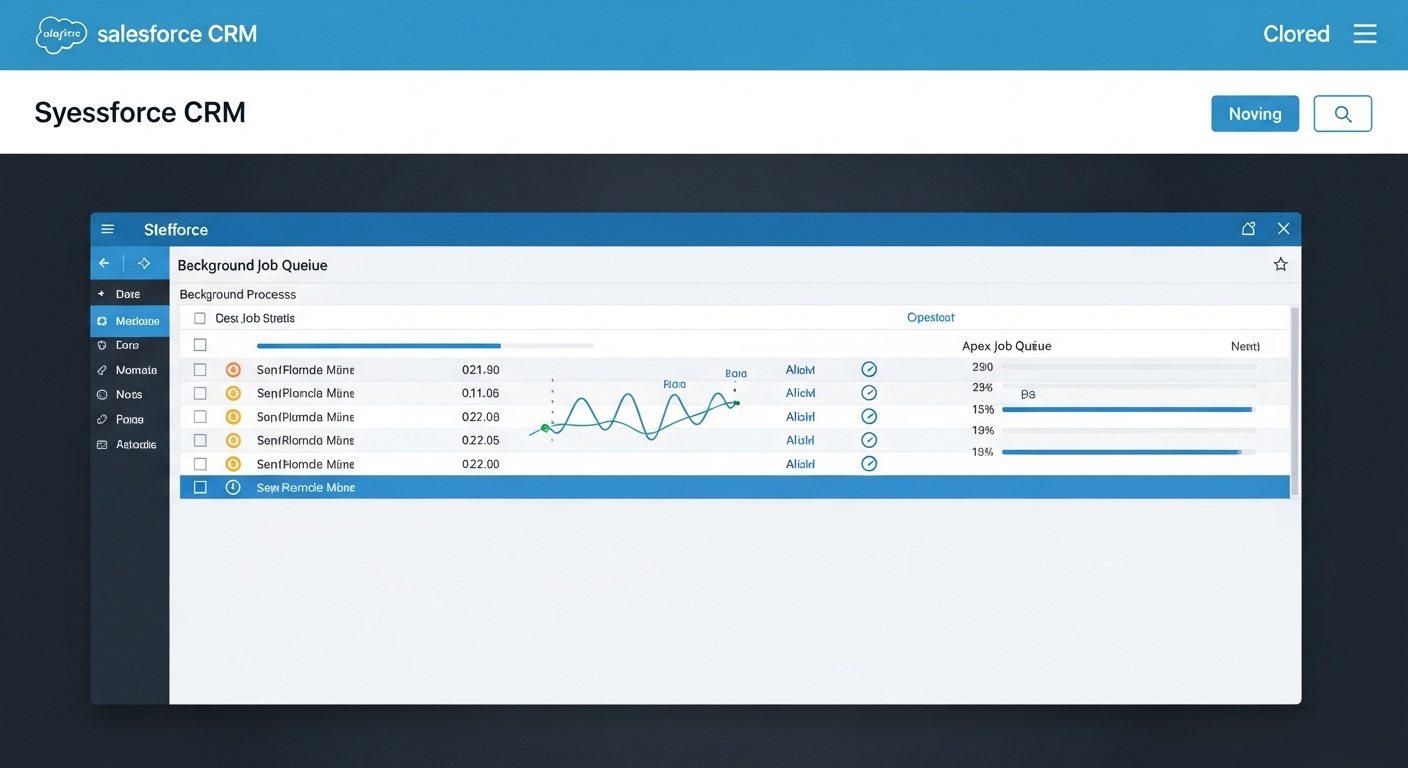
Dashboard mockup showing a clean, organized list of background processing jobs with status indicators.
Practical ways to stay under Asynchronous Apex limits
It starts with how you structure your classes from day one. Honestly, most teams get this wrong by treating async calls as an afterthought. Here are the strategies that hold up in the real world.
Bulkify everything (no, really)
You've heard it a thousand times, and it's still the most common mistake. Never, ever put a future call or a queueable job inside a loop. Instead, pass a collection of IDs to your async method. This is the single easiest way to respect Asynchronous Apex limits. If you process 200 records in one job instead of 200 separate jobs, you've just saved yourself a massive headache.
"I once inherited an org where every trigger execution fired a separate @future call for every single record. We hit the daily limit before lunch. Don't be that person. Always pass lists."
Batch Apex is your best friend for big jobs
When you're dealing with thousands or millions of records, Batch Apex is the way to go. It lets you break the work into manageable chunks. This matters most when you're learning how to effectively manage large data volumes in Salesforce. You can control the batch size to balance your heap usage and CPU time. If your logic is heavy, drop the batch size to 50 or even 10. If it's light, keep it at 200.
Picking the right tool is half the battle. If you're not sure which async pattern to pick, this breakdown of Async Apex in Salesforce covers which one fits which use case.
A standard Batch Apex skeleton
Here is a simple way to set up a batch job that stays well within Asynchronous Apex limits. Notice how the QueryLocator handles the heavy lifting of fetching records.
public class AccountCleanupBatch implements Database.Batchable<sObject> {
    public Database.QueryLocator start(Database.BatchableContext bc) {
        // Only grab what you actually need to work on
        return Database.getQueryLocator([SELECT Id FROM Account WHERE LastModifiedDate = LAST_N_DAYS:30]);
    }

    public void execute(Database.BatchableContext bc, List<Account> scope) {
        List<Account> toUpdate = new List<Account>();
        for (Account acc : scope) {
            // Do your logic here
            toUpdate.add(acc);
        }

        if (!toUpdate.isEmpty()) {
            update toUpdate;
        }
    }

    public void finish(Database.BatchableContext bc) {
        // Maybe send an email or log the result
        System.debug('Batch job finished successfully.');
    }
}
Monitoring and refactoring
Don't just write the code and forget about it. You need to keep an eye on your Apex Jobs page in Setup. If you see jobs constantly failing with "Regex too complicated" or "Heap limit exceeded," that's a sign your design is pushing those Asynchronous Apex limits too hard. Sometimes Platform Events are a better answer than more async code.
Platform Events and Change Data Capture (CDC) are highly scalable and let you decouple your processes. Instead of one trigger doing five different things, it can fire one event, and other processes can pick it up when they have the capacity. It's a much cleaner way to build for the long term.
Key takeaways
- Pass collections: never send single records to an async method if you can send a list.
- Choose the right tool: Batch for big data, Queueable for complex chaining, Future for simple offloading.
- Watch your queries: even in async mode, a bad SOQL query will still kill your transaction.
- Event-driven is better: consider Platform Events if you need to decouple heavy processes.
Managing Asynchronous Apex limits comes down to being a good neighbor on the platform. Design for bulk from the start, monitor your jobs regularly, and you'll avoid those 2:00 AM production alerts.



Leave a Comment