


How to use Asynchronous Apex to keep your Salesforce org running fast
You're writing a trigger, and suddenly you hit a governor limit because you're trying to do too much in one transaction. Asynchronous Apex is the way out of that. It's how we tell Salesforce, "Hey, I need this done, but it doesn't have to happen right this second."
If you're new to the platform or still working out what Apex actually is, think of it like this: synchronous code is standing in line at a coffee shop waiting for your latte. Asynchronous is placing a mobile order and walking away to do other stuff while they make it. You get your coffee eventually, and you didn't waste ten minutes staring at the back of someone's head.
Why we use Asynchronous Apex in real projects
I've seen plenty of teams cram everything into a single transaction. It usually ends in "CPU time limit exceeded" or "Too many SOQL queries" errors. Dodging those errors is only half of it. The other half is how the app feels to use: nobody wants to wait five seconds for a record to save because a callout is running behind it.
In my experience, you'll mostly use these patterns when you need to:
- Process way more records than a standard trigger can handle.
- Talk to external APIs (callouts) that might take a few seconds to respond.
- Run maintenance jobs at 2:00 AM when nobody is logged in.
- Chain tasks together so Step B only starts after Step A finishes.
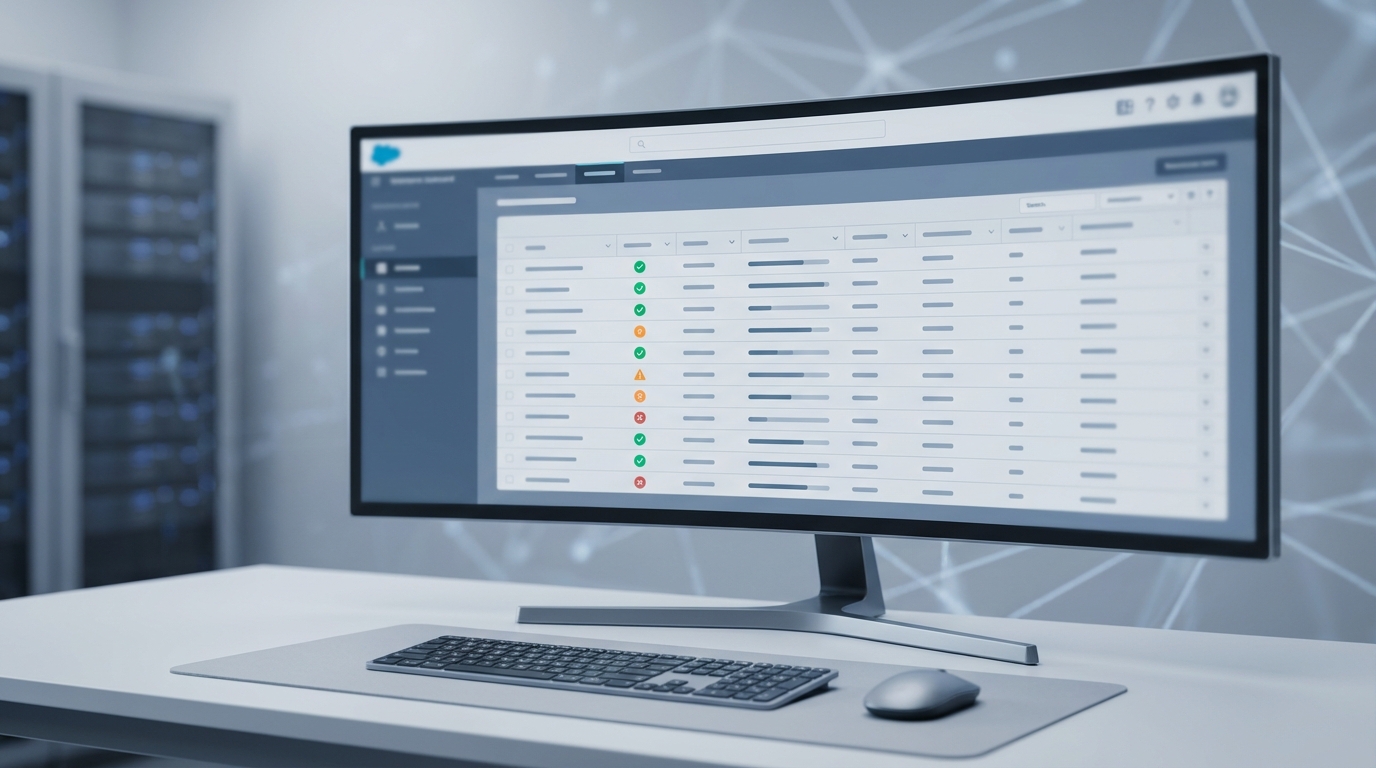
The Apex Jobs view, where every async job you fire ends up.
Breaking down the common patterns
Salesforce gives us a few different tools for this, and most teams end up using @future for all of them. Here is where each one actually earns its place.
1. Future methods
These are the old-school option. Add an @future annotation to a static method and you're done. They work for simple "fire and forget" tasks, like updating a field on a User record after an Account changes.
The downsides are annoying, though. You can't pass complex objects into them, so no List of Accounts: you're stuck with primitive types like IDs or Strings. They're also hard to track in the UI. I keep them for the simplest tasks now.
public class MyFutureClass {
  @future(callout=true)
  public static void syncWithExternalSystem(Set<Id> accountIds) {
    // simple logic here
  }
}
2. Queueable Apex
Queueable is where a lot of developers moving up from junior roles stop looking, which is a shame. It does what future methods do, only better. You can pass in complex objects, and it returns a Job ID so you can actually see whether it succeeded. You can chain jobs together too. If you're deciding when to use code over Flow, a complex Queueable is often the answer for mid-sized logic.
public class UpdateContactsQueueable implements System.Queueable {
  private List<Contact> contactsToUpdate;
  public UpdateContactsQueueable(List<Contact> contacts) {
    this.contactsToUpdate = contacts;
  }
  public void execute(System.QueueableContext context) {
    // logic goes here
    update contactsToUpdate;
  }
}
// To run it:
System.enqueueJob(new UpdateContactsQueueable(myList));
3. Batch Apex
When you have millions of records, Batch Apex is the only thing that holds up. It breaks your data into chunks (usually 200 records at a time) and processes them one by one. I've used it for massive data migrations where we had to recalculate prices for five million line items. It's a workhorse, though it carries more boilerplate than the other options.
Always use
Database.Statefulif you need to count things across the entire batch. Otherwise your variables reset every time a new chunk starts. I've seen that trip up so many developers!
4. Scheduled Apex
This one is self-explanatory. You want something to run every Monday at 8:00 AM? Use the Schedulable interface. One thing I learned the hard way: don't put heavy logic inside the execute method of a Schedulable class. Have it start a Batch or a Queueable job instead. It keeps things much cleaner.
Choosing the right Asynchronous Apex pattern
So how do you actually pick one? It usually comes down to how much data you're hitting and how complex the logic is. Here is the cheat sheet I use when I'm architecting a solution:
| Use Case | Best Pattern |
|---|---|
| Simple callout from a trigger | Future Method |
| Chaining multiple async steps | Queueable Apex |
| Processing 50,000+ records | Batch Apex |
| Daily data cleanup | Scheduled Apex |
| Decoupling systems with events | Platform Events |
The limits are the part you can't ignore. Salesforce is a multi-tenant environment, so they're strict about how much "free" processing time you get. If you're worried about hitting a wall, this guide on Asynchronous Apex limits will keep you out of trouble.
Key takeaways
- Future methods are for simple, fire-and-forget tasks with basic parameters.
- Queueable Apex is the modern standard for most async needs because of its flexibility.
- Batch Apex is your best friend for heavy lifting and large data volumes.
- Scheduled Apex should mostly be used as a "trigger" to start other async jobs.
- Always monitor your jobs in the Apex Jobs section of Setup to catch errors early.
Asynchronous Apex is a balancing act. You want the heavy work out of the user's way without hitting the limits that bring your org to a halt. Start small with a future method if that's all you need, but don't be afraid to move to Queueable or Batch once the logic gets complicated. It'll make your code much easier to maintain in the long run.



Leave a Comment