

Why you need a Salesforce trigger handler
If you've spent any time in a messy org, you know how quickly code can spiral out of control, which is why a Salesforce trigger handler is such a big deal. It's basically the standard way to keep your logic where it belongs - in a separate class - rather than stuffing everything into the trigger itself. In my experience, skipping this step is the fastest way to build up technical debt that you'll have to pay for later.
I've seen teams try to skip this, and honestly, it always ends in a headache. When you put all your business logic directly inside a Salesforce Apex trigger, you're making it nearly impossible to read or maintain. Plus, testing becomes a total nightmare because you can't easily isolate specific pieces of logic without firing the whole trigger context.
So what does this actually mean for you? It means your triggers should be "thin." They should only be responsible for figuring out what's happening - like if it's an update or an insert - and then passing that work off to a handler class. This follows the single responsibility principle, which is just a fancy way of saying every piece of code should do one job and do it well.
Building your first Salesforce trigger handler
Setting up a Salesforce trigger handler isn't as complicated as it sounds. You're mostly just moving code around to make it more organized. The goal is to have one trigger per object that acts like a traffic cop, directing the data to the right method in your handler class.
Here is the basic structure I usually go with. It's simple, direct, and doesn't require a massive framework if you're just getting started. But even if you decide to use a more complex framework later, the core idea stays the same: keep the trigger logic-free.
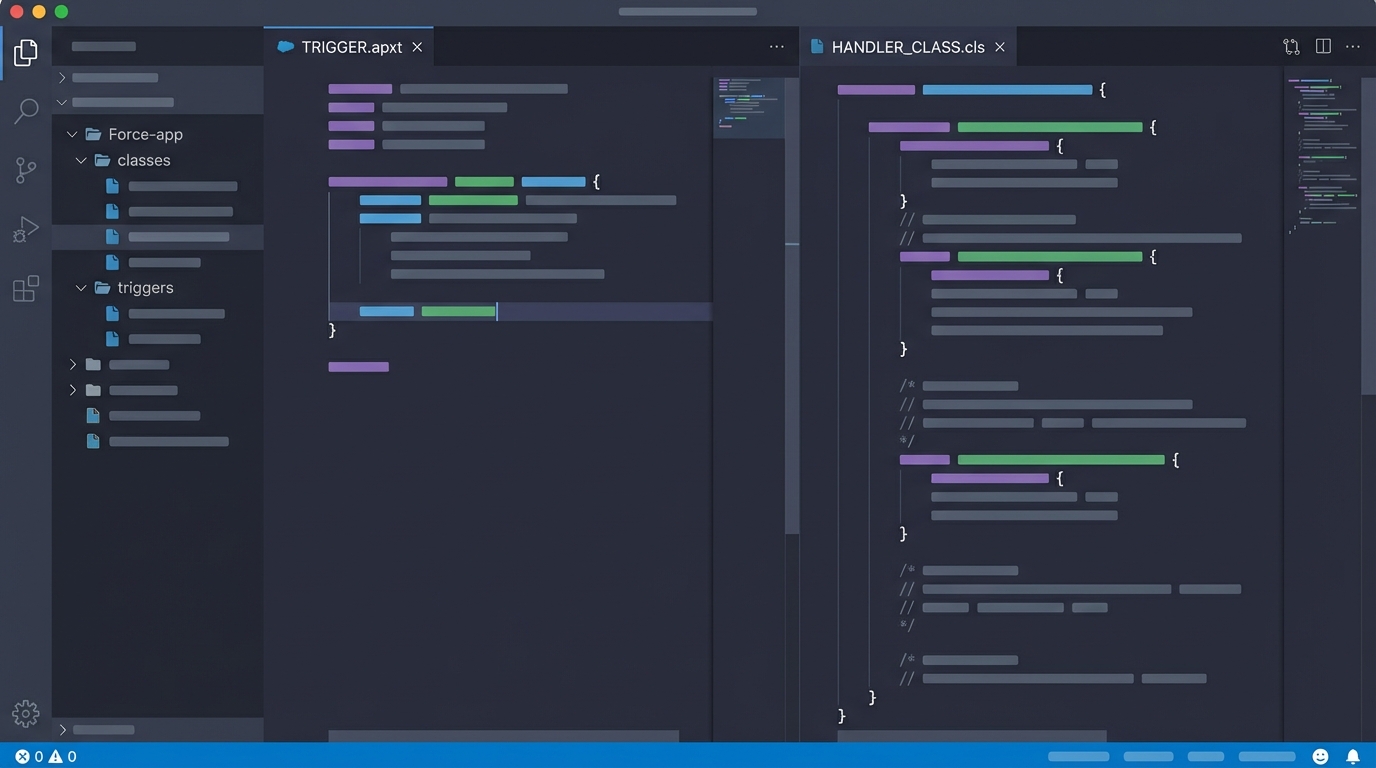
A split-screen code editor view showing the separation of logic between a slim Salesforce trigger and a comprehensive Apex handler class.
// AccountTrigger.trigger
trigger AccountTrigger on Account (before insert, before update, after insert, after update) {
    // The trigger only handles context and calls the handler
    if (Trigger.isBefore) {
        if (Trigger.isInsert) AccountTriggerHandler.beforeInsert(Trigger.new);
        if (Trigger.isUpdate) AccountTriggerHandler.beforeUpdate(Trigger.new, Trigger.oldMap);
    }
    if (Trigger.isAfter) {
        if (Trigger.isInsert) AccountTriggerHandler.afterInsert(Trigger.newMap);
        if (Trigger.isUpdate) AccountTriggerHandler.afterUpdate(Trigger.newMap, Trigger.oldMap);
    }
}

// AccountTriggerHandler.cls
public with sharing class AccountTriggerHandler {
    public static void beforeInsert(List<Account> newList) {
        for (Account acc : newList) {
            // Do your logic here
            if (acc.Industry == null) {
                acc.Industry = 'Other';
            }
        }
    }

    public static void beforeUpdate(List<Account> newList, Map<Id, Account> oldMap) {
        // Logic for updates
    }

    public static void afterInsert(Map<Id, Account> newMap) {
        // Logic for after insert (like creating related records)
    }

    public static void afterUpdate(Map<Id, Account> newMap, Map<Id, Account> oldMap) {
        // Post-processing logic
    }
}
Why this works better
One thing that trips people up is bulkification. When you use a Salesforce trigger handler, you're forced to think about lists and maps from the start. Since your handler methods accept collections, you won't accidentally write a SOQL query inside a loop - at least not as easily.
Another benefit is that you can call these handler methods from other places. Need to run the same logic from an anonymous Apex script or a batch job? You can just call the handler method. If that logic was stuck inside a trigger, you'd be out of luck. Sometimes you might even need to decide between Apex vs Flow for certain tasks, and having a clean handler makes that architectural choice much easier to manage.
Pro Tip: Always use a static Boolean flag in your handler to prevent recursion. I can't tell you how many times I've seen an "After Update" trigger update the same record and cause an infinite loop. It's a classic rookie mistake that a solid Salesforce trigger handler can help you avoid.
Best practices for long-term maintenance
Look, the simple pattern above is great, but as your org grows, you'll want to get a bit more disciplined. Here are a few things I've learned from working on large-scale projects:
- One Trigger Per Object: Don't create multiple triggers for the same object. It makes the order of execution unpredictable, and debugging becomes a nightmare.
- Keep Handlers Logic-Light: If a piece of business logic is really complex, move it out of the handler and into a "Service" class. The handler should just coordinate the calls.
- Bulkify Everything: Never assume you're only processing one record. Even if you think it's a single UI update, a data load could send 200 records through your Salesforce trigger handler at once.
- Context Matters: Use the Trigger maps (oldMap, newMap) effectively. Comparing the old value to the new value is the only way to make sure your logic only runs when a specific field actually changes.
If you're prepping for a technical talk or an interview, you'll likely run into Apex trigger interview questions that focus on these exact patterns. Knowing how to explain the "why" behind the handler pattern shows you're thinking about the long-term health of the system, not just getting the code to pass.
Key Takeaways
- A Salesforce trigger handler keeps your trigger "thin" and moves logic to a class.
- It makes your code easier to test, reuse, and read.
- The pattern helps enforce bulkification and prevents common governor limit issues.
- Using one trigger per object is non-negotiable for a clean architecture.
- Adding recursion control is a must to prevent infinite loops during updates.
At the end of the day, using a Salesforce trigger handler is about making life easier for your future self. You might save five minutes today by throwing code directly into a trigger, but you'll spend five hours later trying to figure out why your tests are failing or why you're hitting SOQL limits. Do yourself a favor and stick to the pattern from the start. It's the professional way to build on the platform.




Leave a Comment