


Why you need a Salesforce trigger handler
If you've spent any time in a messy org, you know how quickly code spirals out of control. A Salesforce trigger handler is the standard fix: keep the logic in a separate class instead of stuffing everything into the trigger itself. In my experience, skipping this step is the fastest way to build technical debt you will pay for later.
I've seen teams try to skip it, and it always ends in a headache. Business logic sitting directly inside a Salesforce Apex trigger gets hard to read and harder to maintain. Testing suffers too, because you can't isolate one piece of logic without firing the whole trigger context.
In practice your triggers should be "thin." All they do is work out what is happening, an insert or an update, then hand that work to a handler class. That is the single responsibility principle, which is a formal way of saying every piece of code should do one job and do it well.
Building your first Salesforce trigger handler
Setting up a Salesforce trigger handler is mostly moving code around so it lands somewhere sensible. The goal is one trigger per object that acts like a traffic cop, directing the data to the right method in your handler class.
Here is the basic structure I usually go with. It needs no framework to get started, and if you adopt a heavier one later the core idea holds: keep the trigger logic-free.
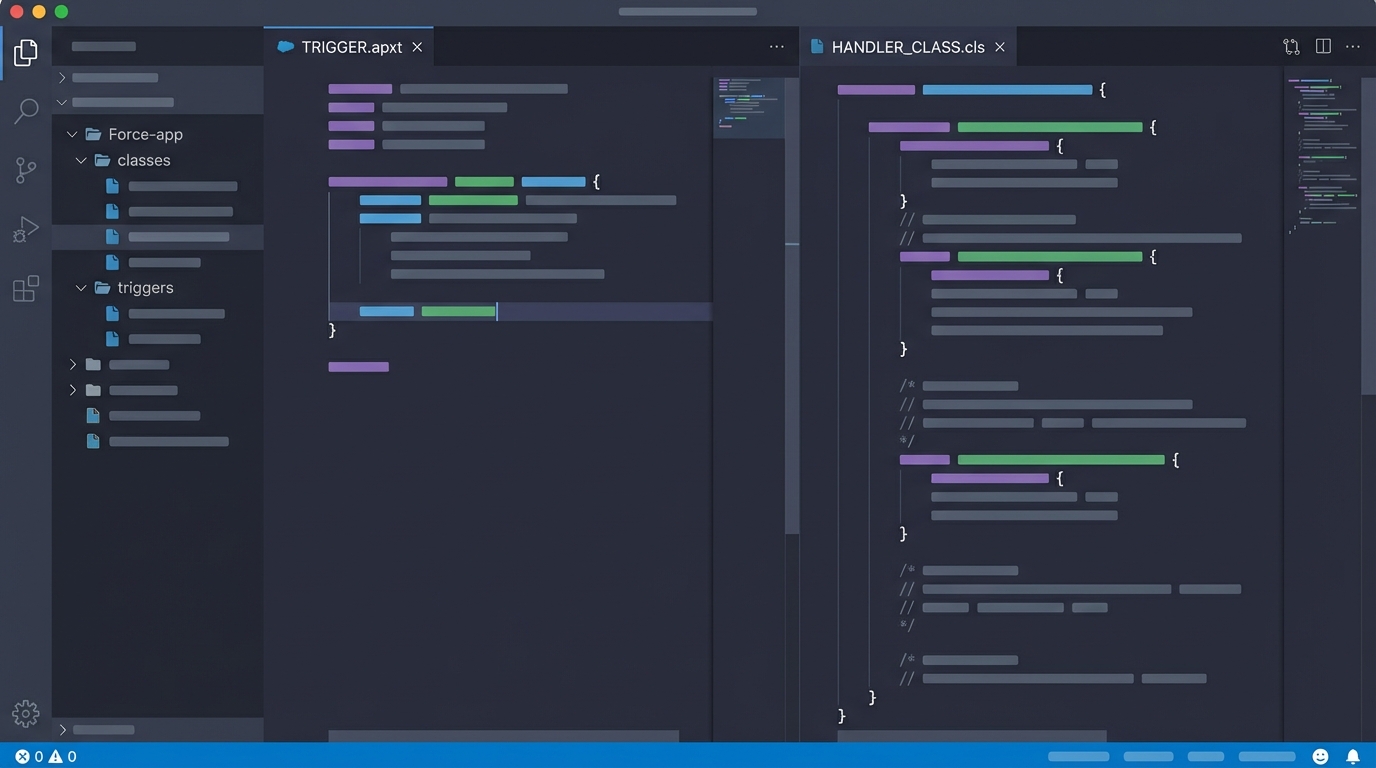
The trigger stays thin. Everything that does actual work lives in the handler class beside it.
// AccountTrigger.trigger
trigger AccountTrigger on Account (before insert, before update, after insert, after update) {
    // The trigger only handles context and calls the handler
    if (Trigger.isBefore) {
        if (Trigger.isInsert) AccountTriggerHandler.beforeInsert(Trigger.new);
        if (Trigger.isUpdate) AccountTriggerHandler.beforeUpdate(Trigger.new, Trigger.oldMap);
    }
    if (Trigger.isAfter) {
        if (Trigger.isInsert) AccountTriggerHandler.afterInsert(Trigger.newMap);
        if (Trigger.isUpdate) AccountTriggerHandler.afterUpdate(Trigger.newMap, Trigger.oldMap);
    }
}

// AccountTriggerHandler.cls
public with sharing class AccountTriggerHandler {
    public static void beforeInsert(List<Account> newList) {
        for (Account acc : newList) {
            // Do your logic here
            if (acc.Industry == null) {
                acc.Industry = 'Other';
            }
        }
    }

    public static void beforeUpdate(List<Account> newList, Map<Id, Account> oldMap) {
        // Logic for updates
    }

    public static void afterInsert(Map<Id, Account> newMap) {
        // Logic for after insert (like creating related records)
    }

    public static void afterUpdate(Map<Id, Account> newMap, Map<Id, Account> oldMap) {
        // Post-processing logic
    }
}
Why this works better
Bulkification is the thing that trips people up. A handler forces you to think about lists and maps from the start. Since the methods accept collections, you are less likely to write a SOQL query inside a loop by accident.
You can also call these handler methods from other places. Need to run the same logic from an anonymous Apex script or a batch job? Just call the handler method. Logic buried inside a trigger gives you nothing to call. And when you are deciding between Apex vs Flow for a piece of work, a clean handler makes that architectural choice much easier to manage.
Pro tip: always use a static Boolean flag in your handler to prevent recursion. I have lost count of the "After Update" triggers I've seen update the same record and spin into an infinite loop. It's a classic rookie mistake, and the handler is where the guard belongs.
Best practices for long-term maintenance
The simple pattern above holds up well, but as your org grows you'll want a bit more discipline. A few things I've learned from working on large projects:
- One trigger per object. Several triggers on the same object make the order of execution unpredictable, and debugging becomes a nightmare.
- Keep handlers logic-light. If a piece of business logic is really complex, move it out of the handler and into a "Service" class. The handler should just coordinate the calls.
- Bulkify everything. Never assume you're only processing one record. Even if you picture a single UI update, a data load could send 200 records through your Salesforce trigger handler at once.
- Use the Trigger maps (oldMap, newMap). Comparing the old value to the new value is the only way to make sure your logic runs when a specific field actually changes.
If you're prepping for a technical talk or an interview, you'll run into Apex trigger interview questions built on these exact patterns. Explaining the "why" behind the handler pattern shows you're thinking about the long-term health of the system rather than about getting the code to pass.
Key takeaways
- A Salesforce trigger handler keeps your trigger "thin" and moves the logic into a class.
- It makes your code easier to test, reuse, and read.
- The pattern enforces bulkification and heads off common governor limit problems.
- One trigger per object is non-negotiable for a clean architecture.
- Recursion control is a must to prevent infinite loops during updates.
Using a handler is really about making life easier for your future self. You save five minutes today by throwing code directly into a trigger, then spend five hours later working out why your tests are failing or why you're hitting SOQL limits. Stick to the pattern from the start.



Leave a Comment