


How the Salesforce merge trigger handles records
Ever sat staring at your debug logs, trying to work out why your code ran three times instead of once? With a Salesforce merge trigger, the execution count feels like a guessing game until you know the rules. I've watched teams spend hours chasing side effects because they assumed a merge was just a simple update.
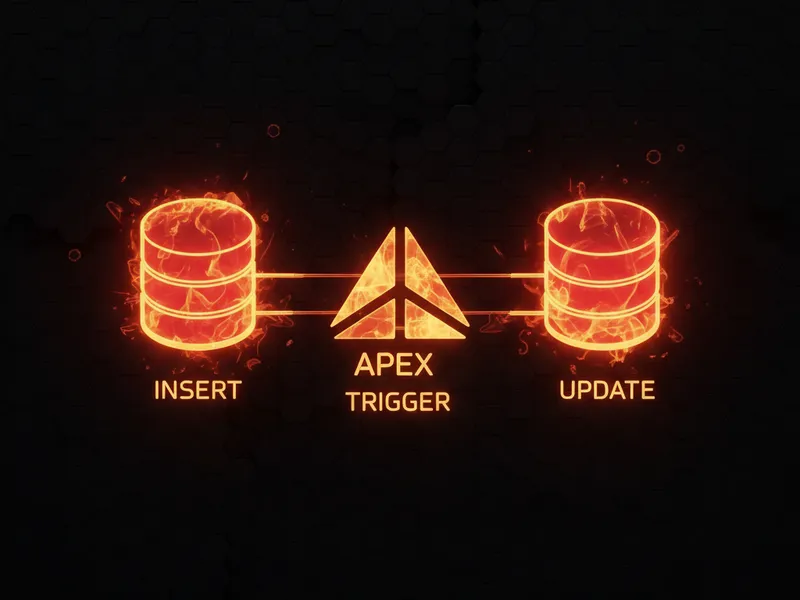
Salesforce doesn't have a specific "merge" trigger context. It repurposes the tools it already has: when you merge records, the system treats the "master" record as an update and the "losing" records as deletes. That sounds simple, and it is still the most overlooked detail when people build out their handler frameworks.
For your code, that means your logic fires multiple times across different contexts for a single user action. If you want to compare this with other compound events, my post on how many times an upsert trigger executes walks through the same kind of counting.
Breaking down the execution count
The math is consistent once you have seen it. Say you're merging three records into one master. That gives you one master record and two losing records, and the trigger fires like this:
- The delete context: this runs for the losing records. In our example, the delete trigger fires for the two records being removed.
- The update context: this runs once for the master record, because its fields are being updated with data from the losers.
So for a 3-record merge, you're looking at two delete executions and one update execution. Merge N records and you get N-1 delete executions and 1 update execution. Total invocations? That's N triggers firing in various contexts, and that count is exactly where people get tripped up.
Best practices for your Salesforce merge trigger
When I first worked with merges, I expected some kind of special isMerge flag. It doesn't exist. You have to infer that a merge is happening from the state of the records, and most teams get this wrong because they never account for the delete and the update landing in the same transaction.
Since there is no Trigger.isMerge, you need to be extra careful with your static variables. If you use a simple "hasRun" boolean to stop recursion, you might accidentally block the update trigger from running after the delete trigger finishes.
Reparenting of child records trips people up too. When you merge, all those related contacts or opportunities get moved to the master record, and that can fire even more triggers on those child objects. If you're doing Salesforce lead merging, the data movement gets more complex again, with tasks and events shifting around.
Writing merge-aware code
Keep your logic separated. Don't cram everything into a single method. Use your handler to route the records based on the context. If you don't, you might end up trying to update a record that's already been marked for deletion, and that's a one-way ticket to a "Record Deleted" exception.
A basic pattern for your handler:
if (Trigger.isBefore && Trigger.isDelete) {
    // This is where your losing records land.
    // Handle any cleanup before they vanish.
}

if (Trigger.isAfter && Trigger.isUpdate) {
    // This is where the winner lives.
    // The master record has the new merged data here.
}
Keeping these separate stops your "losing" logic from interfering with your "winning" logic. What you're after is idempotent code: no matter how many times the trigger fires, the end result is exactly what you intended.
Key takeaways
- A Salesforce merge trigger isn't a single event. It's a combination of delete and update contexts.
- The master record always triggers an update (before and after).
- Every losing record triggers a delete (before and after).
- There is no Trigger.isMerge flag, so your logic has to live inside the standard update and delete blocks.
- Child record reparenting can set off a chain reaction of triggers on other objects.
Knowing exactly how many times your code runs is the difference between a clean org and a mess of data inconsistencies. Next time you're building a trigger handler, take a second to think about the losers in a merge. Your future self will thank you when you aren't chasing down ghost bugs in the middle of the night. Use separate methods for your logic, watch your static variables, and always test with multiple records to make sure your bulk logic holds up.


Leave a Comment