


How the Salesforce upsert trigger handles records
If you've been working in the ecosystem for a while, you've probably had to explain how a Salesforce upsert trigger actually works. It's one of those classic "gotcha" questions that pops up in senior dev interviews and architectural reviews alike, and it's also a practical reality every time you sync data from an external system.
The confusion usually starts when people try to figure out if a record counts as an insert, an update, or both. I've seen teams over-complicate their code because they were afraid a record would fire through every single trigger context in one go.
The trigger executes twice per record: once in the before context and once in the after context. It only fires for the operation that actually happens. If the record is new, it's an insert. If it exists, it's an update. It is never both at the same time for the same record.
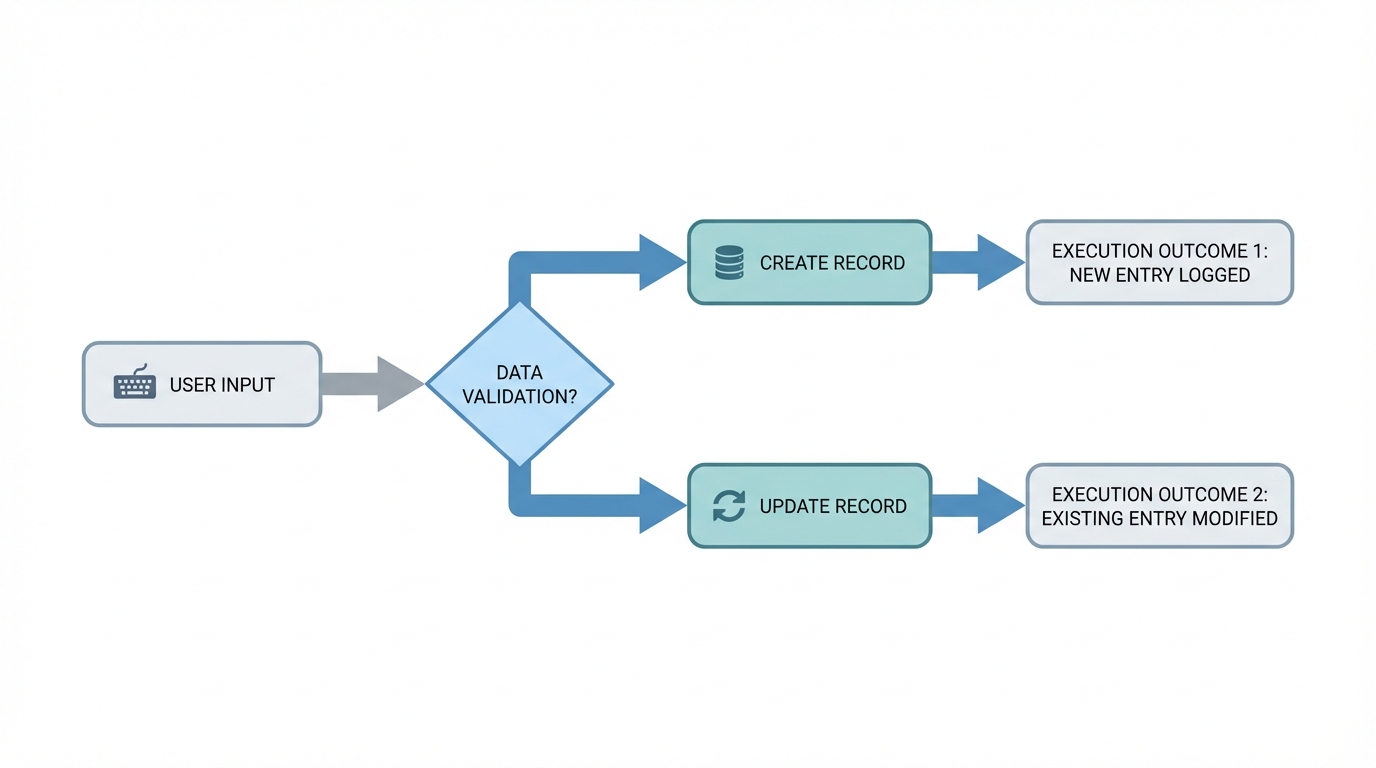
A flow diagram showing the logic branch between an insert and an update operation in a database system.
Decoding the Salesforce upsert trigger execution flow
When you call an upsert, Salesforce does a quick check against the ID or the External ID you've provided. It's making a split-second decision for every record in your list. That's why the topic keeps showing up in Apex trigger interview questions: it tests whether you understand the underlying DML logic.
The platform splits the work two ways:
- If the record is brand new, the trigger fires in
before insertandafter insert. The update contexts are completely ignored for these records. - If the record matches an existing ID, the trigger fires in
before updateandafter update. The insert contexts never see these records.
So if you're doing a bulk upsert with 200 records and 100 are new while 100 are existing, Salesforce is smart enough to group them. Your trigger fires for the insert context (for the new guys) and the update context (for the existing ones) within that same transaction. For any single individual record, though, it's a one-way street.
Always check
Trigger.isInsertorTrigger.isUpdateinside your handler classes. I've seen developers write generic logic that they thought would run for both, only to realize their "Update" logic wasn't touching the "Inserted" records during a massive data load.
A simple code pattern for upserts
I usually tell my junior devs to stick to a clean handler pattern. You don't want to guess what's happening under the hood. When you're deciding between Apex vs Flow for these operations, remember that triggers give you this granular control over the insert/update split that's hard to replicate elsewhere.
trigger AccountTrigger on Account (before insert, after insert, before update, after update) {
    if (Trigger.isBefore) {
        if (Trigger.isInsert) {
            // This only hits for brand new records
        } else if (Trigger.isUpdate) {
            // This only hits for existing records being matched
        }
    }
}
Debugging a Salesforce upsert trigger in the wild
One thing that trips people up is the "twice" phrasing. When someone says a trigger executes twice, they mean the before and after phases. They don't mean the record is being saved to the database twice. It's a single DML event for each record.
Bulk scenarios work the same way. If you're pushing 500 records, Salesforce chunks them into batches of 200. In each batch, the Salesforce upsert trigger runs its phases. If a batch contains a mix of inserts and updates, the trigger enters the insert blocks for the new records and the update blocks for the existing ones. It's efficient, but you have to keep your collections straight.
Key takeaways
- The Salesforce upsert trigger never treats a single record as both an insert and an update in one transaction.
- Each record fires exactly twice: once before the save and once after.
- Bulk upserts can trigger both insert and update contexts in the same transaction if the record set is mixed.
- Always use context variables like
Trigger.isInsertto keep your logic from stepping on its own toes.
Understanding the behavior comes down to knowing how the platform identifies data. Whether you're using a standard ID or a custom External ID, the trigger follows the same rules. Keep your logic modular and keep the bulk case in mind, and the next big data migration shouldn't surprise you.


Leave a Comment