

I've spent plenty of late nights debugging mixed DML, and the thing that always seems to trip people up is how an Apex Trigger Upsert actually behaves. If you're running an upsert, you might expect the trigger to fire once, and understanding the Apex Trigger Upsert flow is what keeps you out of weird data bugs.
We've all been there. You've got a CSV of data or an integration hitting your org, and you're using upsert to keep things clean. Then you notice your automation running twice, or your validation rules acting funky. So does it run once or twice?
Why an Apex Trigger Upsert splits your records
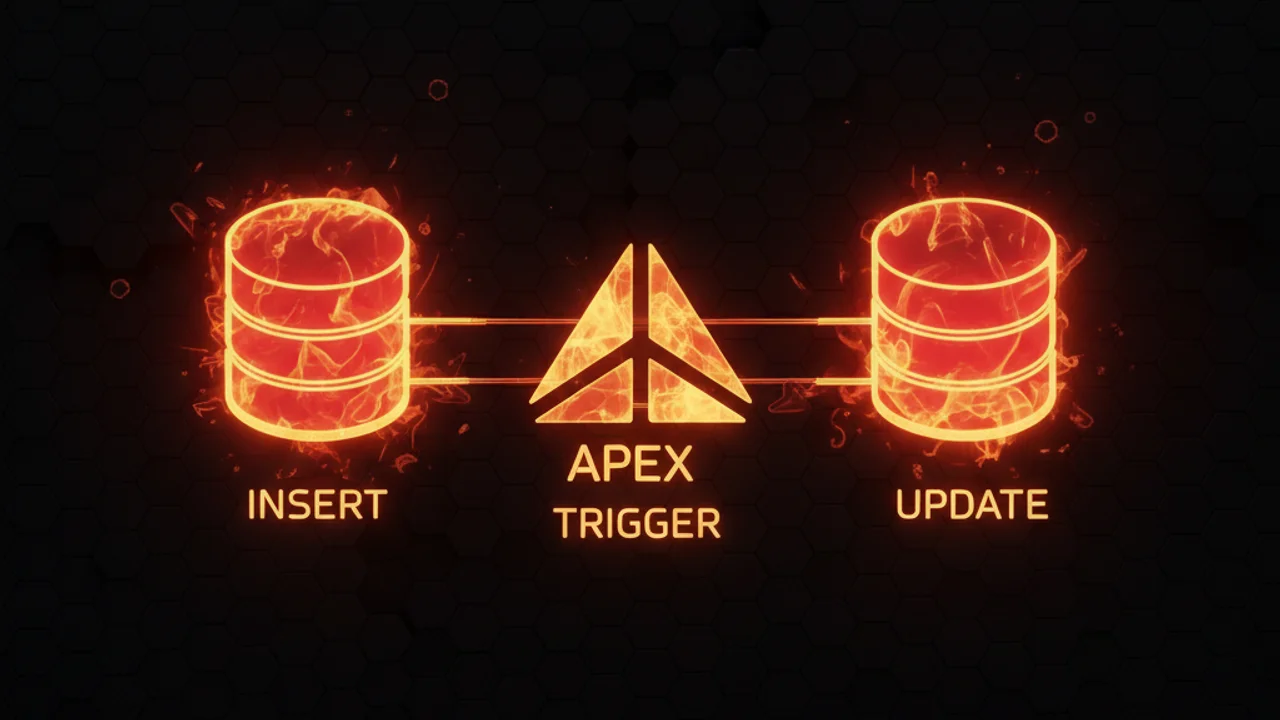
Salesforce doesn't treat an upsert as a single, unique event. It looks at your list of records and decides which ones are brand new and which ones match an existing ID or External ID. Once it makes that call, it groups them into two buckets: the inserts and the updates.
Because of this grouping, your trigger fires separately for each bucket. If your batch has both new and existing records, the before insert and after insert logic runs for the new guys, and the before update and after update logic runs for the existing ones. In my experience, this is where most teams get caught off guard, because they assume the trigger context will be the same for the whole batch.

A technical diagram illustrating how a mixed batch of records splits into separate insert and update processing paths during an Apex upsert operation.
Handling the Apex Trigger Upsert in mixed batches
So how many times does the trigger actually execute? It depends on what's in your list. If every record is new, it runs once as an insert. If every record already exists, it runs once as an update. If it's a mix, you're looking at two separate executions. This is why it pays to know what is an Apex Trigger and when to use it before you try to handle these contexts.
When I first worked with heavy integrations, I didn't account for this "split" behavior. I had logic that relied on the entire batch being processed together, which was a mistake. You have to write your code to check the context variables. In a real trigger, that looks like this:
trigger AccountTrigger on Account (before insert, before update, after insert, after update) {
    if (Trigger.isBefore) {
        if (Trigger.isInsert) {
            // This part only sees the brand new records
        }
        if (Trigger.isUpdate) {
            // This part only sees the records being updated
        }
    }
}
Bulk safety and common pitfalls
Bulkification is the other thing that trips people up. You might be passing 200 records in a single call, and Salesforce might split that into 150 inserts and 50 updates. Get careless with your collections and you'll end up with missing data or governor limit issues. Use maps and sets to keep the logic clean. If you're worried about performance, a guide on Salesforce Flow bulkification gives you useful perspective on how the platform handles these batches under the hood.
Pro tip: When you're writing handler classes, keep your insert and update logic in separate methods. It reads far better, and it stops you accidentally running update-only logic on a new record that doesn't even have an ID yet.
Key takeaways for Apex Trigger Upsert
- The trigger fires once for inserts and once for updates if the batch is mixed.
Trigger.oldis only available for the records that fall into the update bucket.- Records are grouped by operation type before the trigger even starts.
- Always test your code with a list that contains both new and existing records to make sure your logic holds up.
Practical advice for your next project
Unit tests that pass with single records prove nothing about your upserts. I've seen plenty of "production-ready" code fail the moment a real-world data load hit it. Write a test method that explicitly mixes inserts and updates in one Database.upsert() call. It's the only way to be sure you're handling the Apex Trigger Upsert correctly. Keep logic out of the trigger body, use a handler pattern, and always, always think about the context you're in.



Leave a Comment