

If you have ever been deep in the middle of a complex data model build and suddenly got hit with a "Limit Exceeded" error, you know how frustrating it is. The Salesforce lookup limit is one of those things you don't think about until you're staring it in the face during a late-night deployment. It's a hard ceiling that can stop your project cold if you haven't planned for it.
The short answer? You can create up to 40 lookup relationship fields on a single Salesforce object. This includes all your custom lookups, but it's separate from your master-detail relationships. When I first worked with a massive Service Cloud implementation, we hit this limit on the Case object because every department wanted their own specific reference field. It wasn't pretty.
Understanding the Salesforce lookup limit
Salesforce is pretty strict about these numbers for a reason. While lookups are "loose" relationships, they still require the system to maintain data integrity and handle indexing behind the scenes. Here's how the relationship math usually breaks down on a standard or custom object:
- Lookup Relationships: 40 per object.
- Master-Detail Relationships: 2 per object.
Now, you might be thinking, "Why only 40?" It's mostly about performance. Every time you load a record, Salesforce has to resolve those relationships. If you have 40 different lookups, that's a lot of potential cross-object chatter. In my experience, once you start pushing past 20 or 25 lookups, you might also start running into Salesforce data skew issues if those lookups all point to the same few parent records. It's something to keep an eye on.
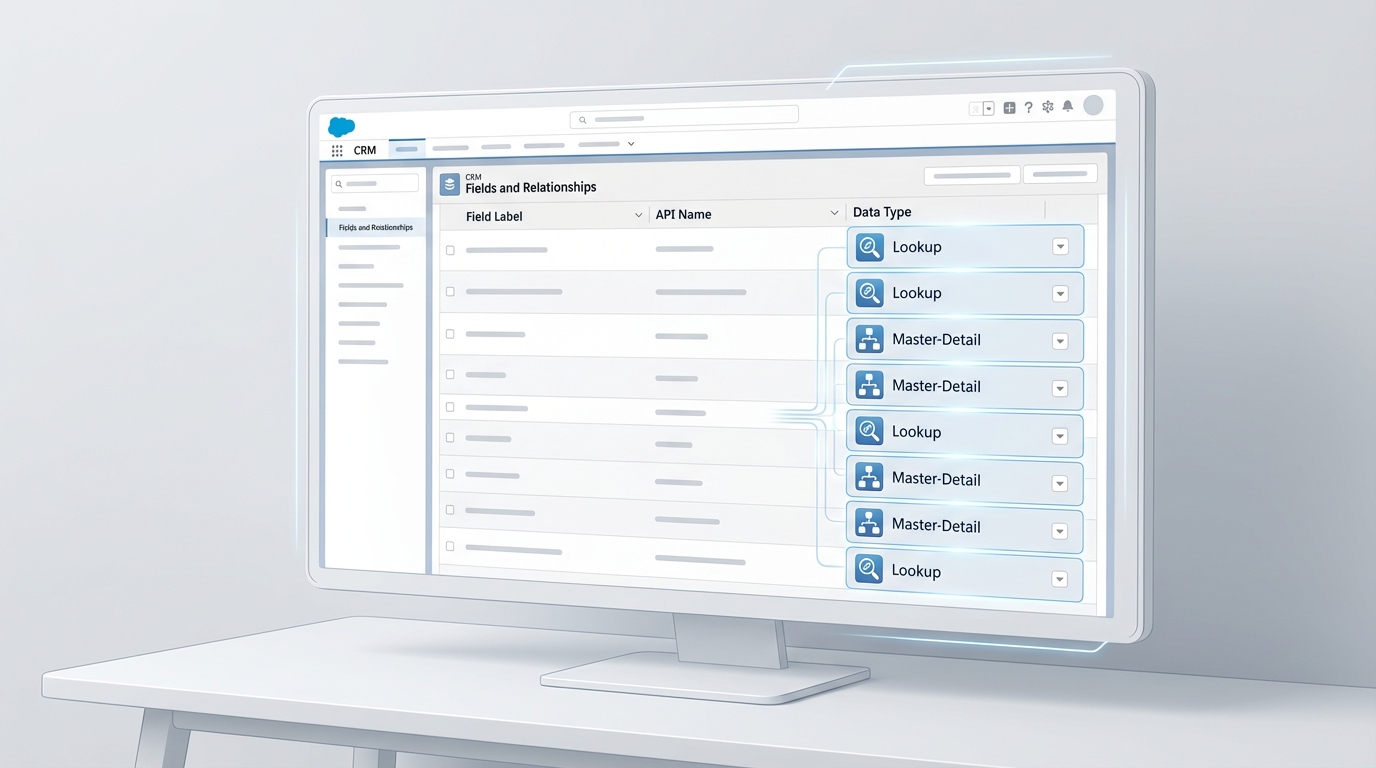
A realistic interface mockup of a CRM object management screen showing a dense list of lookup relationship fields.
How to handle the Salesforce lookup limit in large orgs
So what happens when you actually hit that 40-field wall? You can't just call Support and ask for an increase - this one is usually a hard limit. Honestly, most teams get this wrong by trying to find a technical "hack" instead of fixing their data model. But here's the thing: a bloated object is usually a sign that your architecture needs a refresh.
One thing that trips people up is managed packages. Some lookups from installed apps might count toward your total depending on how they were built, so always check your "Object Limits" page in Setup before you start adding new fields.
If you're at 38 fields and the business is asking for five more, you have a few options to keep things moving:
- Use Junction Objects: If you're modeling a many-to-many relationship, don't just add lookups to the main object. Build a middleman object to handle the connections.
- External IDs: If the lookup is just for reference from an outside system, you might not need a real lookup field. Sometimes a text field marked as an External ID is enough.
- Consolidate: Look at your fields. Do you really need "Primary Vendor" and "Secondary Vendor" as two lookups? Maybe a single lookup to a "Partner" object with a Type picklist is a better move.
Practical SOQL for Lookups
When you're working with these relationships in code or queries, you'll be using the relationship name. It's simple, but I've seen plenty of devs forget the "__r" suffix when traversing the parent. Here's a quick reminder of how it looks:
SELECT Id, Name, Account__r.Name, Vendor_Ref__r.Status__c FROM Custom_Object__c WHERE Account__r.Industry = 'Manufacturing'
Using this approach allows you to grab data from the parent without needing extra queries, which is vital for staying under your governor limits. Developing a Salesforce architect mindset means thinking about these query costs before you even create the field.
Key Takeaways
- The standard Salesforce lookup limit is 40 fields per object.
- Master-detail relationships are capped much lower at just 2 per object.
- Managed packages can sometimes eat into your limits, so check your usage early.
- If you hit the limit, it's usually a signal that your data model is too "flat" and needs normalization.
Look, hitting the limit isn't the end of the world, but it does mean you need to stop and think. Don't just delete fields to make room. Take the time to map out your objects and see where you can use junction objects or better categorization. It'll save you a massive headache six months down the road when the next "urgent" field request comes in.




Leave a Comment