
Setting up users manually is a drag, especially when you're spinning up a whole team for a QA cycle. If you've ever needed to script this, you've probably looked at Apex System.setPassword to get the job done quickly.
I've seen teams struggle with the standard "Welcome" email flow because it relies on the user actually clicking the link before it expires. But here's the thing: sometimes you just need a user ready to go right now. That's where Apex System.setPassword comes in handy.
Automating test users with Apex System.setPassword
When I first worked with automated UI testing, I realized we couldn't wait for emails to arrive in a dummy inbox. We needed a way to set a known password immediately. Using Apex System.setPassword allows you to bypass the manual invite process entirely.
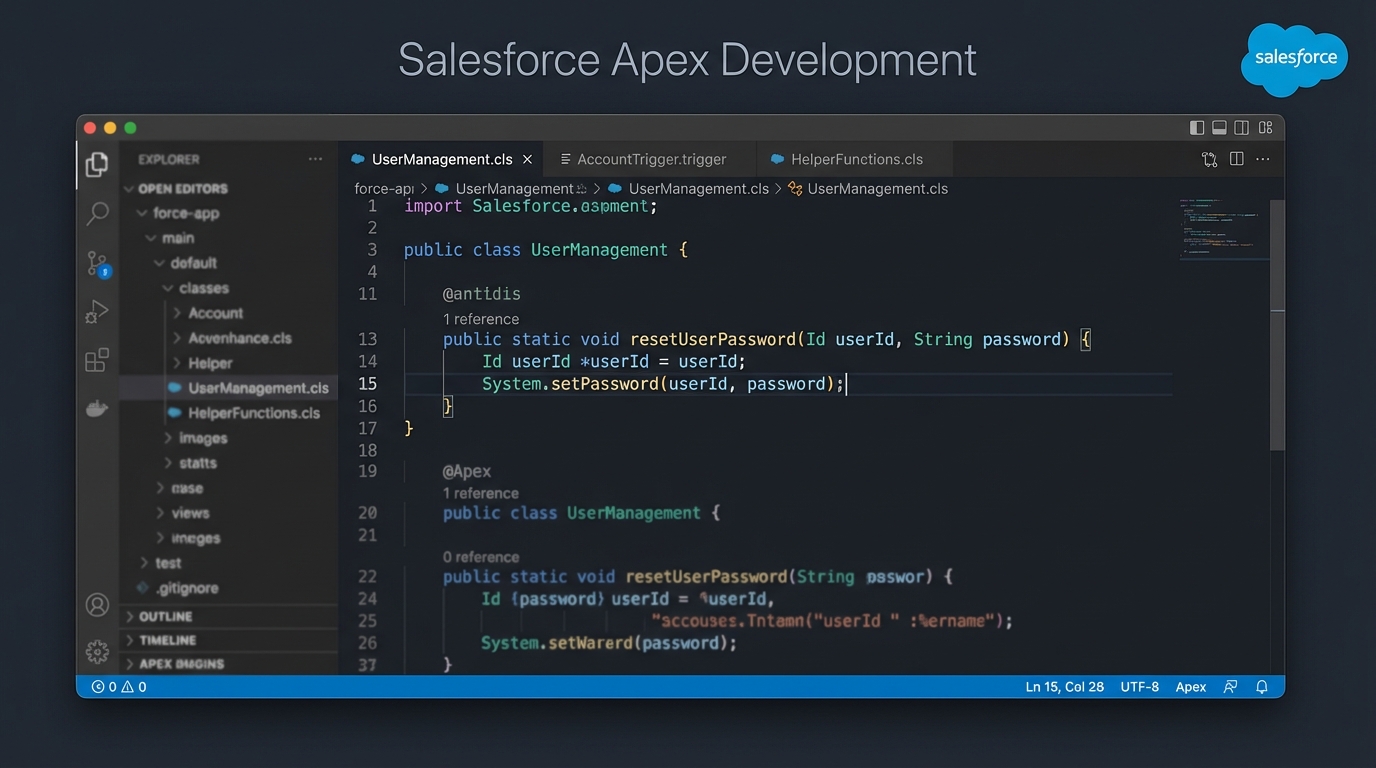
A realistic screenshot of a professional code editor displaying Salesforce Apex code for setting a user password.
How Apex System.setPassword handles the first login
One thing that trips people up is the "Change Password" screen. By default, Salesforce is going to ask the user to pick a new password the second they log in with the one you set. But did you know there's a workaround for test scenarios?
The short answer? If the user clicks "Cancel" on that screen, the platform often lets them proceed using the password you assigned. This is a lifesaver for mass testing where you want every tester using the same credentials without forcing them through a setup wizard.
A quick code example
// Grab your user ID
Id userId = [SELECT Id FROM User WHERE Username = '[email protected]' LIMIT 1].Id;

// Set the password directly
System.setPassword(userId, 'Salesforce123!');
When to use code over Flow
Now, you might wonder if you should do this via a Flow. While Flow is great for most things, sometimes you need the directness of Apex. If you're weighing your options, check out this guide on Apex vs Flow to see where the line is drawn for your specific project.
Security traps and best practices
Look, I'm going to be blunt: don't use this for real people in production. It's a security risk and it creates bad habits. Here's what you should keep in mind. First, respect the password policy. If your org requires 12 characters and a special symbol, your Apex string better have them or the call will fail.
Second, don't hardcode passwords in your scripts. Use a protected custom setting or just pass them in as variables. Finally, clean up after yourself. Once the testing is done, deactivate those users so you don't leave a back door open. Common use cases for Apex System.setPassword include bulk creating test users for integration tests or seeding sandboxes with predictable credentials.
Practical tip: If you're working in a sandbox, remember that email deliverability is often set to "System Email Only". Programmatically setting the password is often the only way to get into a test account without bugging an admin to toggle settings.
Key Takeaways
- Apex System.setPassword sets the password instantly without needing an email link.
- Users are still prompted to change it, but "Cancel" often lets them bypass it in non-production environments.
- It's perfect for bulk-creating users for QA or integration testing.
- Always prioritize SSO or standard reset flows for actual employees.
So, why does this matter? It's all about speed and reliability in your dev cycle. Using Apex System.setPassword the right way saves your team hours of manual setup. Just keep it out of your production deployment scripts and you'll be fine.




Leave a Comment