

The weird bug with the SOQL IN operator and Flow sorting
Ever had a Flow just blow up for no reason? I was digging into a weird bug last week involving the SOQL IN operator in a Get Records element. Everything looked fine in the builder, but the Flow kept crashing in production with a nasty SOQL syntax error.
Here's the thing: when you use the SOQL IN operator and you've also checked the box to sort your records (like by CreatedDate), Flow gets a bit confused if your collection variable is empty. It's one of those "engine-side" issues that isn't immediately obvious when you're building.
So why does this happen? When the collection you're passing to the "IN" filter is null or empty, and you've asked Flow to sort the results, the underlying SOQL string gets mangled. It tries to append an "ORDER BY" clause to a query that technically doesn't have a valid "WHERE" clause yet. The result? A broken runtime experience and a frustrated admin.
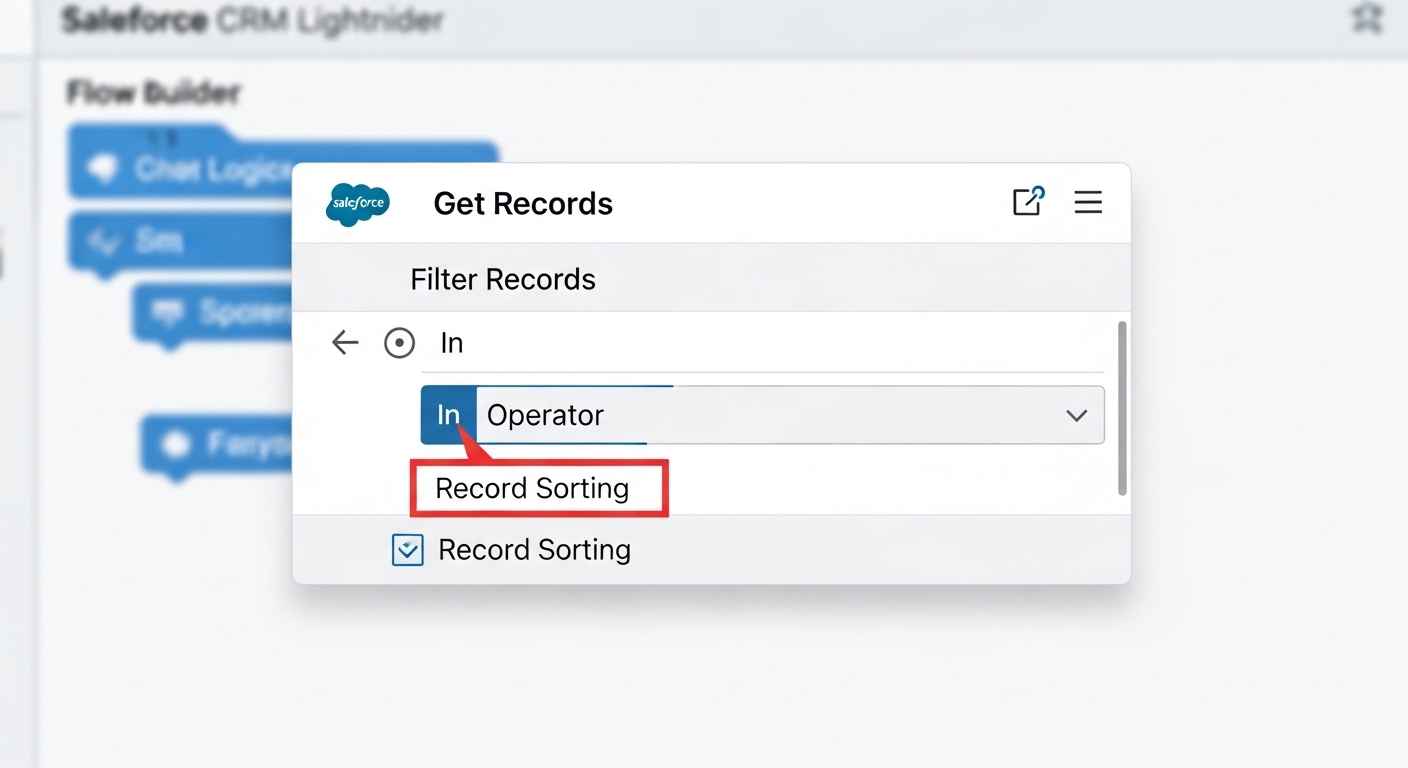
A detailed UI mockup of the Salesforce Flow Builder showing the Get Records element configuration for filtering and sorting.
Why the SOQL IN operator breaks with sorting
In my experience, this usually happens when earlier logic in the Flow fails to find any IDs to put into your collection. Maybe a loop didn't run, or a previous Get Records came up empty. If you don't account for that empty collection, the SOQL IN operator basically sends a blank value to the database.
Normally, a blank "IN" clause might just return no records. But the second you add sorting into the mix, the Flow engine tries to be helpful and fails. It constructs an invalid string because it doesn't know how to handle the "ORDER BY" when the "IN" filter has nothing to look at. Honestly, most teams get this wrong because we're taught that Flow handles nulls gracefully. In this specific case, it doesn't.
I've seen teams spend hours debugging this because the error message is so vague. It doesn't tell you the collection is empty; it just says the SOQL is malformed. Save yourself the headache and always add a decision step first.
Best practices for the SOQL IN operator in Flow
So how do we fix it? The short answer is defensive design. You've got to stop the Flow from even attempting that Get Records if there's nothing to search for. It's a simple habit that makes your automations much more reliable. Following best practices for Salesforce Flow means assuming your data might be missing.
Here is the pattern I use every single time now:
- Add a Decision Element: Before the Get Records, check if your collection variable "Is Null" is False.
- Branch Your Logic: Only run the Get Records with the SOQL IN operator and sorting if the collection actually has IDs in it.
- Handle the Empty State: If the collection is empty, just skip the query or use a default path. This also saves you from hitting unnecessary SOQL limits.
If you're doing bulk record processing in Flows, this check is even more critical. Queries are expensive, and running a broken one is just asking for a midnight P1 ticket.
Testing and debugging the error
Now, if you're already seeing this error, go into the Flow Debugger. Look at the variable that holds your IDs right before the Get Records element. Is it empty? If it is, and you have sorting turned on, you've found your culprit. It's a low-effort fix that has a high impact on how stable your system feels to the end user.
And don't forget about fault paths. Even with a null check, it's smart to have a fault connector on any Get Records element that uses the SOQL IN operator. It's much better to log a clean error than to let the whole transaction fail with a cryptic system message.
Key Takeaways
- The SOQL IN operator combined with sorting causes a syntax error if the collection is null.
- Always use a Decision element to verify your collection has data before querying.
- Empty collections should skip the Get Records element to save on performance and limits.
- This bug is specific to the "Sort" feature in the Get Records element.
Wrapping up
Look, we all want to build things fast, but skipping these small checks is what leads to technical debt. Validating your collection variables before you ever touch the SOQL IN operator filter is just good engineering. It keeps your production environment quiet and your users happy. Next time you're building a Get Records, just take the extra thirty seconds to drop that Decision element in. You'll thank yourself later when the Flow doesn't crash on a random Tuesday.




Leave a Comment