


What is Infrastructure as a Service and why should you care?
If you've ever waited six weeks for a physical server to arrive in a data center, you'll appreciate Infrastructure as a Service. It's one of the primary models of cloud computing, and it lets you rent virtualized resources like servers, storage, and networking over the internet. Instead of worrying about hardware lifecycles or cooling bills, you spin up what you need and pay for what you use.
In my experience, this is where most companies start with cloud. You get the raw materials and nothing more: the operating system and the apps running on top of it are still yours to look after.
The core pieces of the puzzle
Infrastructure as a Service comes down to four things. Compute is your virtual machines (VMs) or containers. Storage is where the data actually lives. Networking ties it together with virtual firewalls and load balancers. Virtualization is the layer underneath that lets one big physical server act like dozens of smaller ones.
You never have to think about the physical hardware. The provider handles the rack, the power, and the cables. You work through the API or the console where your virtual fleet lives.
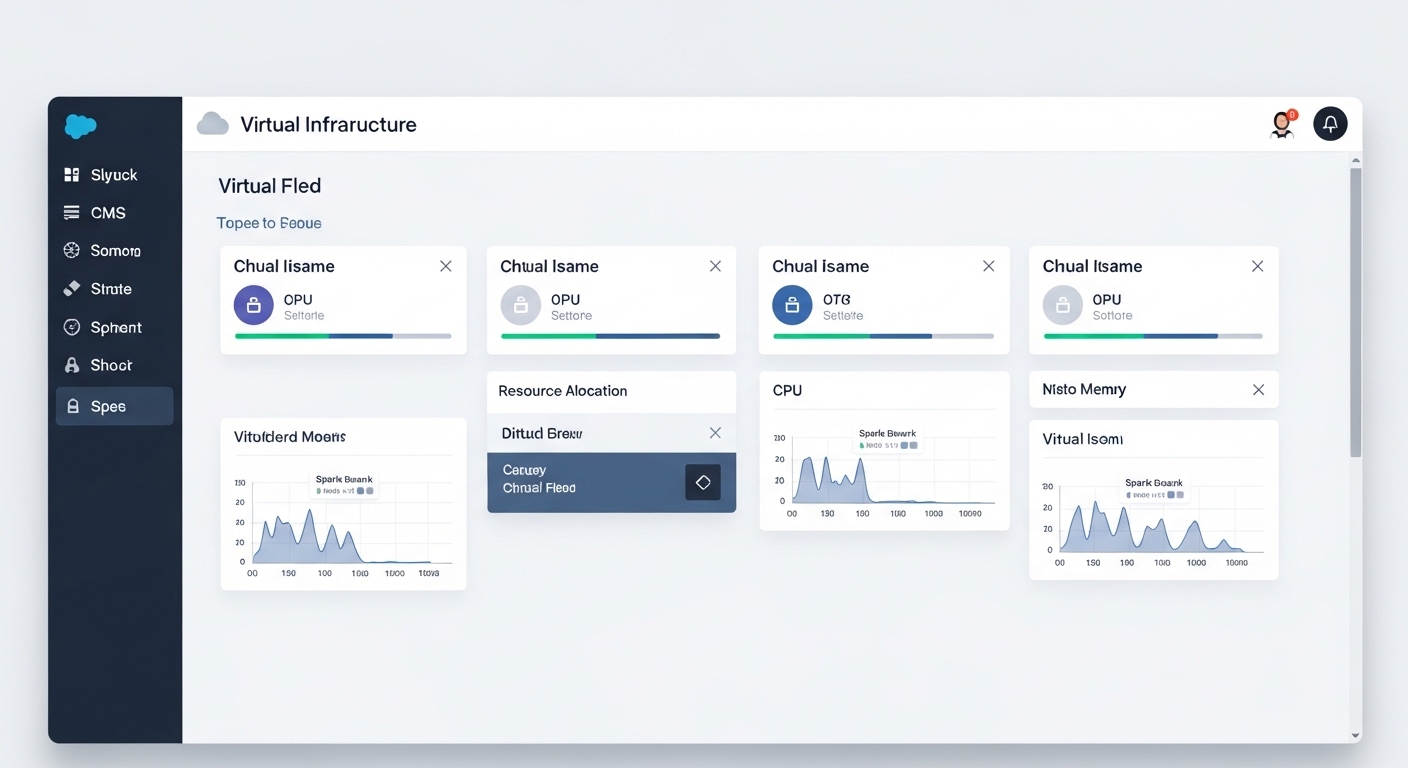
A typical provider console: instances, metrics, and the buttons that cost you money.
Managing the shared responsibility of Infrastructure as a Service
What trips people up is assuming that cloud means the provider handles everything. That's what the shared responsibility model is there to settle. The provider secures the physical data center and the hardware, and you're responsible for everything above it. If you don't patch your OS or you leave a database port open to the world, that's on you.
I've seen teams get burned because they thought "cloud" meant "automatically secure." It doesn't. You still need to manage your firewalls, keep your software updated, and watch your user permissions. It's a lot of power, but it comes with a decent amount of homework.
Tag your resources from day one. I've worked on projects where the monthly bill spiked because someone left a massive test environment running for weeks, and with no tags nobody could work out who owned what.
How does it stack up against PaaS and SaaS?
People mix these models up constantly. The old "pizza as a service" analogy helps. Infrastructure as a Service is renting the kitchen and the oven: you bring the dough, the sauce, and the toppings. You have total control over the recipe, and you also do the cooking and the dishes.
- IaaS: You manage the OS, the data, and the apps. The provider handles the hardware.
- PaaS: The provider handles the OS and the runtime. You just bring your code.
- SaaS: Everything is managed for you. You just log in and use the software.
So why choose IaaS? The short answer is control. If you have a legacy app that needs a specific version of Linux or a custom middleware setup, IaaS is usually your only choice. It's also the model for "lift and shift" migrations, where you want your existing servers in the cloud without rewriting everything.
Spinning up a server with the CLI
You can treat your infrastructure like code. Instead of clicking around a dashboard, use a command line interface (CLI) to build things. Here is a quick example of how you'd launch a small EC2 instance on AWS:
# Launching a t3.micro instance
aws ec2 run-instances \ - image-id ami-0abcdefgh12345678 \ - instance-type t3.micro \ - key-name my-admin-key \ - security-group-ids sg-0123456789abcdef0 \ - subnet-id subnet-01234567
And that's your server. No hardware order, no data center visit. Once the command finishes, though, you're the one who has to log in and keep it running smoothly.
Key takeaways
- Infrastructure as a Service provides virtualized compute, storage, and networking on demand.
- You save money on hardware (CapEx) but need to manage your operational costs (OpEx).
- The "Shared Responsibility" model means you are still responsible for OS patching and app security.
- It's the most flexible cloud model, which makes it a good fit for custom apps and migrations.
- Major players include AWS, Azure, and Google Cloud.
Whether you're prepping for a technical interview or planning a big migration, keep the "control" factor in mind. Infrastructure as a Service gives you the most freedom and asks for the most hands-on management in return. Start small, automate where you can, and keep an eye on your security groups.



Leave a Comment