

What is Infrastructure as a Service and why should you care?
If you’ve ever had to wait six weeks for a physical server to arrive in a data center, you’ll appreciate Infrastructure as a Service. It’s one of the primary models of cloud computing that lets you rent virtualized resources like servers, storage, and networking over the internet. Instead of worrying about hardware lifecycles or cooling bills, you just spin up what you need and pay for what you use.
In my experience, this is where most companies start their cloud journey. It’s the ultimate “build it your way” sandbox. You get the raw materials, but you’re still the one in the driver’s seat when it comes to the operating system and the apps you run on top of it.
The core pieces of the puzzle
When we talk about Infrastructure as a Service, we’re basically talking about four main things. First is compute – these are your virtual machines (VMs) or containers. Then you’ve got storage, which is where your data actually lives. Networking connects everything together with virtual firewalls and load balancers. Finally, there’s virtualization, which is the magic layer that lets one big physical server act like dozens of smaller ones.
Look, the beauty of this setup is that you don’t have to care about the physical hardware. The provider handles the rack, the power, and the cables. You just care about the API or the console where you manage your virtual fleet.
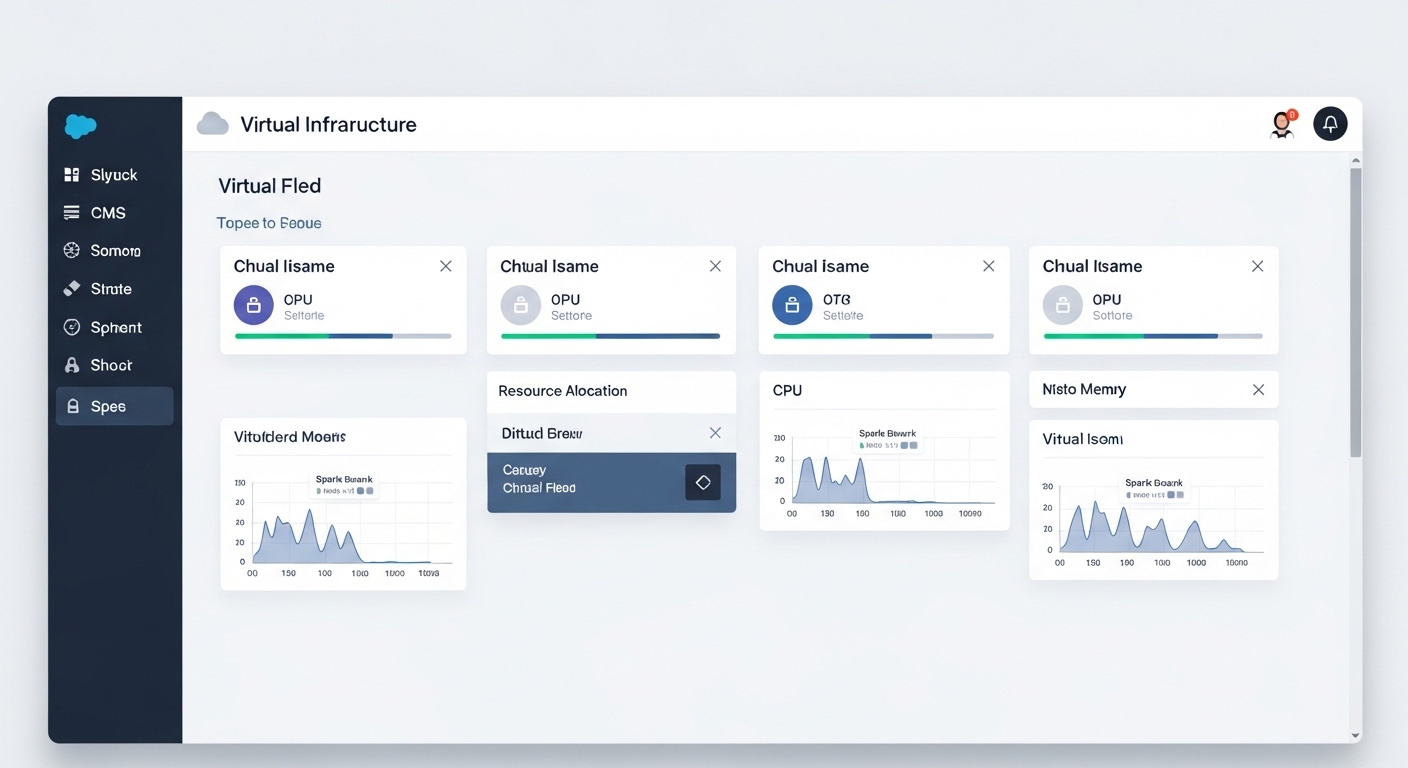
Managing the Shared Responsibility of Infrastructure as a Service
Here’s the thing that trips people up: just because it’s in the cloud doesn’t mean the provider handles everything. We call this the shared responsibility model. The provider secures the physical data center and the hardware, but you’re responsible for everything else. If you don’t patch your OS or you leave a database port open to the world, that’s on you.
I’ve seen teams get burned because they thought “cloud” meant “automatically secure.” It doesn’t. You still need to manage your firewalls, keep your software updated, and watch your user permissions. It’s a lot of power, but it comes with a decent amount of homework.
Practical Tip: Always use resource tagging from day one. I’ve worked on projects where the monthly bill spiked because someone left a massive test environment running for weeks. If you don’t tag your resources, you’ll never figure out who owns what when the bill arrives.
How does it stack up against PaaS and SaaS?
I’ve seen many folks confuse Infrastructure as a Service with other models. Think of it like a “pizza as a service” analogy. Infrastructure as a Service is like renting the kitchen and the oven – you bring the dough, the sauce, and the toppings. You have total control over the recipe, but you also have to do the cooking and the dishes.
- IaaS: You manage the OS, the data, and the apps. The provider handles the hardware.
- PaaS: The provider handles the OS and the runtime. You just bring your code.
- SaaS: Everything is managed for you. You just log in and use the software.
So why choose IaaS? The short answer is control. If you have a legacy app that needs a specific version of Linux or a custom middleware setup, IaaS is usually your only choice. It’s great for “lift and shift” migrations where you want to move your existing servers to the cloud without rewriting everything.
Spinning up a server with the CLI
One of the coolest parts of this model is that you can treat your infrastructure like code. Instead of clicking around a dashboard, you can use a command line interface (CLI) to build things. Here is a quick example of how you’d launch a small EC2 instance on AWS:
# Launching a t3.micro instance
aws ec2 run-instances \ - image-id ami-0abcdefgh12345678 \ - instance-type t3.micro \ - key-name my-admin-key \ - security-group-ids sg-0123456789abcdef0 \ - subnet-id subnet-01234567
And just like that, you’ve got a server. No hardware orders, no data center visits. But remember, once that command finishes, you’re the one who has to log in and keep it running smoothly.
Key Takeaways
- Infrastructure as a Service provides virtualized compute, storage, and networking on demand.
- You save money on hardware (CapEx) but need to manage your operational costs (OpEx).
- The “Shared Responsibility” model means you are still responsible for OS patching and app security.
- It’s the most flexible cloud model, making it perfect for custom apps and migrations.
- Major players include AWS, Azure, and Google Cloud.
Whether you are prepping for a technical interview or planning a big migration, just keep the “control” factor in mind. Infrastructure as a Service gives you the most freedom, but it also requires the most hands-on management. Start small, use automation where you can, and always keep an eye on your security groups.