

How Agentforce Security Center simplifies threat detection
I've been digging into the new Agentforce Security Center features lately, and it's clear that Salesforce is trying to solve a huge headache for us. If you've ever had to manually sift through login logs or audit trails because of a suspicious export, you know how much of a time sink that is. It's tedious, and frankly, it's easy to miss the small details that actually matter.
But here's the thing. Most admins I talk to barely have time to check their security dashboards once a week, let alone triage every minor alert. That's where the Agentforce Security Center integration actually helps. It moves us away from just seeing a list of "stuff that happened" to having a tool that actually explains the risk in plain English.
Now, instead of just seeing a notification that a user downloaded a report, you get a conversational sidebar. You can literally ask it, "Why did this user export 50,000 records at 2 AM?" and it will do the legwork for you. It pulls in login history and audit trails to give you a clear picture without you having to open ten different tabs. If you're already looking into AI tools, you might find my earlier post on Einstein Copilot gotchas useful, as the conversational logic here feels quite similar.
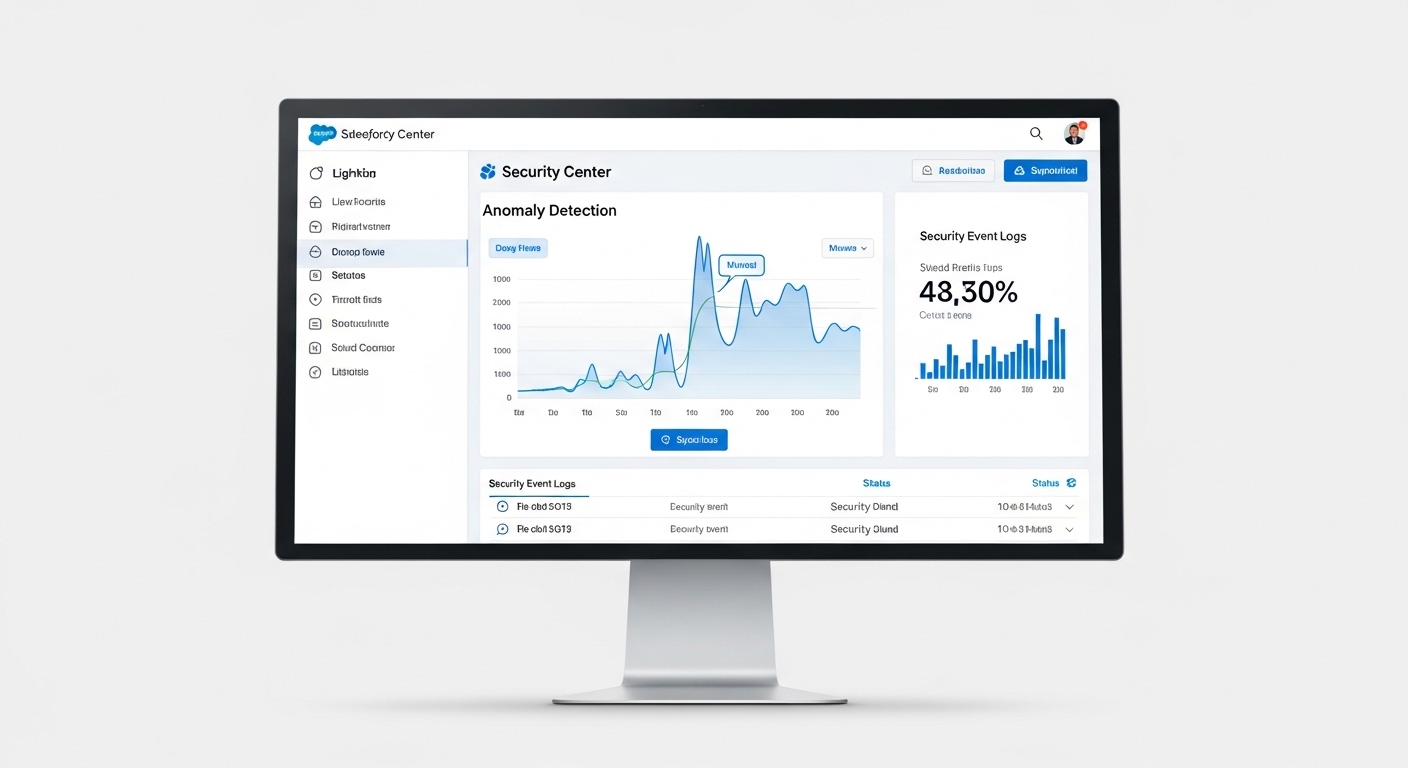
A realistic Salesforce-style security dashboard displaying automated anomaly detection charts and security event logs.
Key features in the Agentforce Security Center update
So what does this actually look like in practice? There are four main pieces to this update that I think will change how we handle org security. First, it handles automated anomaly detection. It looks for weird patterns across your users so you don't have to. Second, it turns those incidents into a Timeline of Events. This is huge because it shows you the "story" of an incident rather than just a single data point.
Third, you get the conversational sidebar for natural language queries. This is probably the most overlooked feature because people think it's just a gimmick. In my experience, being able to ask a question instead of writing a complex query saves a massive amount of mental energy. Finally, it gives you predrafted mitigation plans. These are suggested steps to close an incident, which you can review and approve on the spot.
Practical tip: Don't just trust the automated mitigation plans blindly. Use the sidebar to verify the user's recent activity and check their usual behavior before you kill their session or lock the account. Context is still king.
Availability and timelines
The conversational interface is out right now, so you can start using it to shorten your investigation times. But the really heavy lifting - the automated anomaly detection and full mitigation suggestions - is scheduled for the Salesforce Spring '26 Release. It's worth getting your Security Center basics set up now so you're ready when those automated features land.
I've seen teams struggle with security because they don't have a dedicated security person. This tool acts a bit like a junior analyst who never sleeps. It doesn't just show you an error; it helps you understand if that error is a real threat or just a salesperson working late to hit their quota. This kind of automation is a natural next step, much like how Agentforce RAG grounding helps make AI responses more accurate by using your actual data.
Key Takeaways
- Agentforce Security Center reduces the time you spend digging through logs by doing the initial cross-referencing for you.
- The conversational sidebar allows you to query user behavior using natural language, which lowers the barrier for admins who aren't security experts.
- Automated timelines help you see exactly how a security incident unfolded from start to finish.
- Suggested mitigation plans accelerate your response time and help keep your remediation steps consistent across the team.
Look, security is usually the boring part of the job until it's the most stressful part. Honestly, most teams get this wrong by waiting for a crisis to happen before they look at their logs. Using Agentforce Security Center won't make you a security pro overnight, but it will definitely stop you from missing the obvious red flags while you're busy with your other 500 tasks.



Leave a Comment