

If you've ever had to bundle documents for a client, you know the struggle of not having a native Apex Zip Namespace to do the heavy lifting. For years, I've seen teams build entire AWS Lambda functions or use clunky JavaScript libraries like JSZip just to zip a couple of PDFs. It was a pain to maintain and even worse for security. But with the Spring '25 release, Salesforce finally gave us a way to handle compression right on the platform.
No More Workarounds: How to Use the Apex Zip Namespace
The Apex Zip Namespace (formally the Compression namespace) basically gives us two tools: ZipWriter and ZipReader. It's built into the Apex runtime, so it's much faster than any workaround we used to use. I've found that it really cleans up the code when you're generating reports or contracts that need to be grouped together.
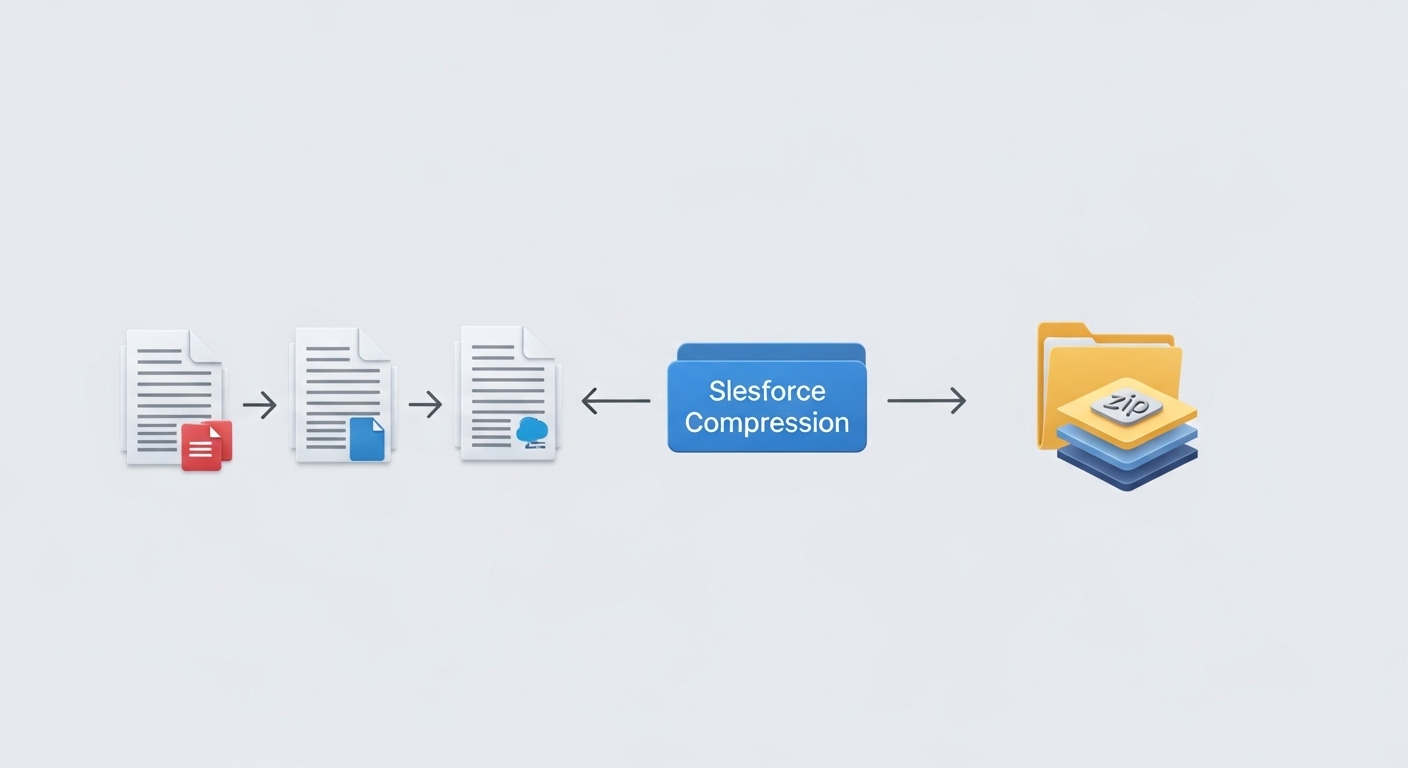
An architectural diagram illustrating the Apex ZipWriter process where multiple individual files are consolidated into a single compressed zip archive.
To create a zip file, you'll use Compression.ZipWriter. You can grab files from ContentVersion or even just turn a random string into a Blob and toss it in. Here is a quick look at how you'd actually write that:
// Quick example of zipping a file
Compression.ZipWriter writer = new Compression.ZipWriter();
Blob contractBody = [SELECT VersionData FROM ContentVersion WHERE Title = 'ServiceAgreement' LIMIT 1].VersionData;

// Add the file to the archive
writer.addEntry('legal/agreement.pdf', contractBody);

// You can even add a simple text file on the fly
writer.addEntry('notes.txt', Blob.valueOf('Generated on the platform!'));

Blob finalZip = writer.getArchive();
On the flip side, if someone uploads a zip and you need to get the files out, ZipReader is your friend. You just loop through the entries and extract what you need. It's pretty straightforward.
// Extracting files from an uploaded zip
Compression.ZipReader reader = new Compression.ZipReader(uploadedBlob);
List<String> fileNames = reader.getEntries();

for (String name : fileNames) {
    Blob fileData = reader.extract(name);
    // Now you can save this as a new ContentVersion or process it
}
Watching Your Limits with the Apex Zip Namespace
Here's the thing: just because we can do this natively now doesn't mean the governor limits went on vacation. Compression is memory-heavy. Since you're working with Blobs, every file you add eats into your Apex Heap Limit. If you try to zip ten 5MB files in a single synchronous transaction, you're going to have a bad time.
One thing that trips people up is forgetting that the zip archive itself also stays in memory. You're essentially doubling your heap usage - once for the individual files and once for the final archive.
When you're dealing with lots of files, you should probably brush up on Async Apex in Salesforce to keep things running smoothly. Using a Queueable or Batch class gives you that extra breathing room. This is especially true when you're trying to manage large data volumes without hitting a wall.
Key Takeaways
- The Apex Zip Namespace replaces messy JSZip or Heroku workarounds.
- Use
ZipWriterto bundle files andZipReaderto unpack them. - Security is much better because your data never leaves the Salesforce trust boundary.
- Always keep an eye on your heap limits when zipping large Blobs.
- Move heavy compression tasks to asynchronous Apex to avoid timeouts.
The Apex Zip Namespace is definitely a win for dev productivity. It makes the code easier to read and keeps everything inside Salesforce. Just be smart about your file sizes and use Batch Apex if things start getting heavy. Give it a try in your Spring '25 sandbox and see how much code you can delete.




Leave a Comment