
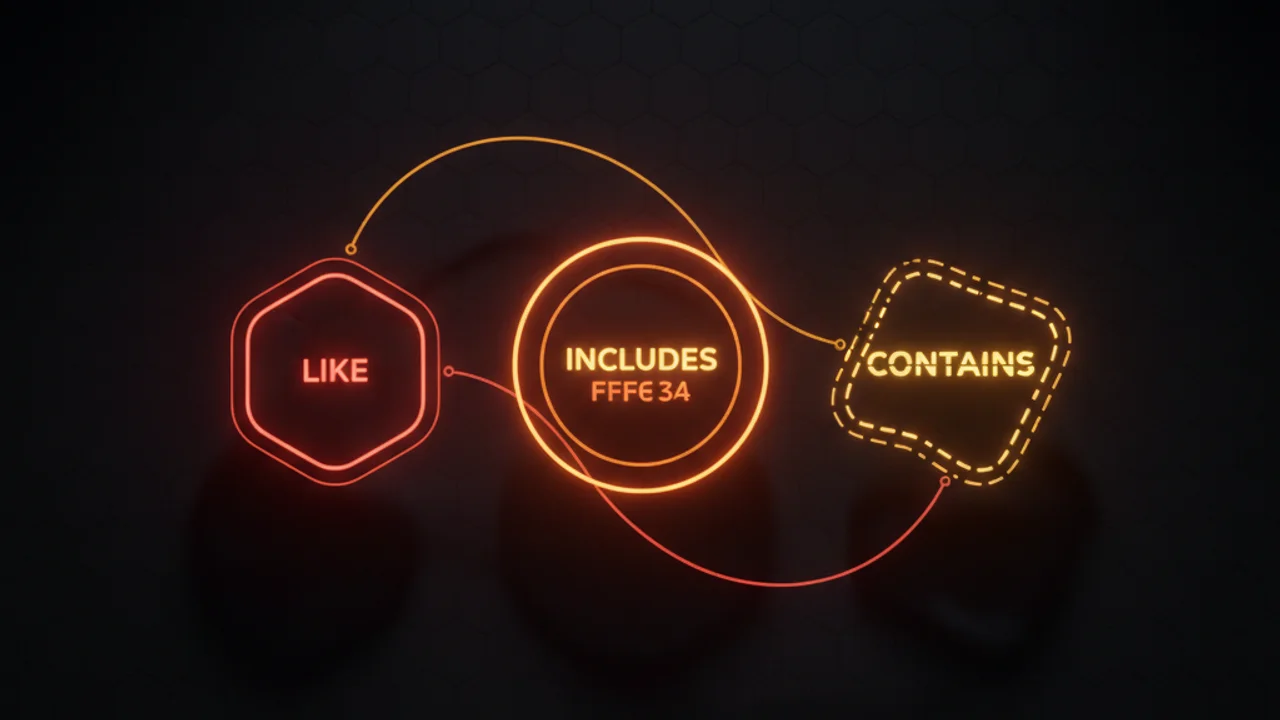

A surprising number of "SOQL contains" questions on the Trailblazer Community come down to picking the wrong operator for the field type. SOQL has no CONTAINS keyword at all, and the three operators that do express containment behave very differently.
The decision rule
| Your field is... | Your goal is... | Use |
|---|---|---|
| Text (String, Email, URL, TextArea) | Find rows where the field has a substring | LIKE '%substring%' |
| Multi-select picklist | Find rows where the field includes one or more values | INCLUDES('Value1;Value2') |
| Anything | Free-text search across many fields/objects | SOSL FIND {term} IN ALL FIELDS |
| Long Text Area, Rich Text | Substring search | LIKE works but is slow, so prefer SOSL |
| Number, Date, Boolean | "Contains" doesn't apply | Use =, >=, IN, BETWEEN |
LIKE: substring matching for text fields
LIKE is the closest thing SOQL has to a CONTAINS operator. The % wildcard matches zero or more characters; the _ wildcard matches exactly one:
// Substring (CONTAINS-equivalent)
SELECT Id, Name FROM Account WHERE Name LIKE '%consulting%'

// Starts with
SELECT Id, Name FROM Account WHERE Name LIKE 'Acme%'

// Ends with
SELECT Id, Name FROM Account WHERE Name LIKE '%Inc.'

// Single-character wildcard
SELECT Id FROM Lead WHERE FirstName LIKE 'J_n'  // matches Jan, Jon, Jen
Note: a leading % (like '%consulting%') defeats Salesforce's index optimizer, so the query plan has to scan more rows. For LDV scenarios, anchor at the start ('consulting%') or use SOSL.
INCLUDES: the multi-select picklist operator
Multi-select picklists are the one place LIKE doesn't reliably work. Salesforce stores their values as semicolon-separated strings internally, but the order isn't guaranteed and partial matches can collide with longer values. Always use INCLUDES:
// Find Accounts tagged VIP — works regardless of where VIP appears in the list
SELECT Id, Name FROM Account WHERE Tags__c INCLUDES ('VIP')

// Multiple values: AND semantics within parens (must include both)
SELECT Id, Name FROM Account WHERE Tags__c INCLUDES ('VIP;Enterprise')

// OR semantics: separate quoted strings
SELECT Id, Name FROM Account WHERE Tags__c INCLUDES ('VIP', 'Enterprise')

// Inverse — does NOT contain
SELECT Id, Name FROM Account WHERE Tags__c EXCLUDES ('VIP')
The combination 'VIP;Enterprise' (semicolon, single string) means "must contain BOTH VIP and Enterprise." Splitting them as 'VIP', 'Enterprise' (two separate strings) means "contains either VIP OR Enterprise." This is the most-missed nuance of INCLUDES.
SOSL: when you need cross-object search
If your "contains" question spans multiple fields or multiple objects (e.g., a global search bar that searches accounts, contacts, AND opportunities), use SOSL. It's purpose-built for this, and Salesforce maintains a separate full-text index:
List<List<SObject>> results = [
  FIND {acme corp}
  IN ALL FIELDS
  RETURNING
    Account(Id, Name),
    Contact(Id, FirstName, LastName, Email),
    Opportunity(Id, Name, StageName)
  LIMIT 50
];

List<Account> accounts = (List<Account>) results[0];
List<Contact> contacts = (List<Contact>) results[1];
A SOSL statement chains in order: the typed search term, then an optional IN [field group], then the typed return clauses, one per object. Each return list keeps the order you specified.
The "I want CONTAINS" decision tree
- Searching one text field for a substring?
LIKE '%term%'. - Searching a multi-select picklist for a value?
INCLUDES('value'). - Searching multiple fields or multiple objects? SOSL
FIND. - Searching a Long Text Area? SOSL is faster.
- Is the field a Number, Date, or Boolean? "Contains" doesn't apply; use the appropriate comparison.
Common mistakes
- Using LIKE on multi-select picklists. Will work some of the time, fail unpredictably the rest. Always
INCLUDES. - Forgetting wildcards on LIKE.
WHERE Name LIKE 'consulting'is exact-match, not substring. You must include%. - Leading wildcard on a non-indexed field at LDV. Tanks performance. Switch to SOSL or restructure the query.
- Swapping the AND and OR semantics in INCLUDES.
INCLUDES('A;B')is AND;INCLUDES('A', 'B')is OR. Easy to get backwards.
CONTAINS isn't a SOQL keyword, and you almost never need it. LIKE handles substring search, INCLUDES handles multi-selects, and SOSL handles everything else.


Leave a Comment