

Why we use Salesforce External Objects
Ever had a stakeholder ask to see millions of ERP rows inside your org without actually moving the data? That is exactly where Salesforce External Objects come into play. I have seen teams waste months trying to build custom sync engines when they could have just used this feature to point at the data where it already lives.
Look, the idea is simple. Salesforce External Objects are basically just metadata. They look and act like custom objects in your setup, but the records never actually touch your Salesforce storage. When a user clicks a tab or looks at a related list, Salesforce goes out and grabs that data in real time. It's a lifesaver when you are managing Salesforce large data volumes that would otherwise blow up your storage costs.
The basics you need to know
- These objects always end with the
__xsuffix. - The data is fetched on demand, so it's always as fresh as the source system.
- You don't have to worry about "stale" data or sync errors.
Making sense of relationships
One thing that trips people up is how to link these external records to your actual Accounts or Contacts. You can't just use a standard Lookup because the data doesn't exist in the same database. So, Salesforce gives us two specific tools for this.
First, you've got External Lookups, which link two external objects together. But the real winner is the Indirect Lookup. This lets you link a standard Salesforce object to an external record by using a unique External ID. I've used this many times to link SAP invoice data directly to a Salesforce Account record without writing a single line of code.
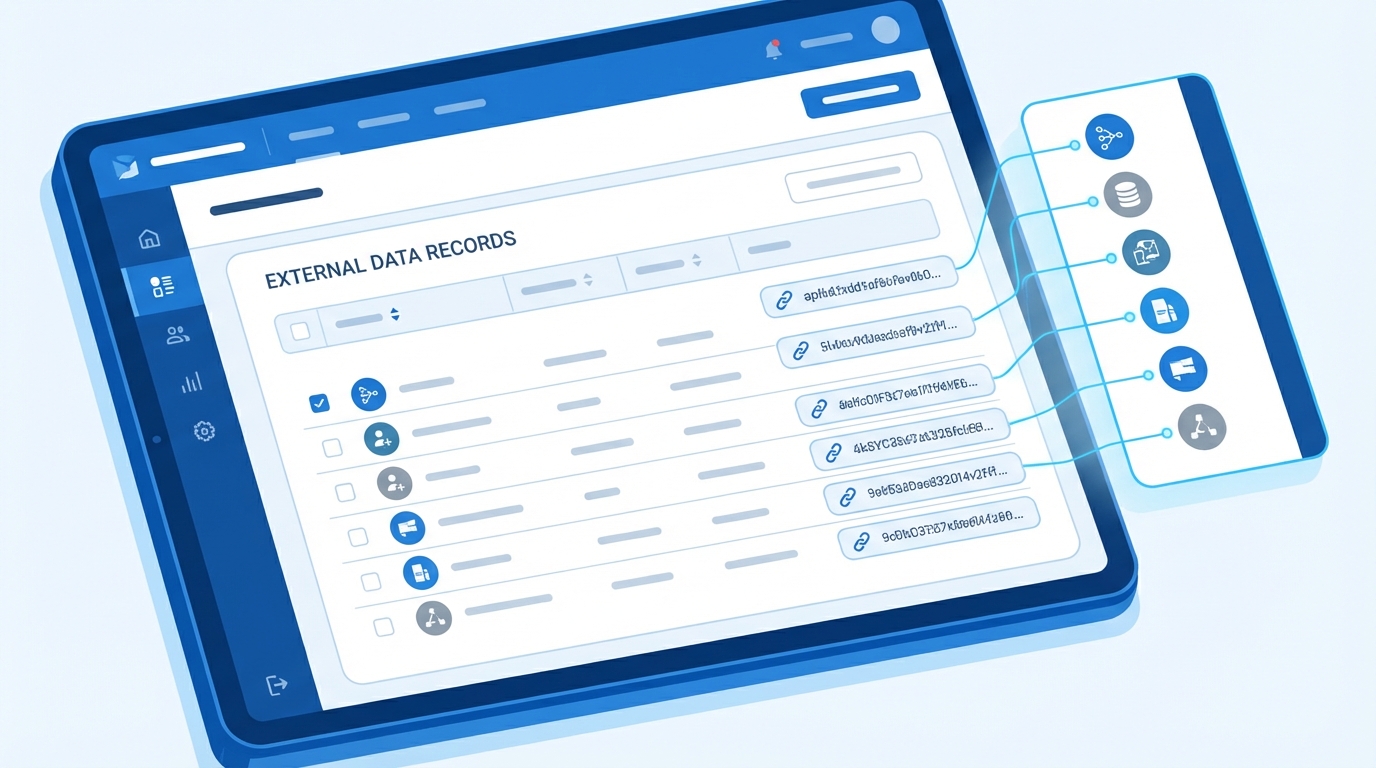
A professional UI mockup of a CRM record page showing a related list of integrated external data records.
The "Gotchas" with Salesforce External Objects
Now, here's the thing: it isn't all magic. I've seen projects hit a wall because the architect didn't read the fine print on limitations. You can't just treat an external object like a regular one and expect it to behave the same way.
Don't treat an external object like a standard one. It is a window into another system, not a bucket inside your own. If the source system is slow, your Salesforce page will be slow too.
But what does this actually mean for your day-to-day? Here are the big ones to watch out for:
- You are capped at 200 external objects per org.
- SOQL queries are limited to 4 joins across external objects.
- Forget about MIN(), MAX(), or SUM() functions. They just won't work.
- You can't use GROUP BY or HAVING clauses in your queries.
Why Salesforce Connect is the engine
So how does this actually happen? Salesforce Connect is the actual integration layer that does the heavy lifting. It's one of the best Salesforce integration options when you need to surface data from an ERP, a legacy database, or even another Salesforce org.
I've found it works best for things like billing history or shipping status. These are data points that a rep needs to see, but they don't necessarily need to run complex Salesforce reports on them. Since the data stays in the source system, you save a fortune on data storage fees while keeping your users happy.
Key Takeaways
- Salesforce External Objects are great for massive datasets you don't want to migrate.
- Use Indirect Lookups to connect your CRM records to external data.
- Always check the latency of the external system before you commit to this path.
- Remember the 4-join limit when designing your UI and reports.
At the end of the day, Salesforce External Objects are about speed and efficiency. If you need to show data without the headache of a full-blown ETL process, this is your best bet. Just make sure you plan around the query limitations and keep an eye on performance. If you do that, your users will get the data they need without you having to manage a messy data sync every night.




Leave a Comment