


Why we use Salesforce External Objects
Ever had a stakeholder ask to see millions of ERP rows inside your org without actually moving the data? That is what Salesforce External Objects are for. I have seen teams waste months building custom sync engines when they could have pointed at the data where it already lives.
The idea is simple. Salesforce External Objects are metadata. They look and act like custom objects in your setup, but the records never touch your Salesforce storage. When a user clicks a tab or opens a related list, Salesforce goes out and grabs that data in real time. It saves you when you are managing Salesforce large data volumes that would otherwise blow up your storage costs.
The basics you need to know
- These objects always end with the
__xsuffix. - The data is fetched on demand, so it's always as fresh as the source system.
- You don't have to worry about "stale" data or sync errors.
Making sense of relationships
One thing that trips people up is how to link these external records to your actual Accounts or Contacts. You can't use a standard Lookup, because the data doesn't live in the same database. So Salesforce gives us two specific tools for this.
External Lookups link two external objects together. Indirect Lookups link a standard Salesforce object to an external record through a unique External ID, and that is the one I reach for most. I've used it many times to hang SAP invoice data off a Salesforce Account record without writing a single line of code.
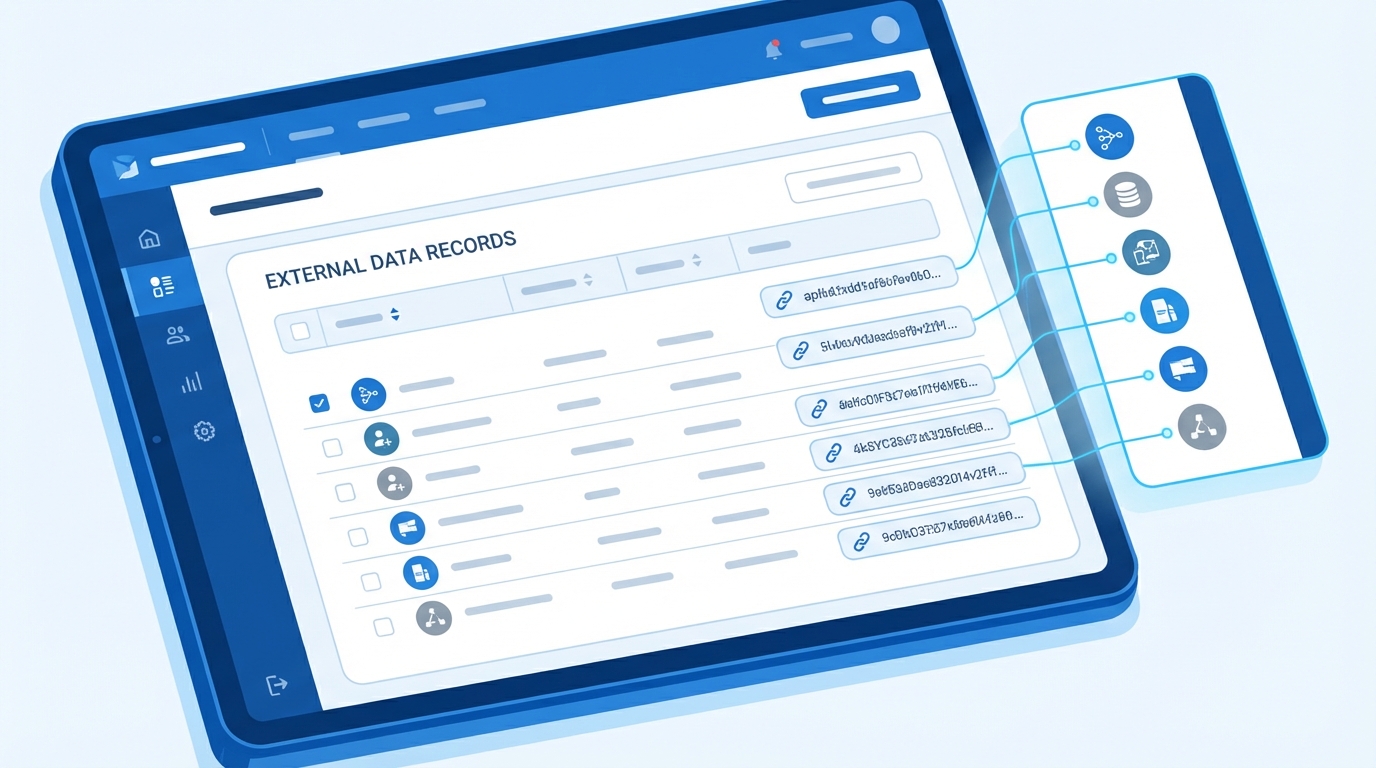
A CRM record page with a related list of external records fetched from the source system.
The "Gotchas" with Salesforce External Objects
It isn't all magic. I've seen projects hit a wall because the architect didn't read the fine print on limitations. You can't treat an external object like a regular one and expect it to behave the same way.
Don't treat an external object like a standard one. It is a window into another system, and the records stay on the far side of the glass. If the source system is slow, your Salesforce page will be slow too.
The big ones to watch out for:
- You are capped at 200 external objects per org.
- SOQL queries are limited to 4 joins across external objects.
- Forget about MIN(), MAX(), or SUM() functions. They just won't work.
- You can't use GROUP BY or HAVING clauses in your queries.
Why Salesforce Connect is the engine
Salesforce Connect is the integration layer that does the actual work. It's one of the best Salesforce integration options when you need to surface data from an ERP, a legacy database, or even another Salesforce org.
I've found it works best for things like billing history or shipping status. A rep needs to see those, but they don't necessarily need to run complex Salesforce reports on them. Since the data stays in the source system, you save on data storage fees and your users still get what they came for.
Key takeaways
- Salesforce External Objects suit massive datasets you don't want to migrate.
- Use Indirect Lookups to connect your CRM records to external data.
- Always check the latency of the external system before you commit to this path.
- Remember the 4-join limit when designing your UI and reports.
Salesforce External Objects are about speed and efficiency. If you need to show data without the headache of a full ETL process, this is your best bet. Just plan around the query limitations and keep an eye on performance. Do that and your users get the data they need without you having to manage a messy data sync every night.


Leave a Comment