

If you've ever spent a late night debugging a failed integration, you've probably realized that Salesforce OAuth is usually the first place things go sideways. It's the handshake that lets your external apps talk to Salesforce without you having to hand over your actual username and password. Honestly, it's one of those things we all use every day, but many of us just copy-paste the settings from a blog post and hope for the best.
So, what is it actually? At its core, OAuth (Open Authorization) is just a way to give an app a "key" that only works for specific doors and for a limited time. In the Salesforce world, we call this key an access token. It's much safer than hardcoding credentials because you can revoke that key whenever you want without changing your main password.
Why Salesforce OAuth is your best friend (and worst enemy)
I've seen teams try to dodge the complexity of setting up a proper Salesforce OAuth flow by using legacy service accounts with static passwords. Please, don't do that. It's a massive security risk. When you use tokens instead of passwords, you get a few huge wins. First, you aren't sharing actual login info between services. Second, you can limit exactly what the app can do using something called scopes. If an app only needs to read contacts, you don't have to give it the keys to your entire metadata library.
One thing that trips people up is the difference between authentication and authorization. OAuth is about authorization - it's about what you're allowed to do. If you need to know "who" someone is, that's where OpenID Connect comes in, which is just an identity layer built right on top of OAuth. If you're planning a Salesforce API Integration, getting this distinction right is the first step toward a stable build.
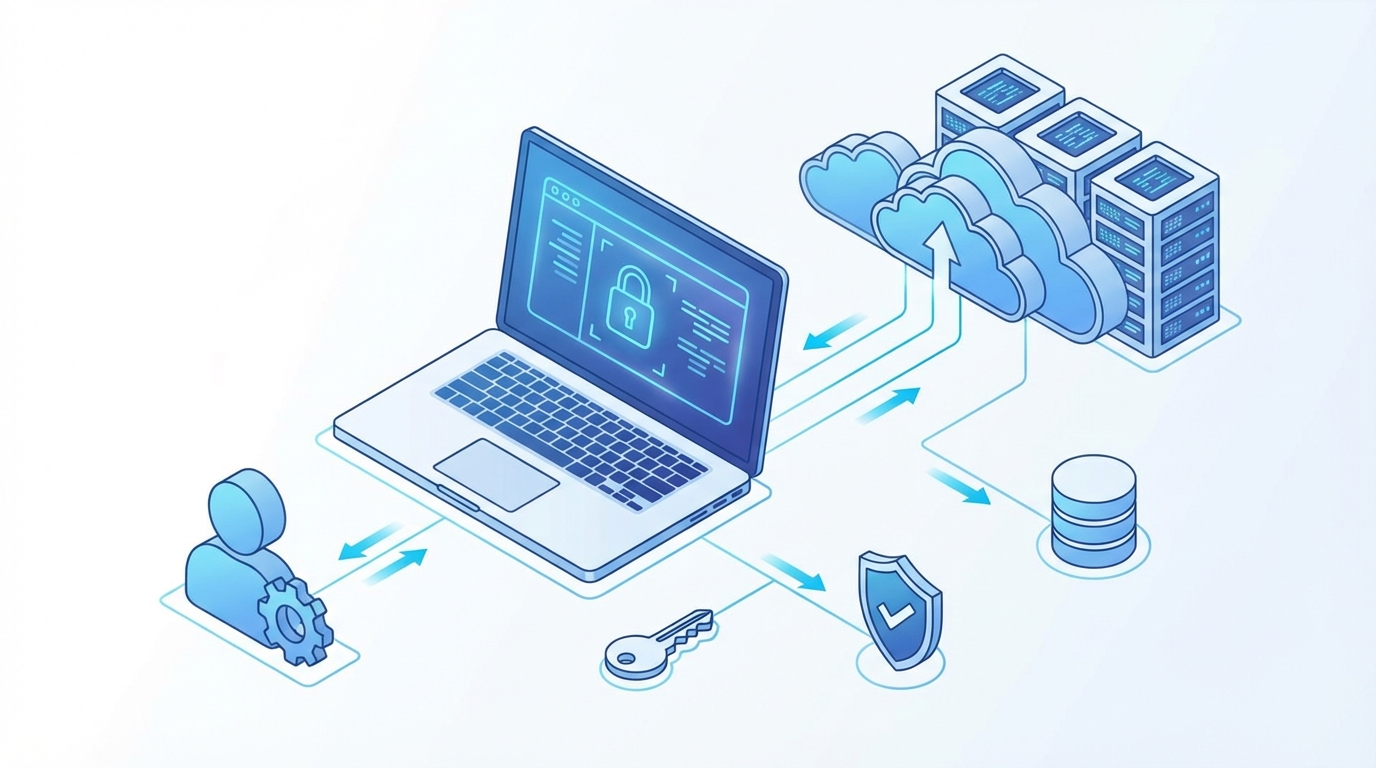
A high-quality architectural diagram illustrating the secure OAuth data flow between a client application and a cloud server.
Understanding the Salesforce OAuth flow
Before we look at the code, we need to know who the players are. Here's how I usually explain the cast of characters to junior devs:
- Resource Owner: That's the user. The person who owns the data in the org.
- Client: This is the app trying to get in, like a mobile app or a middleware tool. In Salesforce, you'll define this as a Connected App.
- Authorization Server: Salesforce itself. It's the one checking the ID and handing out the tokens.
- Access Token: The temporary key that lets the Client get data.
- Refresh Token: A special key used to get a new access token when the old one dies, so the user doesn't have to log in again.
Now, here's where it gets interesting. You don't just use one type of "handshake" for everything. If you're building a website where a user clicks a button to connect their Salesforce account, you'll use the Authorization Code flow. But if you have a server talking to another server with no human involved, you'll likely want the Salesforce JWT flow. It's a bit more work to set up with certificates, but it's the gold standard for secure, automated integrations.
The typical token exchange
Once you have your authorization code, you have to swap it for a token. It's a simple POST request, but one tiny typo in your URL-encoded body will break the whole thing. Here is what that request looks like behind the scenes:
POST /services/oauth2/token
Host: login.salesforce.com
Content-Type: application/x-www-form-urlencoded

grant_type=authorization_code&code=YOUR_AUTH_CODE&client_id=CONNECTED_APP_ID&client_secret=CONNECTED_APP_SECRET&redirect_uri=https://your-app.com/callback
If everything is set up correctly, Salesforce will hit you back with a JSON response that looks like this:
{
  "access_token": "00D...very_long_string",
  "signature": "base64_encoded_string",
  "scope": "refresh_token full",
  "instance_url": "https://your-instance.my.salesforce.com",
  "id": "https://login.salesforce.com/id/00D.../005...",
  "token_type": "Bearer",
  "issued_at": "1739345678",
  "refresh_token": "another_long_string"
}
Best practices from the field
Look, I've made plenty of mistakes with Salesforce OAuth over the years. Here are a few things I've learned the hard way that'll save you a headache. First, always use HTTPS. That sounds obvious, but you'd be surprised how often people try to test on local dev environments without it and wonder why the redirect fails. Second, keep your Client Secret actually secret. Never, ever put it in a public GitHub repo or embed it in a client-side Javascript file.
Pro tip: If you're building a mobile app or a Single Page App (SPA), use the Authorization Code flow with PKCE (Proof Key for Code Exchange). It adds an extra layer of security that prevents hackers from intercepting your authorization code. It's basically mandatory for modern apps now.
Another thing? Don't ask for "Full" scope if you don't need it. It's tempting because it's easy, but it's bad practice. Stick to specific scopes like "api" or "web" to keep your security posture tight. And please, make sure you have a plan for token rotation and revocation. If a laptop gets stolen or a server is compromised, you need to be able to kill those tokens instantly in the Salesforce UI.
Key Takeaways
- Salesforce OAuth is about delegated access - giving an app permission to act on your behalf without sharing your password.
- Connected Apps are the gateway for all OAuth traffic in Salesforce.
- Pick the right flow for your use case: Authorization Code for users, JWT for server-to-server.
- Always use the principle of least privilege when assigning scopes.
- Refresh tokens are great for UX, but they need to be stored securely.
Getting your head around these flows takes a minute, but once you've done it a few times, it becomes second nature. The next time you're setting up a new integration, take an extra ten minutes to double-check your scopes and your token storage. Your security team will thank you, and you'll sleep a lot better knowing you aren't leaving the front door wide open.




Leave a Comment