
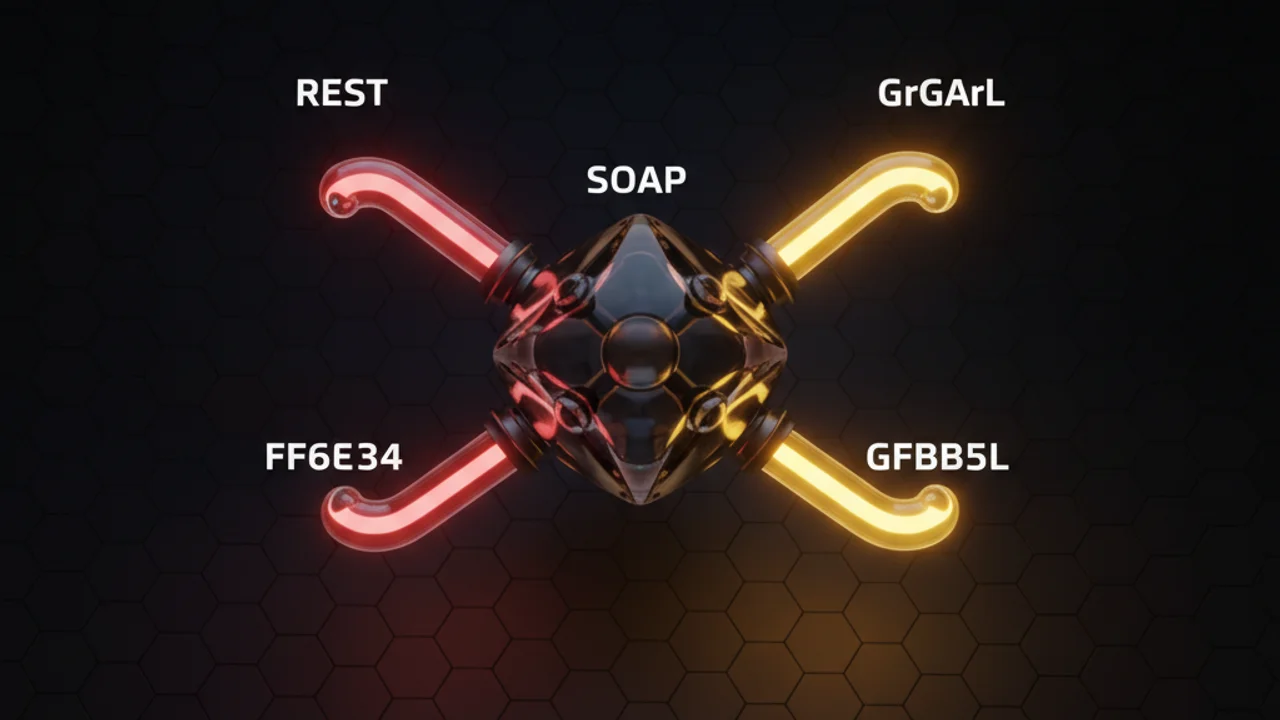

If you have been around the ecosystem for a while, you know that a solid Salesforce API integration is what separates a messy org from a well-oiled machine. I have spent years fixing integrations that were built with the wrong tools. Getting data from point A to point B is the easy half. The hard half is moving it without breaking your governor limits or making your users wait forever.
In my experience, architects jump straight into code before they look at the options, and choosing the wrong API can haunt you for months. Here is what I check before writing a line of it.
Choosing the right pattern for your Salesforce API integration
When you are planning your Salesforce API integration, you have to think about the "chattiness" of the system and the volume of data. Not every request needs a real-time response, and forcing one causes serious performance bottlenecks. Here is how I categorize the heavy hitters.
Core data access APIs
- REST API is the bread and butter for most web and mobile apps. It is lightweight and easy to work with. If you need quick CRUD operations, this is usually your first choice.
- SOAP API feels a bit old-school, I know. But for enterprise systems that require a strict contract (WSDL), it is still the king. If you are debating between the two, check out this breakdown of SOAP vs REST.
- Bulk API (v2) is what you want past a few thousand records. Please don't reach for the standard REST API there. Bulk v2 is built for managing large data volumes and does the work in the background, so you don't hit those pesky timeout limits.
- GraphQL API is a newer favorite. It lets you query exactly what you need in one go. Instead of making five calls to get an Account and its related Contacts, you do it in one shot. It is a huge win for front-end performance.
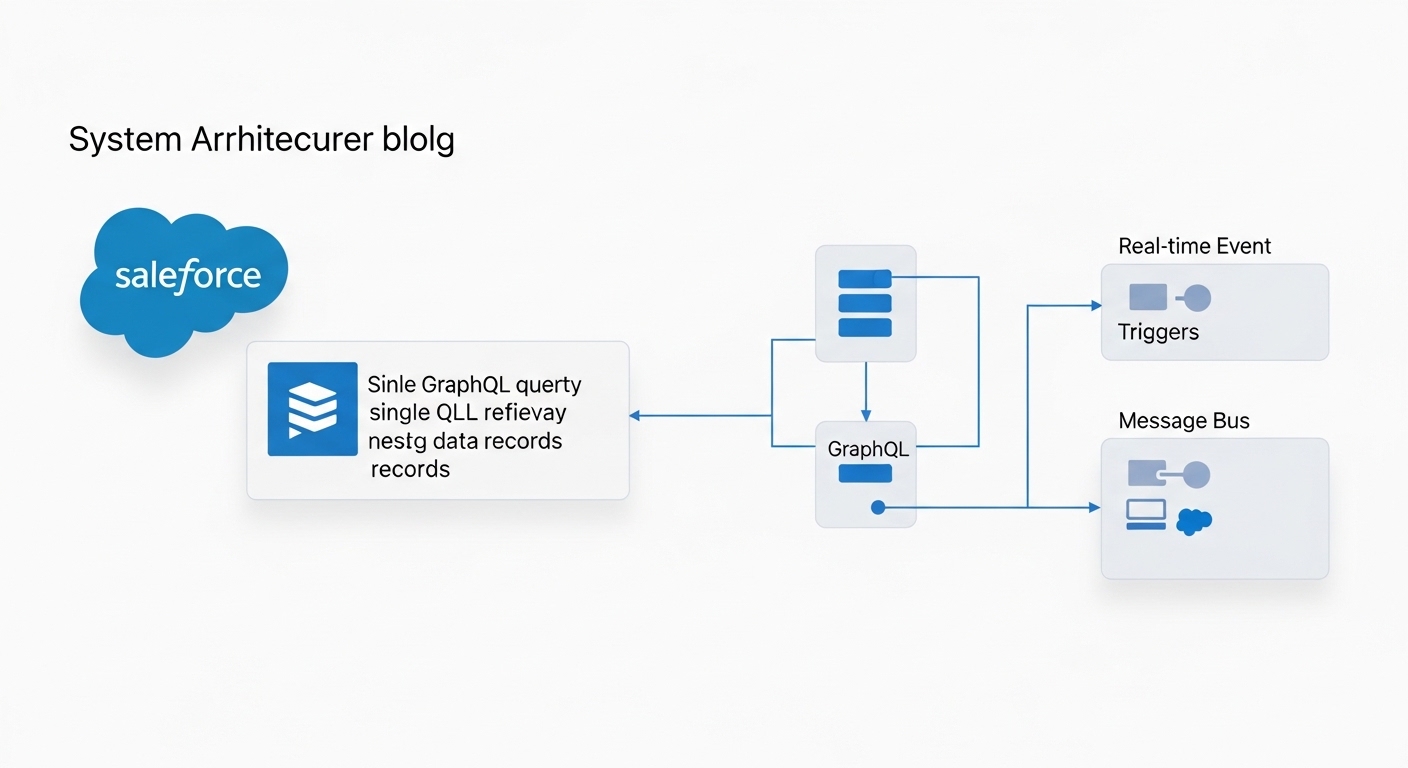
A technical architecture diagram showing a GraphQL data fetch and an event-driven streaming data flow between Salesforce and an external system.
Event-driven and streaming APIs
Polling is dead, or at least it should be. If your external system is constantly asking Salesforce "Is there new data yet?", you are wasting resources. Event-driven architecture is much cleaner.
- Platform Events are great for custom business logic. You can fire an event from a Flow or Apex and have an external system listen for it. I often get asked about Platform Events vs Outbound Messages, and honestly, Platform Events are almost always the more flexible choice.
- Change Data Capture (CDC) is a lifesaver if you only need to keep an external database in sync whenever a record changes. It publishes events automatically for creates, updates, and deletes.
Pro tip: When using CDC, watch your event limits. It is easy to turn it on for every object and then wonder why you ran out of your daily allocation by lunchtime.
Specialized APIs you shouldn't ignore
Most people focus on data, but a successful Salesforce API integration often involves the "meta" side of things. If you are building dev tools or complex automation, you'll need these.
- Metadata API is what your CI/CD pipelines use. It is how you move fields, layouts, and code between environments.
- Tooling API is what I use when I need to dig into the guts of the org, like checking Apex test results or reading logs programmatically.
- Apex REST is for when the standard API doesn't cut it. If you have a complex business process that takes multiple steps, you can write your own Apex REST endpoint and wrap it all into one clean call.
Best practices for a secure Salesforce API integration
Honestly, most teams get this wrong because they rush the security part. You can't just throw a username and password at an integration and call it a day. That is a disaster waiting to happen. Here is what I insist on for every project.
- Use OAuth and Named Credentials. Never hardcode secrets. Named Credentials make your life so much easier by handling the authentication logic for you.
- Design for resilience. Systems go down. It happens. Your integration should handle retries with exponential backoff. Don't let the process die and leave the data in a half-baked state.
- Least privilege. The integration user should only see what it absolutely needs. I've seen too many "Integration Users" with System Admin permissions. That is a massive security risk.
- Monitor everything. Set up alerts for when your API usage spikes or when error rates climb. You want to know there is a problem before your stakeholders start calling you.
Key takeaways
- Match the API to the volume: Bulk for millions of records, REST for single updates.
- Stop polling. Use Platform Events or CDC for real-time synchronization.
- Use Named Credentials and follow the principle of least privilege.
- Use Apex REST when you need to simplify complex logic for external callers.
On your next project, start by mapping out your data flow. Don't default to the REST API because it is familiar. Think about the limits, the scale, and how the system will behave when things go wrong. A Salesforce API integration that lasts takes a bit of foresight up front, and it saves you a lot of late-night debugging later.

Leave a Comment