


Ever felt like you're killing your org's performance with a hundred tiny HTTP calls? That's where the Salesforce Composite API comes in. I've seen teams struggle with latency and daily limits purely because they were making a separate call for every single record update, and once you start bundling them you wonder how you ever managed without it.
Why you should care about the Salesforce Composite API
The math is simple. Every time your external system talks to Salesforce there's overhead: the handshake, the headers, and the network travel time. If you're doing that 50 times for 50 records, you're wasting resources. The Salesforce Composite API lets you bundle those operations into one single request, so 50 round-trips become one. It's a huge part of building a Salesforce API Integration that actually scales as your data grows.
Transactional control matters as much as speed. If you're creating an Account and a Contact, you probably don't want the Account to exist when the Contact fails. With the right settings, this API handles that "all-or-none" logic for you. Anyone who has worked on REST integrations knows how much of a headache manual rollbacks can be.
A tip: always use the referenceId. It lets you link records together in one go, without waiting for the first call to finish and hand the ID back to your client.
Breaking down the Salesforce Composite API endpoints
Not all composite requests are the same. Salesforce gives us a few different flavors depending on what we're trying to do. Here's the breakdown of what I actually use in the field:
- /composite: the heavy lifter. You can mix and match different objects and even different methods (like a POST and a PATCH) in one call, and use the ID from the first step in the second step.
- /composite/batch: think of this as a bucket of unrelated tasks. You can send up to 25 subrequests, but they don't talk to each other, and if one fails the others keep going.
- /composite/tree/sObjectName: the best way to handle parent-child relationships. You send a nested JSON, and Salesforce builds the whole tree for you in one shot.
- /composite/sobjects: for those times when you have a bunch of records of the same type. It's a solid way of managing Salesforce large data volumes without moving all the way to the Bulk API.
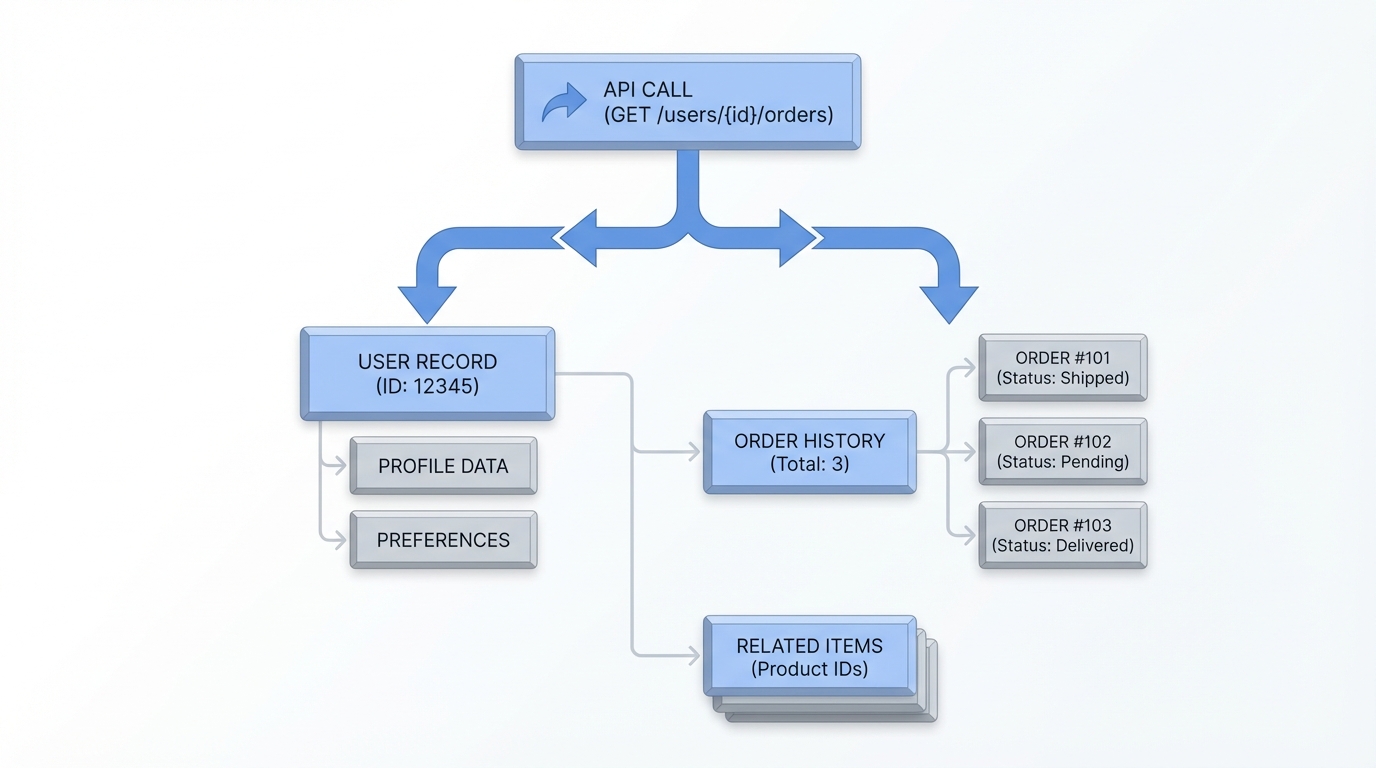
An architectural diagram illustrating a single API request creating multiple linked parent and child records in a cloud database.
Example: Linking an Account and Contact
In my experience, this is the most common use case: you want to create a customer and their primary contact at the same time. Here is how that looks in a standard composite request. Notice how we use the referenceId to link them.
POST /services/data/v60.0/composite
{
  "allOrNone" : true,
  "compositeRequest" : [
    {
      "method" : "POST",
      "url" : "/services/data/v60.0/sobjects/Account",
      "referenceId" : "newAcc",
      "body" : { "Name" : "Cloud Tech Inc" }
    },
    {
      "method" : "POST",
      "url" : "/services/data/v60.0/sobjects/Contact",
      "referenceId" : "newCon",
      "body" : {
        "FirstName" : "Alex",
        "LastName" : "Smith",
        "AccountId" : "@{newAcc.id}"
      }
    }
  ]
}
Salesforce creates the Account first. Then @{newAcc.id} tells the Contact which Account it belongs to, and the system handles the ID mapping internally. No extra code is needed on your end.
Example: Using the Tree resource
If you're doing a deep hierarchy, the Tree resource is even easier. The nesting implies the relationship, so you don't need the @{...} syntax at all. Here's a quick look at that:
POST /services/data/v60.0/composite/tree/Account
{
  "records" : [
    {
      "attributes" : { "type" : "Account", "referenceId" : "ref1" },
      "Name" : "Global Corp",
      "Contacts" : {
        "records" : [
          { "attributes" : { "type" : "Contact", "referenceId" : "con1" }, "FirstName" : "Sarah", "LastName" : "Connor" }
        ]
      }
    }
  ]
}
Things that might trip you up
One HTTP request does not mean you've escaped governor limits. People treat this as a "get out of jail free" card for SOQL or DML limits, and it isn't one. Each subrequest still counts against your transaction limits. If your triggers are heavy, you can still hit CPU timeouts.
Error handling also gets a bit more interesting. When you use allOrNone=true, the whole thing rolls back if one piece fails. That's great for data integrity, and your error parsing logic needs to be ready for it. You'll get a response body that tells you exactly which subrequest failed and why, so don't stop at a 200 OK status: look at the status of each item in the results array.
Key takeaways
- The Salesforce Composite API cuts network latency by bundling calls.
- Use
/compositewhen you need to link different objects usingreferenceId. - Use
/composite/treefor simple parent-child record creation. - Remember that governor limits (CPU, DML, SOQL) still apply to every subrequest.
- Set
allOrNoneto true if you need the entire batch to succeed or fail together.
Start by identifying your most chatty integrations. If you see a pattern of creating a parent and then immediately creating children, that's your first candidate for a rewrite. It'll save your API limits and make your external systems feel much faster. Building the JSON payload takes a little more effort, and the performance gains are worth it every single time.



Leave a Comment