

Why I prefer Salesforce Change Data Capture over polling
We've all done this one. You're trying to keep a SQL database or a search index updated with your CRM data, and your first instinct is a batch job that runs every five minutes. Don't. Salesforce Change Data Capture handles data synchronization by streaming changes as they happen, instead of asking the database "is there anything new yet?" every few seconds.
In my experience, polling gives you hit-or-miss data and wasted API limits. Salesforce Change Data Capture is a native event-based system. When someone creates, updates, or deletes a record, Salesforce pushes a change event out to a stream. The system is basically saying "hey, this just happened," and your external apps sit back and listen for those messages.
How the plumbing works
When you turn this on for an object, Salesforce starts publishing events to a specific channel. For the Account object the channel is /data/AccountChangeEvent. For custom objects it looks like /data/MyObject__cChangeEvent. It's predictable, which makes listeners easy to set up.
Subscribers usually connect using a CometD client. I've seen teams use the EMP Connector for Java or various Node.js libraries to catch these events. Once you're connected you get a JSON payload telling you exactly what changed: the fields that were actually touched, plus header info saying whether it was an update or a delete. You don't get the whole record every time.
Pro tip: Always check the
changeTypein the header. I've seen developers get confused when they receive an event for a deleted record and try to query it back from Salesforce. If it's a delete, the record is gone!
Here is what a typical update event looks like for an Account:
{
  "payload": {
    "ChangeEventHeader": {
      "entityName": "Account",
      "changeType": "UPDATE",
      "recordIds": ["001xx000003DGbYAAW"]
    },
    "Name": "New Acme Corp",
    "Industry": "Technology"
  }
}
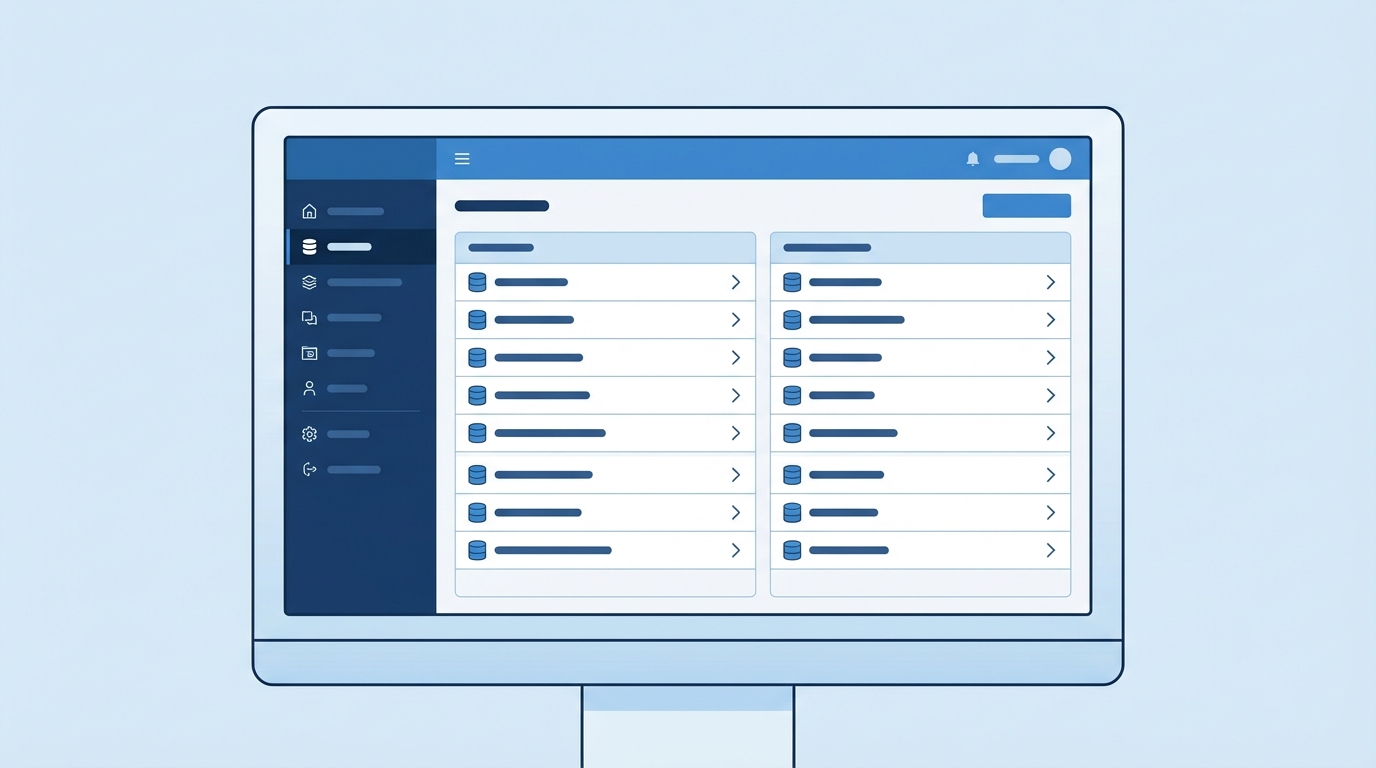
A professional UI mockup of a cloud software configuration page for selecting data objects for synchronization.
Configuring Salesforce Change Data Capture for your objects
Setting this up is about as easy as anything gets in Setup. Search for "Change Data Capture," select the objects you want to track, and move them to the "Selected Entities" column. There are no triggers to write and no logic to manage. But don't turn it on for everything. Each event counts against your limits, and a high-volume org can hit those ceilings faster than you'd think.
Reliability is why this matters. One thing that trips people up is what happens when your listener goes down. Maybe your middleware server crashed, or your internet blipped. Because these events carry a replayId, your system can come back online and ask for everything it missed. Older methods just lost a missed message forever.
Where this fits in your architecture
I usually recommend this tool for a few specific scenarios. If you're building a data warehouse or a real-time dashboard outside of Salesforce, this is where it earns its keep. It's also good for triggering microservices. When a Lead is converted, for example, you might want a separate system to provision a new user account. Rather than building a full integration, that system just listens for the change event.
If you're deciding between this and other tools, it helps to look at a comparison of Platform Events vs Outbound Message. They all send data out, but CDC is tied directly to the database layer. You don't have to fire it manually; it just happens.
Real-world limitations to keep in mind
There are some hard truths to deal with when you use Salesforce Change Data Capture. First, the retention period is short. You usually have 24 hours to replay missed events, or 72 hours if you're paying for the high-volume add-on. If your system is down for a long weekend, expect to do some manual syncing.
Then there are field types. Not every field is supported. I've had situations where we needed to track changes on long text areas or certain system fields, only to find they aren't included in the event payload. Check the documentation for your specific field types before you commit to this path. And if you're comparing different Salesforce integration options, CDC is good for data sync but might not be the right choice for complex multi-step orchestrations.
- Event volume: watch your hourly and daily limits. High-frequency updates can burn through your allocation quickly.
- Ordering: Salesforce tries to keep things in order for a single record, but don't bet your life on the order of events across different objects.
- Field selection: you get the fields that changed. If you need a full snapshot every time, you'll have to call back to Salesforce using the ID from the event.
Key takeaways
- Salesforce Change Data Capture is a native, event-driven tool for streaming record changes in real time.
- It uses a publish-subscribe model, which is far more efficient than polling the API.
- You can enable it for standard or custom objects with a few clicks in Setup.
- The built-in replay mechanism helps you recover data if your integration goes offline.
- Monitor your event limits so you don't hit governor caps in busy orgs.
Use it when you need to keep data in sync across systems without the overhead of custom code. Once you start using it, scheduled batch jobs for integration start to look like a lot of work for very little. Just keep an eye on those limits, and make sure your listener is built to handle the volume.

Leave a Comment