

Getting Started with Your Agentforce Developer Edition
Look, we all know the AI hype is real, but you can’t actually learn anything by just reading slides. You need to get into the platform and start building. That’s why the Agentforce Developer Edition is so useful. It’s a free, dedicated environment where you can mess around with autonomous agents and see how they actually interact with your data and flows.
I’ve seen teams try to test these things in a standard Dev Org, but you’ll run into walls pretty fast. This specific edition is pre-configured with the bits you need for AI development. It’s essentially your own private lab for testing out practical Agentforce use cases without any risk to your real data.
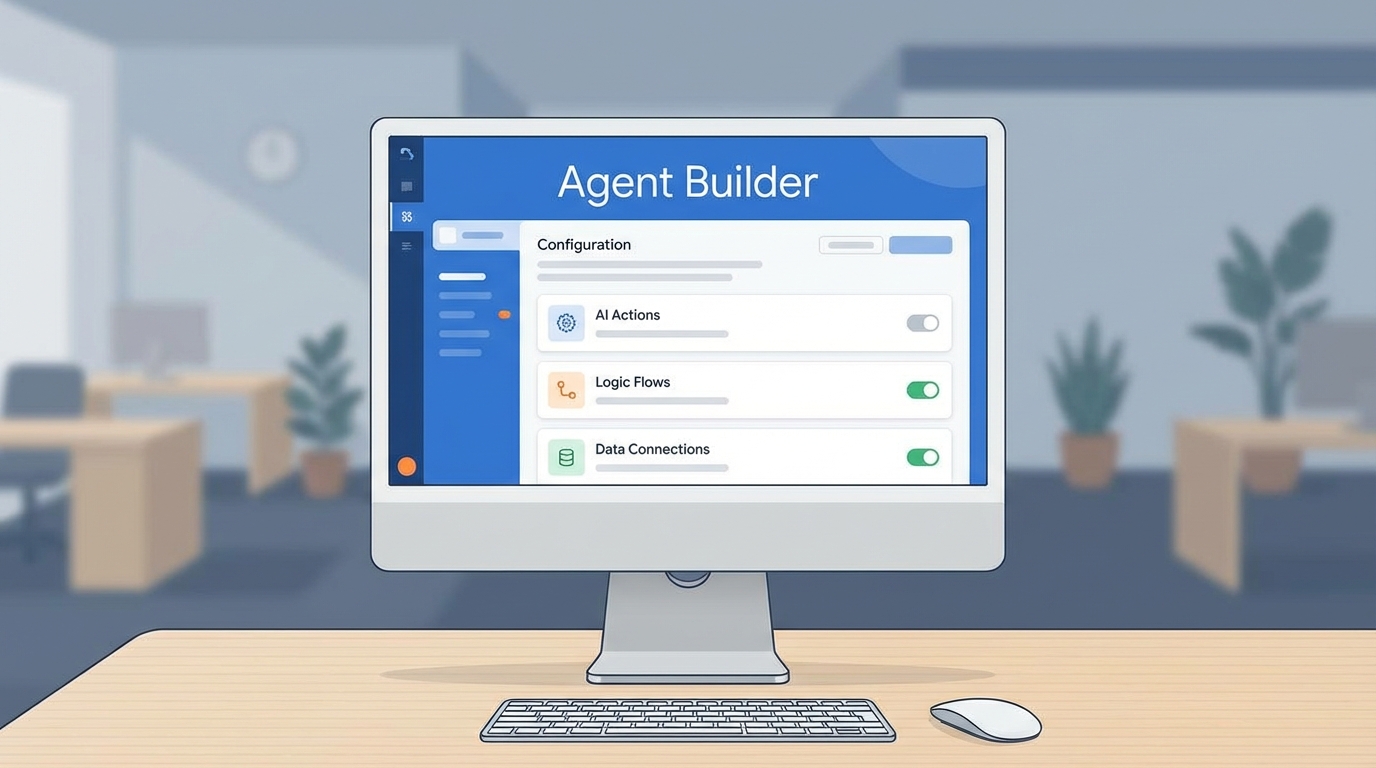
How to Sign Up for the Agentforce Developer Edition
Signing up is straightforward, but there’s a few things that trip people up. First, you need a fresh email address or at least one that isn’t already tied to a dozen other Dev Orgs. Salesforce is picky about usernames, and they have to be unique across the entire known universe – or at least the Salesforce ecosystem.
Go to the official Salesforce Developer signup page and look for the specific Agentforce Developer Edition link. If you just grab a standard DE org, you might find yourself missing the specific licenses and permissions needed to actually run an agent. Here is what you’ll need to fill out:
- Name and Email: Use an email you can actually check, because that activation link is your only way in.
- Role: Doesn’t really matter for the tech, but pick Developer or Architect to keep your profile relevant.
- Username: Make it something like
[email protected]. If it says the username is taken, just add a few random numbers at the end.
Pro Tip: I always keep a spreadsheet of my Dev Org usernames and the dates I created them. These things do expire if you don’t log in, so keep it active if you’re building something long-term.
Setting Up Your Agentforce Developer Edition Like a Pro
Once you’ve clicked that activation link and set your password, don’t just start clicking buttons. You’ll want to do a little bit of “housekeeping” first. I usually start by checking the Language and Time Zone settings. There is nothing more annoying than looking at timestamps that are eight hours off from your actual work day.
Next, you’ll want to head over to Setup and enable the Dev Hub. Even if you aren’t using scratch orgs today, you probably will later if you want to move your work into version control. It’s one of those things that is better to have on from day one. Also, take a look at the pre-loaded sample agents. They’re basically blueprints you can use to see how Salesforce structures an AI prompt and a logic flow.
Managing Security and Limits
Here’s the thing: even though this is a “Developer” org, it still has limits. You’ll want to keep an eye on your API usage, especially if you’re connecting your agents to external systems using tools like Postman. I’ve seen developers burn through their daily limits by running poorly optimized loops in an agent’s logic.
But what about security? Honestly, most teams get this wrong. Even in a test org, you should practice the principle of least privilege. Don’t just give every integration “System Admin” rights. Create a specific profile for your tests so you know exactly what your agent can and can’t see.
Common Gotchas to Watch Out For
One thing that trips people up is the feature flag situation. Sometimes, even in an Agentforce Developer Edition, a specific feature might be turned off by default. If you can’t find a menu item that the documentation says should be there, check your Permission Set Assignments first. Usually, there’s a specific “Agentforce” or “Einstein” permission set you need to give yourself.
And don’t forget that these orgs are essentially sandboxes. If you’re coming from a background of building standard Copilot implementations, you might want to check out these Einstein Copilot gotchas because many of them still apply here. The metadata is helpful for learning, but I wouldn’t bet my life on it being perfectly clean for a production migration.
Key Takeaways
- The Agentforce Developer Edition is a specific org type, not just a standard DE org.
- Usernames must be unique across all Salesforce orgs – add numbers if you’re stuck.
- Enable Dev Hub immediately to keep your options open for source-driven development.
- Monitor your API limits when testing agents that make callouts to external services.
- Use the pre-loaded sample templates to learn how the pros structure agent logic.
So, what’s the next step? Once you’ve got the org up and running, start by building a simple agent that handles a basic task, like summarizing a Case or updating a Lead. Don’t try to build a world-changing AI on day one. Just get the plumbing working, see how the data flows, and go from there. Happy building!