
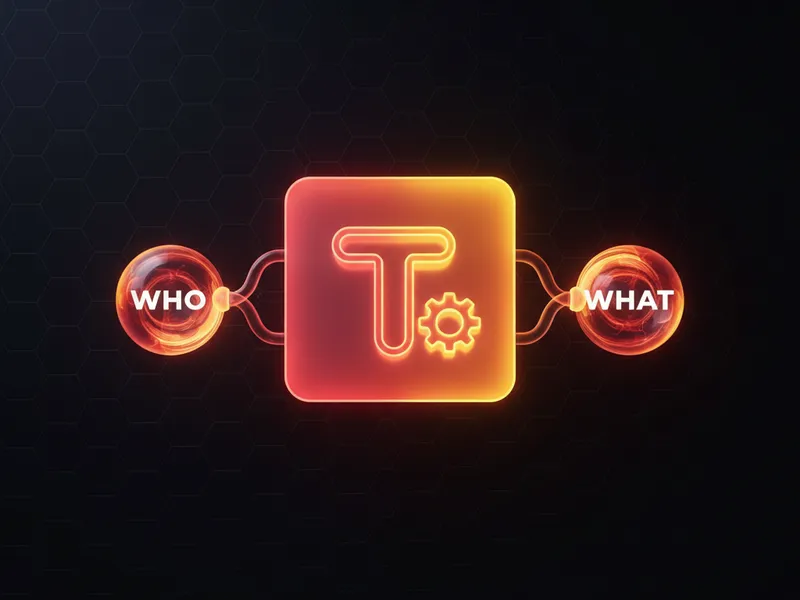
If you've spent any time working with Tasks or Events, you've definitely run into WhoId and WhatId. These are the two polymorphic lookup fields that let us link an activity to people and business records. Now, if the term "polymorphic" sounds like something out of a sci-fi movie, don't worry. It just means these fields can look up to more than one type of object at the same time.
I've seen plenty of developers get confused when trying to query these fields or use them in automation. But once you understand the "Who" vs. the "What," everything clicks. Let's break down how this actually works in a real org.
The breakdown of WhoId and WhatId
Think of these fields as two different buckets. One bucket is for people, and the other is for everything else. When you're bulk creating tasks in Flow, getting these IDs right is the difference between a clean timeline and a mess of orphaned records.
WhoId is for people
WhoId is the "Who" of the conversation. It points to a person. In standard Salesforce, that means it's either going to be a Lead or a Contact. If you're logging a call with a prospect, the WhoId is that Lead record. If you're meeting with an existing client, it's the Contact record. If you try to put an Account ID in here, Salesforce will throw an error faster than you can hit save.
WhatId is for business objects
WhatId is the "What" of the activity. It's the context or the business object. This is where you link the task to an Account, an Opportunity, a Case, or even a custom object you've built. One thing that trips people up? You can't put a Lead or Contact in the WhatId field. Salesforce reserves that strictly for non-person entities.
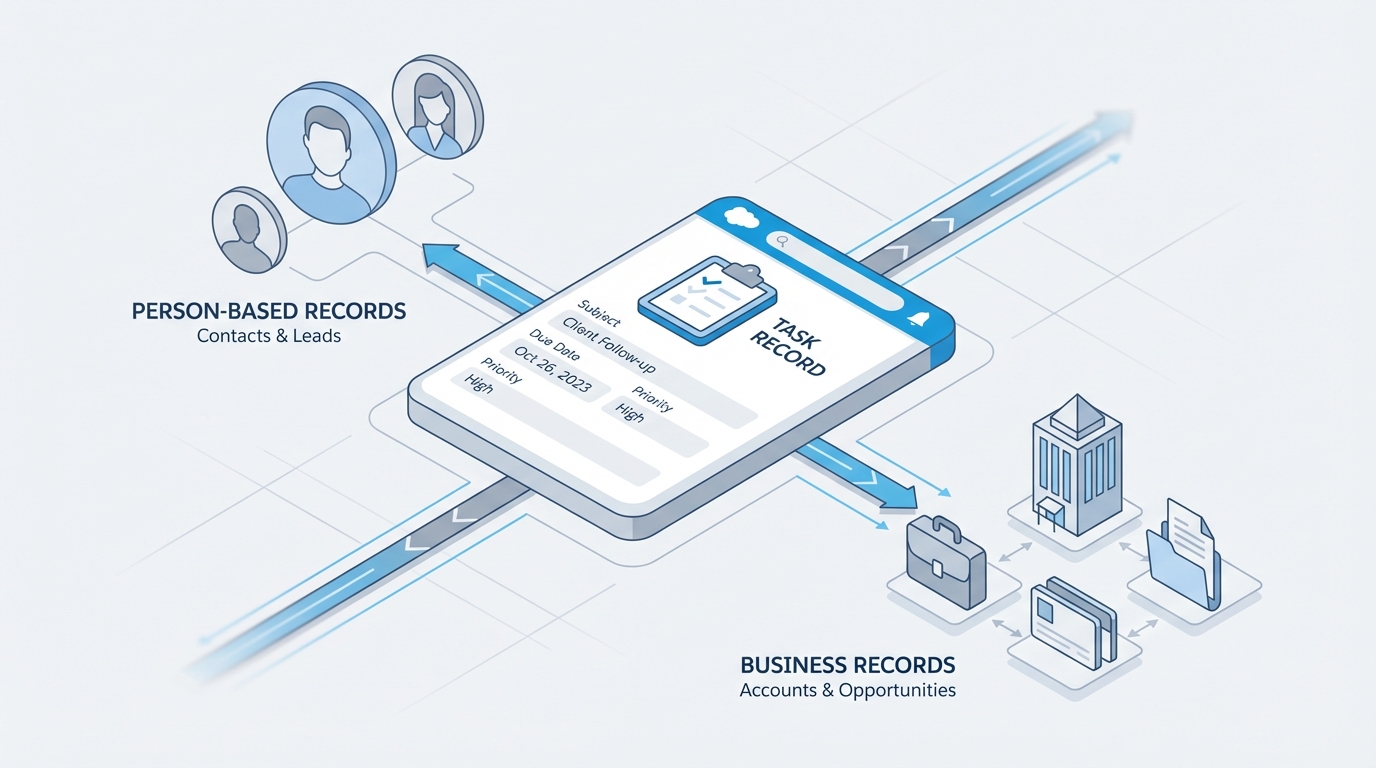
A technical diagram illustrating the relationship between a Salesforce Task and its related records, distinguishing between person-based entities and business-based objects.
Why WhoId and WhatId matter for developers
When you're writing SOQL, these fields can be a bit tricky because they're polymorphic. You can't just use standard dot-notation to get fields from the related record in a simple way. But since API version 30.0, we've had the TYPEOF operator, which is a lifesaver for querying different fields based on the object type.
Here's how I usually handle this in a query when I need details from the "Who" record:
SELECT Subject,
TYPEOF WhoId
  WHEN Contact THEN Name, Email
  WHEN Lead THEN Company, Name
END
FROM Task
WHERE Status = 'Open'
Now, if you're working in Apex logic, you'll often use getSObjectType() to figure out what you're dealing with. I've seen teams try to hardcode ID prefixes - like checking if an ID starts with "003" for Contacts - but please don't do that. It's brittle. Use the SObject methods instead to keep your code clean.
One of the biggest headaches with WhoId and WhatId is reporting. If you're trying to show tasks related to both a Contact and an Opportunity, you need to make sure both fields are populated. If you leave the WhatId blank, that activity might vanish from your Opportunity reports, even if the Contact is related to that Opportunity.
Common pitfalls and limitations of WhoId and WhatId
So what does this actually mean for your day-to-day work? Well, there are a few things you just can't do. For example, you can't use these fields in standard cross-object formula fields. If you want to show the Account's region on a Task record, you're going to have a hard time doing that with a simple formula. You might need to choose between Apex or Flow to sync that data over to a custom field.
Another thing is validation rules. Since these fields can point to so many different things, writing a rule that only triggers when the WhatId is a specific custom object is tougher than it looks. You usually end up checking the ID prefix, which is okay for a quick fix, but it isn't exactly the most elegant solution.
Key Takeaways
- WhoId always refers to a person (Lead or Contact).
- WhatId refers to the business object (Account, Opportunity, Case, etc.).
- An activity can have both fields filled out at the same time.
- You can't use these fields in standard cross-object formulas.
- Use
TYPEOFin SOQL to get specific fields from the related records.
If you're preparing for a senior developer interview, expect a question on this. It's one of those fundamental pieces of the Salesforce data model that proves you actually know how the platform handles relationships under the hood.
At the end of the day, getting comfortable with WhoId and WhatId is about knowing which bucket your record falls into. Is it a person? Use WhoId. Is it a thing? Use WhatId. Keep that straight, and your activity history will actually make sense to your users and your reporting team.




Leave a Comment