


Why the timing of before vs after triggers matters
If you're writing Apex, one of the first big decisions you'll face is choosing between before and after triggers. It seems like a small detail, but getting it wrong can lead to unnecessary DML statements or even nasty recursive loops that crash your production org. I've been there, and it isn't fun.
I've seen plenty of developers get confused about this when they're just starting out. It comes down to where the record is in its journey to the database. Do you want to change the record before it's saved, or do you need to do something else once the save is a done deal?
If you are still getting comfortable with the basics, you might want to brush up on what is a Salesforce Apex trigger before you start worrying about the timing. If you're ready to write some code, here's how to choose the right event.
When to stick with a before trigger
If you need to update a field on the record that actually fired the trigger, you should almost always use a before trigger. The record hasn't been saved to the database yet, so you can change values in Trigger.new and Salesforce will save those changes automatically without you having to call an update statement.
That makes same-record updates much faster. It saves you from hitting governor limits because you aren't firing extra DML operations. It's also the only place where you should be running validation logic. If something looks wrong, you use addError() to stop the save right in its tracks.
Common times I use before triggers:
- Setting default values like an Account industry or a Lead source.
- Calculating a custom field based on other values on the same record.
- Cleaning up data, like trimming extra spaces from a phone number or email.
- Blocking a save because the data doesn't meet your business rules.
// Simple example: setting a default industry
trigger AccountBeforeInsert on Account (before insert) {
    for (Account a : Trigger.new) {
        if (a.Industry == null) {
            a.Industry = 'Prospecting';
        }
    }
}
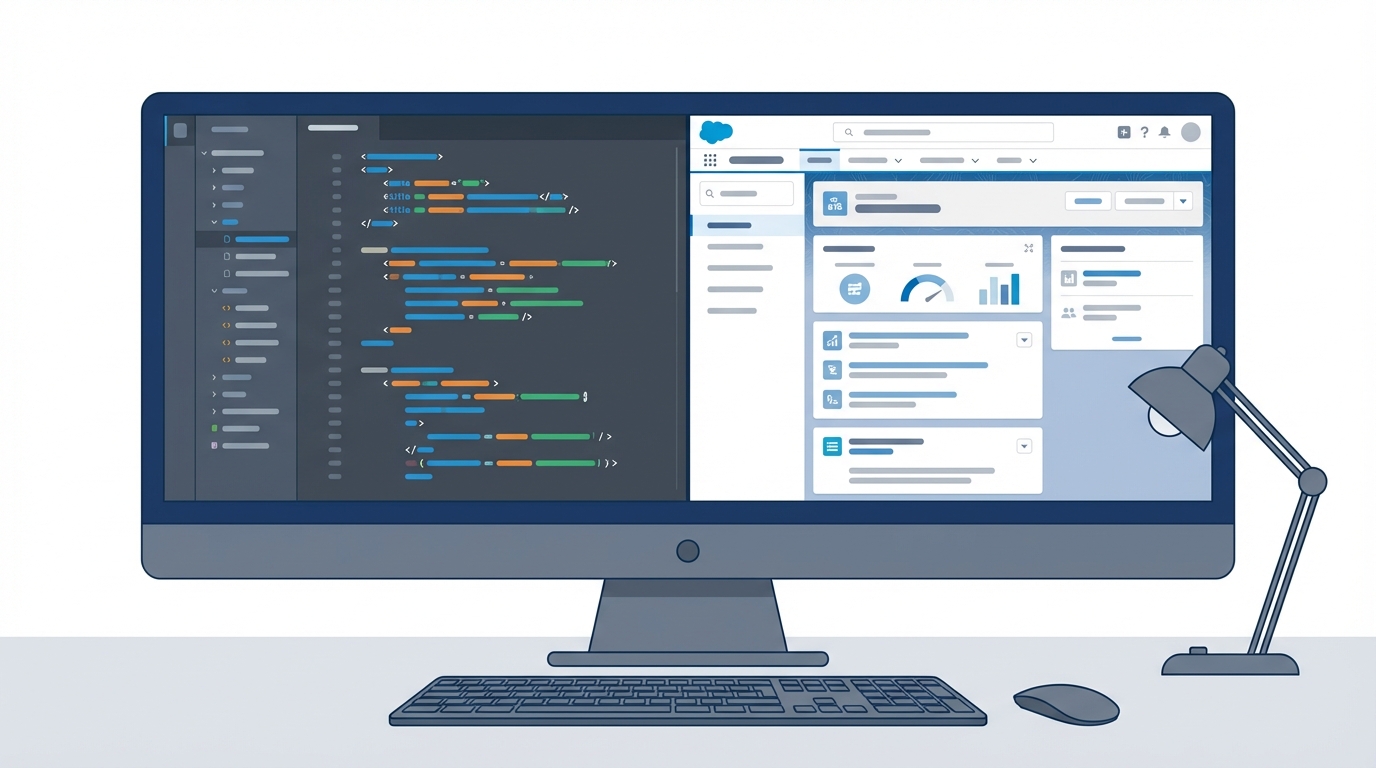
A split-screen illustration showing a code editor with Apex trigger logic next to a Salesforce record detail page.
A practical cheat sheet for before vs after triggers
The choice is really about knowing what data you have access to at that specific moment. In a before insert trigger, the record doesn't have an Id yet. If you need that Id to link a child record, you're out of luck until the after trigger fires.
If you find yourself writing "update Trigger.new;" inside your code, you've probably used an after trigger where a before trigger belonged. Switching to a before trigger will make your code cleaner and faster.
Going with an after trigger
So when do you actually need an after trigger? You use them when you need information that only the database can provide, like the Record Id or the CreatedDate. Since the record has already been committed to the database (though the transaction isn't fully finished), those values are finally available to you.
In my experience, after triggers are the go-to choice when you need to affect other records. If you want to create a Task every time a Contact is created, or if you need to update a parent Account based on a child Opportunity, the after event is what you want. Just remember that any changes you make here require an explicit DML statement like insert or update.
You'll usually use after triggers for:
- Creating related records (like a welcome Task for a new user).
- Updating other objects that aren't the one firing the trigger.
- Firing off asynchronous logic, like a Queueable or Future method.
- Working with rollup summaries that need the data to be saved first.
// Example: creating a follow-up task after a contact is saved
trigger ContactAfterInsert on Contact (after insert) {
    List<Task> tasks = new List<Task>();
    for (Contact c : Trigger.new) {
        tasks.add(new Task(
            Subject = 'Follow up with new lead',
            WhoId = c.Id,
            Priority = 'Normal'
        ));
    }
    if (!tasks.isEmpty()) insert tasks;
}
Deciding between code and automation
Before you go writing triggers for everything, it is worth checking if you can do this with Flow. Salesforce has moved a lot of "before" logic into Fast Field Updates in Flow. I often find myself weighing Apex vs Flow depending on how complex the logic is. If it's a simple field update, Flow is usually fine. But for heavy-duty processing, stick to the trigger.
Key takeaways
- Before and after triggers aren't interchangeable. Choosing the wrong one usually leads to more work for the database.
- Use before for same-record updates and validation to save on DML limits.
- Use after when you need the record Id or need to touch related records.
- Never put your logic directly in the trigger file. Use a trigger handler pattern instead.
- Always bulkify your code so it doesn't break when you upload 200 records at once.
Getting the timing right is half the battle with Apex. If you're just updating the record you're on, keep it in a before trigger. If you're reaching out to other parts of the database, move it to an after trigger. Stick to that rule and you'll avoid most of the common headaches developers face.


Leave a Comment