

We've all been there. You build a beautiful automation, it works in the sandbox, and then you find out your Salesforce Flow data integrity is non-existent because a user found a way to bypass a rule. If you aren't thinking about how to keep your data clean from the start, you're just building a faster way to create bad data.
I've seen plenty of orgs where Flows just "fire and forget." When your automation starts making changes, it has to be predictable. You don't want one update to trigger a cascading mess that breaks your integrations or leaves your records in a half-finished state.
Why Salesforce Flow data integrity matters
This comes down to trust. If your sales team can't trust the data because a Flow overwrote a field it shouldn't have, they'll stop using the system. I once worked on a project where a single loop without a filter created 10,000 duplicate tasks in ten minutes. That's a bad day for everyone.
Salesforce Flow data integrity means every change your automation makes is valid, secure, and inside the rules of your business. You want a transaction to either work completely or not happen at all, with nothing left half applied.
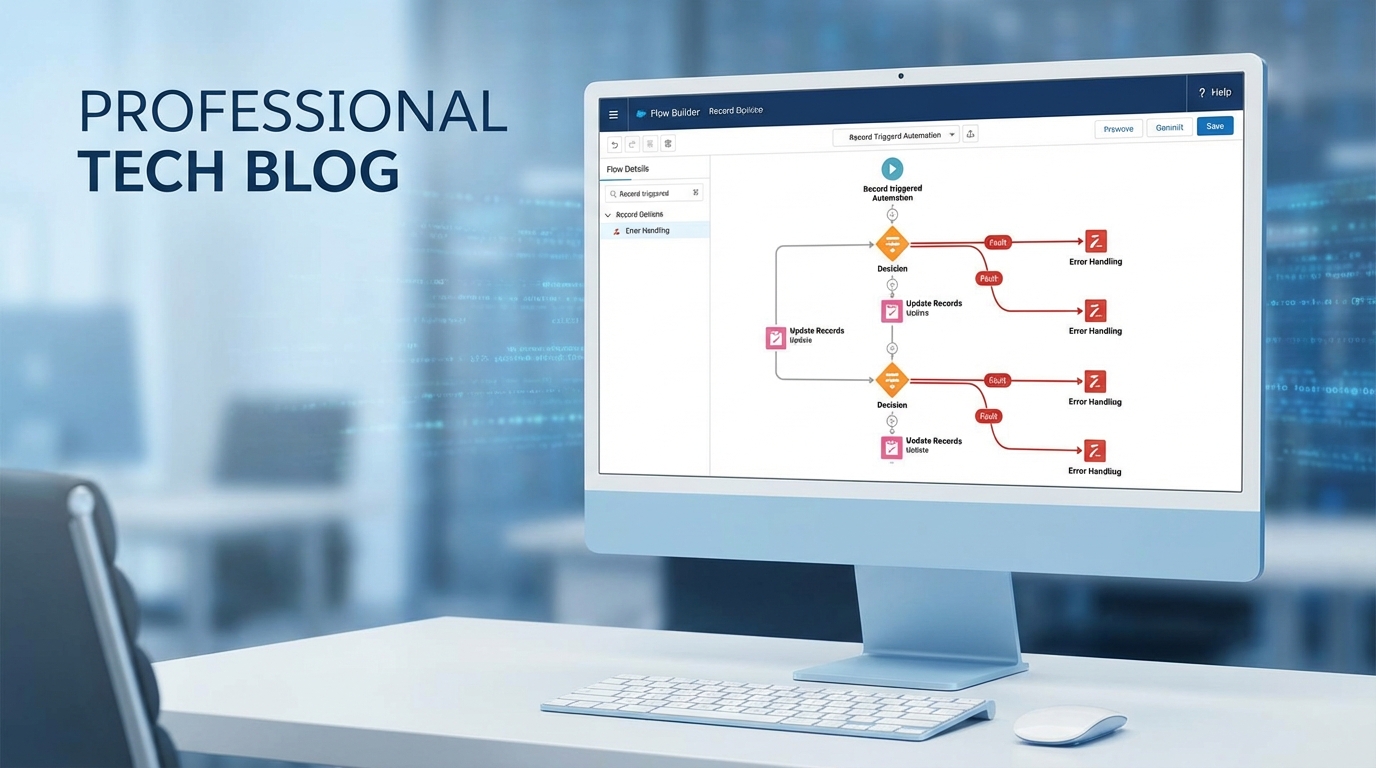
Decision logic and fault paths on a Flow Builder canvas.
Tactics to improve Salesforce Flow data integrity
This comes down to a few habits worth baking into every build.
1) Get picky with entry criteria
Don't let every record trigger your Flow. I've seen teams leave the entry criteria wide open and then wonder why their org is slow. Use the "Formula Evaluates to True" option or specific field filters to make sure the Flow only runs when it absolutely has to. That is your first line of defense for the data.
2) Use Before-Save Flows for the simple stuff
If you're just updating fields on the same record that triggered the Flow, use "Fast Field Updates" (before-save). They're way faster and they run before the data even hits the database. This is the best place to normalize values or set defaults. Most teams reach for after-save Flows for everything instead, which just adds extra overhead.
3) Don't ignore Fault Paths
I've seen teams skip fault paths because they're "in a rush." Don't be that person. If a DML operation fails, you need to know why. I usually point my fault paths to a simple subflow that logs the error to a custom "Flow Error Log" object. It makes debugging so much easier when you can see the exact error message and record ID.
Practical tip: Always capture the
$Flow.FaultMessagein your error logs. It's the difference between knowing "something broke" and knowing exactly which validation rule stopped the save.
4) Keep DML out of loops
This is Flow 101, but it still trips people up. If you're doing a "Get Records" or "Update Records" inside a loop, you're going to hit governor limits. You've got to learn how to handle bulk record processing in Flows by using collections. It's safer for your data and your org's performance.
5) Respect the security model
Flows are powerful because they can run in "System Mode," but that's also a risk. If a user shouldn't be able to edit a field, your Flow shouldn't let them do it just because it's running with elevated permissions. Always think about whether your Flow should run in "User Context" to respect FLS and sharing rules.
6) Use Validation Rules as your anchor
Sometimes the best way to handle Salesforce Flow data integrity isn't in the Flow at all. If a business rule is absolute, put it in a standard Validation Rule. Those are enforced everywhere: UI, API, and Flows. If you have really complex logic that a Validation Rule can't handle, that's when you might consider when to use Apex over Flow to keep things tight.
7) Watch out for race conditions
When you have multiple Flows, Triggers, and integrations all hitting the same record at once, things get weird. Records get locked, or worse, data gets overwritten by whichever process finished last. If you're seeing record lock errors, it might be time to move some logic to asynchronous paths or use Platform Events to decouple the processes.
Key takeaways for Salesforce Flow data integrity
- Validate early: use entry criteria and before-save logic to catch errors before they happen.
- Bulkify everything: never put DML or queries inside a loop. Use collections instead.
- Log your failures: use fault paths to catch errors and store them in a custom log object.
- Stay secure: be intentional about running in System vs. User mode.
- Test with bulk: don't just test one record. Throw 200 records at your Flow in a sandbox to see if it holds up.
Building for Salesforce Flow data integrity is mostly about being intentional. Build for the "what if this breaks" path as well as the "happy path" where everything works perfectly, because the person maintaining your Flow in two years has to live with both.
Start small. Add a fault path to your next update element. Tighten up your entry criteria. These small changes add up to a much more reliable system.



Leave a Comment