

Have you ever felt like your Lightning pages are getting a bit sluggish because you're loading every single component at once? That is where LWC dynamic import comes in to save the day. It's a feature that lets us load modules only when we actually need them, instead of forcing the browser to swallow the whole bundle on the initial page load.
I've seen teams struggle with massive LWC components that include "just in case" code for features users rarely touch. We've all been there. But by using dynamic imports, you can keep your initial payload light and only pull in the heavy stuff when a user clicks a specific button or hits a certain step in a flow. If you are already comfortable with LWC component communication, this is just the next step in making your apps more efficient.
Setting up LWC dynamic import
Before you jump in and start refactoring everything, there are a few boxes you need to tick. Honestly, this is where most people get stuck because they forget one of the tiny configuration details. First, your LWC must be on API version 55.0 or higher. If you're working in an older org, you'll need to bump that up in your metadata file.
Second, you have to have Lightning Web Security (LWS) enabled in your Session Settings. If you are still running on the old Lightning Locker, LWC dynamic import simply won't work. It's also worth checking out the latest updates in Salesforce Spring '26 to see how the platform is evolving around these modern LWC features.
Lastly, you need to tell Salesforce that your component is allowed to be loaded dynamically. You do this by adding a specific capability to your js-meta.xml file. Without this, the platform will block the import for security reasons.
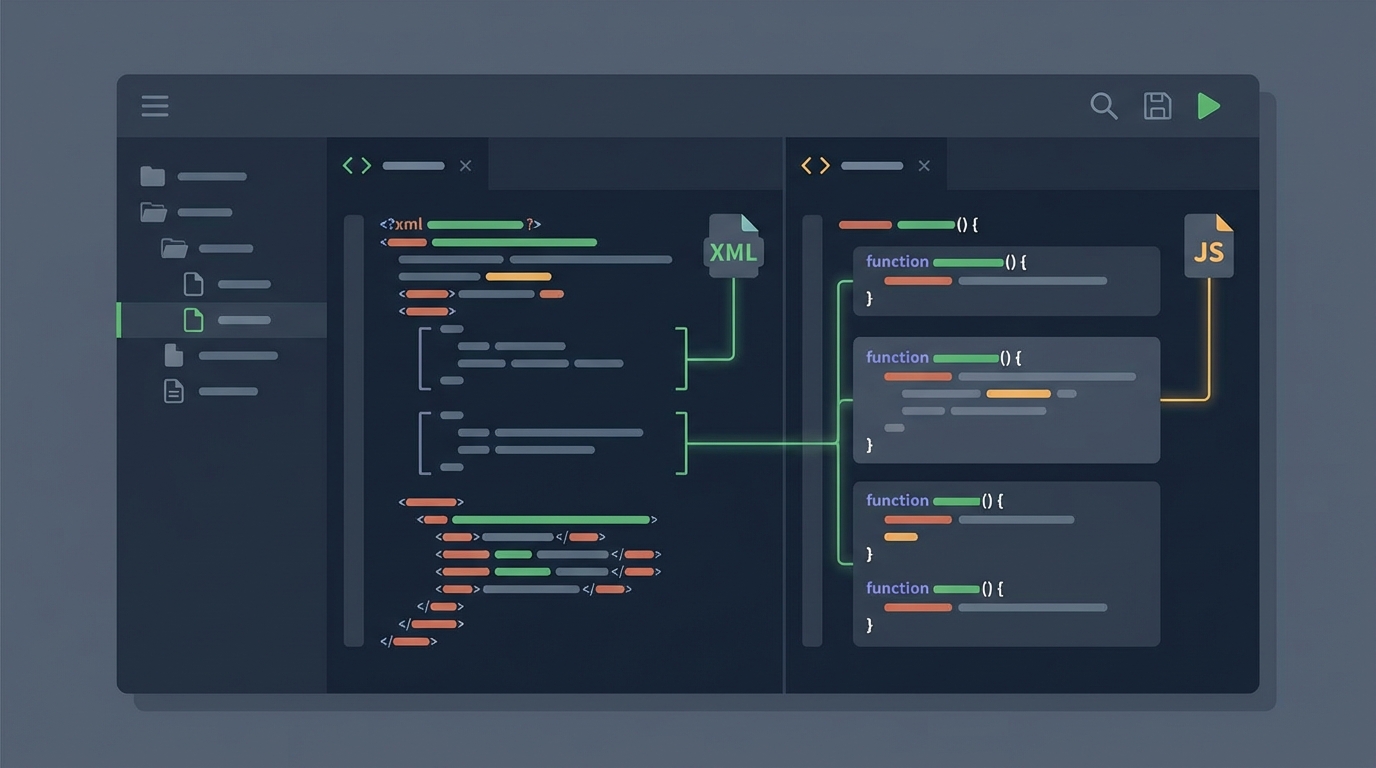
A professional code editor interface showing the split-view configuration of a Salesforce Lightning Web Component.
A quick look at the code
The logic is pretty straightforward once you see it. Instead of a standard static import at the top of your file, you use the import() function inside an async method. Here is how I usually set it up:
// containerComponent.js import { LightningElement, createElement } from 'lwc';
export default class ContainerComponent extends LightningElement { async loadChild() { // We only fetch the code when this method runs const module = await import('c/myDynamicComponent'); const ChildClass = module.default;
const childEl = createElement('c-my-dynamic-component', { is: ChildClass });
this.template.querySelector('.container').appendChild(childEl);
} }
And don't forget that metadata change I mentioned. It looks like this:
When to use LWC dynamic import
So why does this matter? The short answer is performance. But here's the thing: you shouldn't use this for every single component. If you overdo it, you'll end up with dozens of tiny network requests that actually make the app feel slower. I've found it's best for things like heavy charting libraries, complex modal editors, or conditional UI flows where the user might only see the component 10 percent of the time.
- Feature Flags: You can load different versions of a component based on a user's permissions without shipping both versions to everyone.
- Tabbed Interfaces: Only load the content of a tab when the user actually clicks on it.
- Conditional Wizards: If a user picks "Option A", you load the "A" components. If they pick "B", you load those instead.
Pro tip: Always include a loading spinner or some kind of placeholder. Since the component is coming over the network, there will be a tiny delay. You don't want your users thinking the button click didn't work.
Best practices and performance
Now, let's talk about the catch. Every time you use LWC dynamic import, you're creating a new network request. On a fast office connection, you won't notice it. But for a sales rep out in the field on a spotty 4G connection? That delay is real. That is why I always tell people to measure their bundle sizes before and after making these changes.
Another thing that trips people up is API compatibility. If you're dynamically loading a component, make sure the public properties (the @api decorators) stay consistent. If you change a property name in the child component but forget to update the createElement logic in the parent, things will break silently at runtime. It's much harder to catch these errors than with static imports where the compiler warns you.
Key Takeaways
- Use LWS: This feature requires Lightning Web Security to be turned on.
- Check Metadata: You must add the
lightning__dynamicComponentcapability. - Be Selective: Only use dynamic imports for large or rarely used components.
- Handle Latency: Always provide a visual cue that something is loading.
LWC dynamic import is a huge win for anyone building complex apps on the platform. It gives us the kind of control over performance that we used to take for granted in standard web development. Start small, pick one heavy component that isn't always needed, and see how much it improves your page load times. You'll likely find that a few strategic changes make a world of difference for your users.




Leave a Comment