


The deal with reusing code in your Aura controller method
Ever found yourself copy-pasting the same five lines of code because you were not sure how to trigger one Aura controller method from another? It happens to everyone who starts building components. You have an init function that loads data, and then a "Refresh" button that has to do the exact same thing. Writing that logic twice is a recipe for bugs down the road.
Aura is not always intuitive about how these functions talk to each other. In my experience, most developers fall into one of two camps. Either they move everything to a helper file, or they force a direct call inside the controller. Here is how each one plays out.
The right way: Moving logic out of the Aura controller method
Keep your controller thin. The Aura controller method should really just be a traffic cop. It catches the event, maybe pulls a couple of parameters, and then hands the actual work off to the helper. That makes your logic much easier to reuse across different actions.
When I first worked with complex Aura components, I tried to keep everything in the controller because I did not want to flip between two files. That was a mistake. Once the component grows, a shared helper function is the only way to stay sane. If you are also calling Apex, you will want to understand why we use the @AuraEnabled annotation before you wire up those server-side connections.
// controller.js
({
    doInit : function(component, event, helper) {
        // Just tell the helper to do the heavy lifting
        helper.fetchData(component);
    },

    handleRefresh : function(component, event, helper) {
        // Reuse the exact same logic here
        helper.fetchData(component);
    }
})

// helper.js
({
    fetchData : function(component) {
        var action = component.get("c.getAccountList");
        action.setCallback(this, function(response) {
            if (response.getState() === "SUCCESS") {
                component.set("v.accounts", response.getReturnValue());
            }
        });
        $A.enqueueAction(action);
    }
})
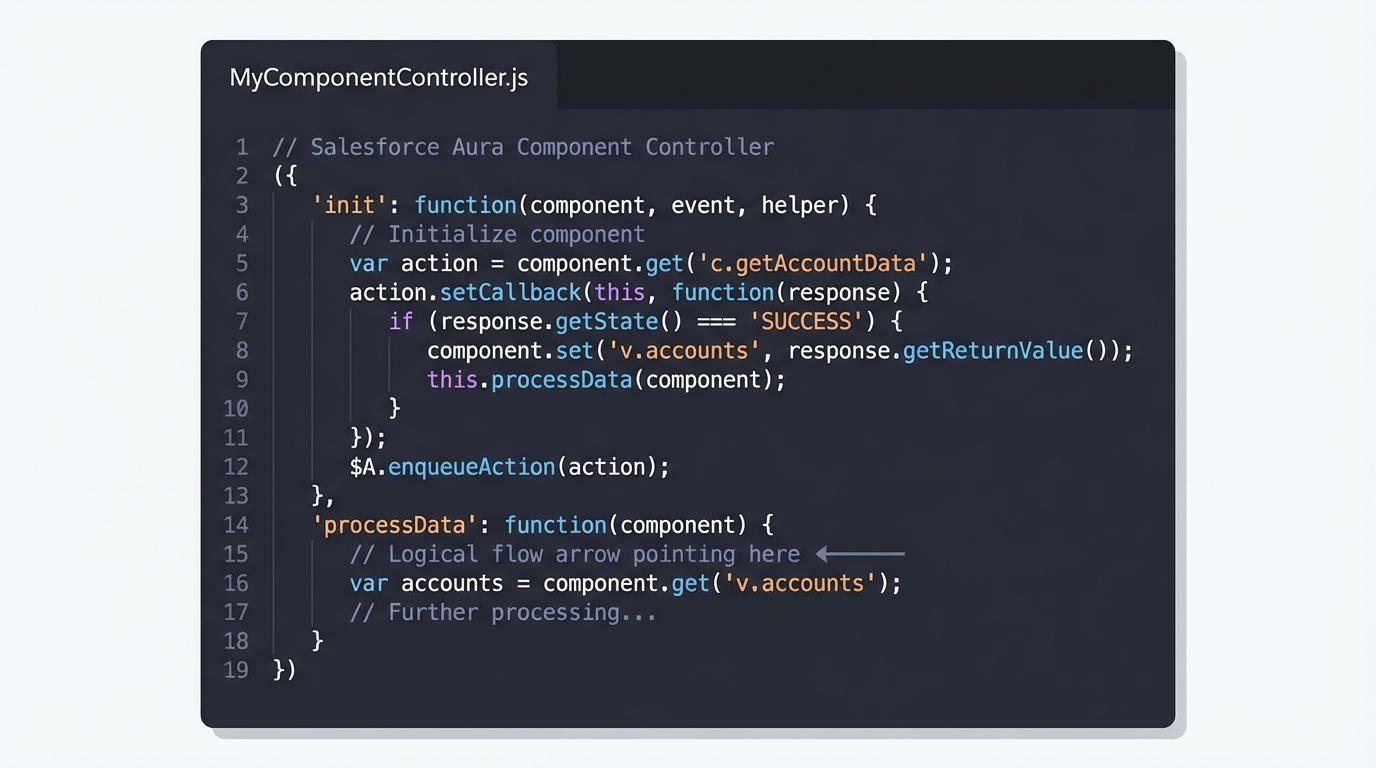
A code editor showing the JavaScript structure of a Salesforce Aura controller with several methods.
The quick way: Calling an Aura controller method directly
Sometimes you want a quick fix and have no appetite for refactoring everything into a helper. You can call one Aura controller method from another using this. All the functions in your controller are properties of the same JavaScript object, so this.methodName works fine.
But be careful. I have seen teams get into trouble here because they forget to pass the component, event, and helper arguments. Leave those out and the second method crashes the moment it tries to do anything useful. Use this approach for small, internal UI logic, and do not make it your default strategy.
// controller.js
({
    firstAction : function(component, event, helper) {
        console.log('Doing something first...');

        // Call the other method in this same file
        this.secondAction(component, event, helper);
    },

    secondAction : function(component, event, helper) {
        console.log('Doing the second part now.');
        // Logic goes here
    }
})
One thing that trips people up
The this keyword in JavaScript is notoriously slippery. Start using arrow functions, or call a controller method from a callback such as a setTimeout or an action callback, and this might not point at your controller anymore. That is why the helper approach is generally safer: it does not rely on the "this" context of the controller object.
If you need to call a method from a child component up to a parent, do not reach for direct JS calls. Use component events or an
aura:methodinstead. It keeps your components decoupled and much easier to maintain.
If Aura is starting to feel clunky to you, you are not alone. Most of the ecosystem is moving toward LWC these days. If you are curious about the difference, look at how LWC component communication works compared to what we are doing here. It is much closer to standard web development.
Key takeaways
- Use helpers. It is the standard practice for a reason: reusable code and a clean controller.
- If you call a method directly with
this, passcomponent, event, helperor the receiving function will not have the context it needs. - Avoid arrow functions for your main controller methods, because they can wreck the execution context of "this".
- Use events for cross-component communication rather than hacking a direct JS call between files.
Which one should you use?
Use the helper. It takes an extra ten seconds to set up, and it saves you from "this" context headaches while making your code look professional. Keep the direct this.methodName approach for very simple, local logic that no other component will ever need. Six months from now, when you are debugging this, the helper is the version you will be glad you wrote.



Leave a Comment