


The easiest way to identify the Aura current user
Ever found yourself writing a whole Apex class just to grab the name of the Aura current user? I've seen teams do this more times than I can count. It feels like a lot of boilerplate for something that should be simple, and you don't actually need Apex for it at all.
When I first started working with Aura, I used to reach for the @AuraEnabled annotation for every little piece of data I needed. It was only later that I realized how much overhead I was adding to my components. You can get everything you need about the person logged in right from the client-side.
Using Lightning Data Service for the Aura current user
You do this with force:recordData. It's the engine behind Lightning Data Service (LDS) and it's incredibly handy. Instead of a hardcoded ID, you use a global token: {!$SObjectType.CurrentUser.Id}. That tells Salesforce to go grab the record for whoever is looking at the screen right now.
Writing less code is only part of the benefit. Since LDS handles the caching and server communication, your component will generally feel snappier. It also respects field-level security automatically. If a user shouldn't see a field, LDS won't show it to them. It's a much safer way to build.
The component markup
Here is how you set this up in your component file. You'll notice we are asking for the Profile.Name relationship field directly in the fields list. That's a huge win because you don't have to do any extra work to get the profile details.
<aura:component implements="flexipage:availableForAllPageTypes" access="global">
    <aura:attribute name="currentUser" type="User" />

    <force:recordData aura:id="userLoader"
                      recordId="{!$SObjectType.CurrentUser.Id}"
                      targetFields="{!v.currentUser}"
                      fields="Id, Name, Profile.Name"
                      mode="VIEW" />

    <p>
        <strong>User Name:</strong> {!v.currentUser.Name}
    </p>
    <p>
        <strong>Profile Name:</strong> {!v.currentUser.Profile.Name}
    </p>
</aura:component>
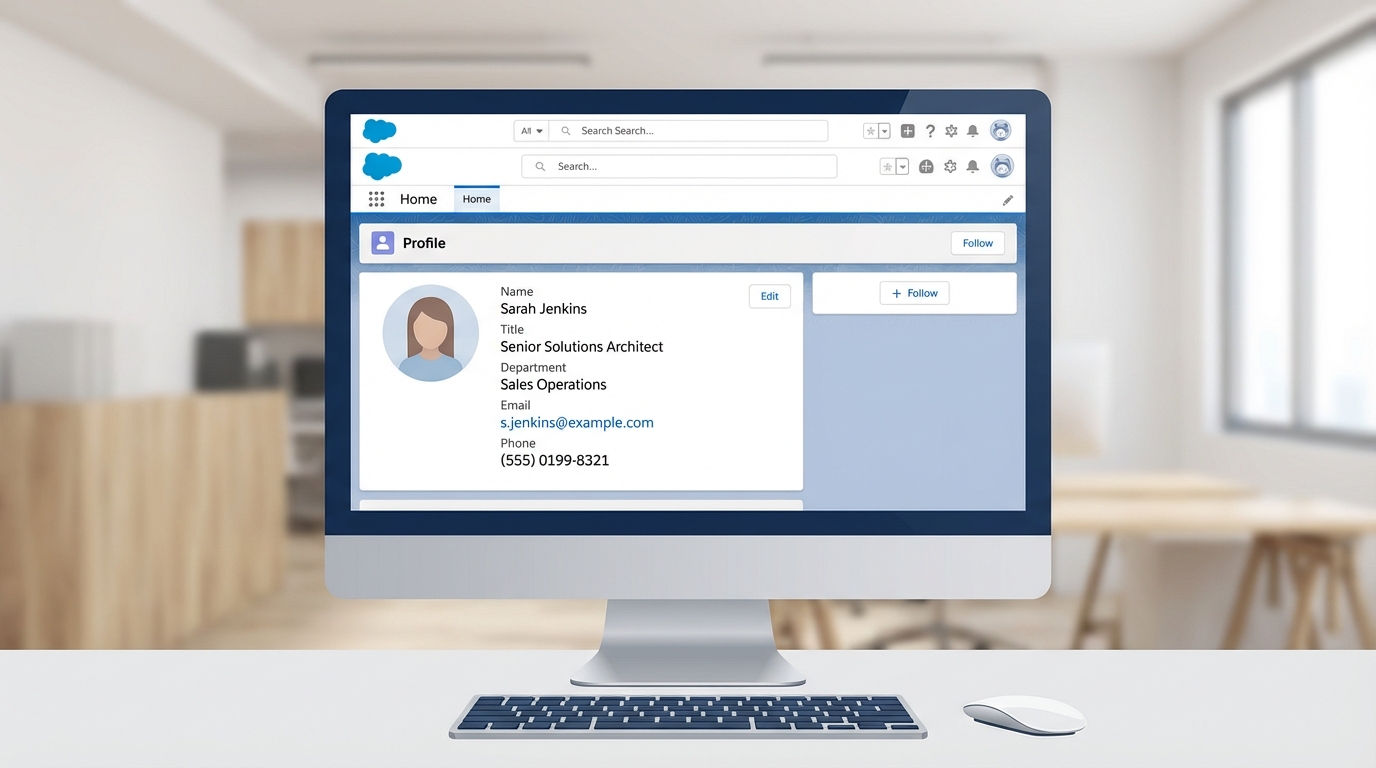
A realistic mockup of a Salesforce Lightning component displaying user and profile information in a clean, professional web interface.
Accessing data in your controller
If you need that name for some logic in your JavaScript, you can pull it from the attribute like any other data. One thing that trips people up is trying to access it the very second the component loads. Because LDS is asynchronous, the data might not be there during the init event.
({
    handleRecordChange : function(component, event, helper) {
        var user = component.get("v.currentUser");
        if(user && user.Id) {
            var userName = user.Name;
            var profileName = user.Profile ? user.Profile.Name : 'No Profile';
            console.log('Logged in as:', userName, 'with profile:', profileName);
        }
    }
})
If you're dealing with complex permissions, it helps to understand how Salesforce roles vs profiles interact before you start writing logic based on these names. Sometimes a permission set is a better way to control access, but for simple UI personalization, the profile name works just fine.
Common pitfalls with the Aura current user
I've noticed that if you forget to add Profile.Name to the fields attribute, the component won't throw an error. It just won't show the data. That silent failure can be frustrating to debug, so always double-check your field list.
Pro tip: If your JavaScript logic depends on the user's name, don't rely on the init handler. Use the
recordUpdatedevent on theforce:recordDatatag to trigger your logic once the data is actually loaded.
Another thing to keep in mind is that this approach is specific to Aura. If you're building something new today, you should probably be using LWC. In LWC, you'd use the getRecord wire adapter to achieve the same thing, but the concept of using the current user's ID remains the same.
Key takeaways
- Stop using Apex for basic user info; it's slower and requires more maintenance.
- Use
{!$SObjectType.CurrentUser.Id}to dynamically target the person logged in. - Include relationship fields like
Profile.Namedirectly in yourforce:recordDatafield list. - Listen for the record update event if you need to run logic in your controller.
- LDS handles the security and caching for you, so it's one less thing to worry about.
For this job, force:recordData is the tool I reach for. It keeps your code clean and follows Salesforce best practices by staying on the client-side as much as possible. Give it a try on your next component and see how much easier it is than managing a custom Apex controller.



Leave a Comment