


Have you ever felt like your Lightning pages are getting sluggish because you're loading every single component at once? That is where LWC dynamic import comes in. It lets us load modules only when we actually need them, instead of forcing the browser to swallow the whole bundle on the initial page load.
I've seen teams struggle with massive LWC components that carry "just in case" code for features users rarely touch. We've all been there. Dynamic imports keep your initial payload light and pull in the heavy stuff only when a user clicks a specific button or hits a certain step in a flow. If you are already comfortable with LWC component communication, this is the next step in making your apps more efficient.
Setting up LWC dynamic import
Before you start refactoring everything, there are a few boxes to tick, and this is where most people get stuck because they forget one of the tiny configuration details. First, your LWC must be on API version 55.0 or higher. If you're working in an older org, you'll need to bump that up in your metadata file.
Second, you have to have Lightning Web Security (LWS) enabled in your Session Settings. If you are still running on the old Lightning Locker, LWC dynamic import won't work at all. It's worth checking the latest updates in Salesforce Spring '26 to see where the platform is going with these newer LWC features.
Lastly, you need to tell Salesforce that your component is allowed to be loaded dynamically. You do this by adding a specific capability to your js-meta.xml file. Without it, the platform blocks the import for security reasons.
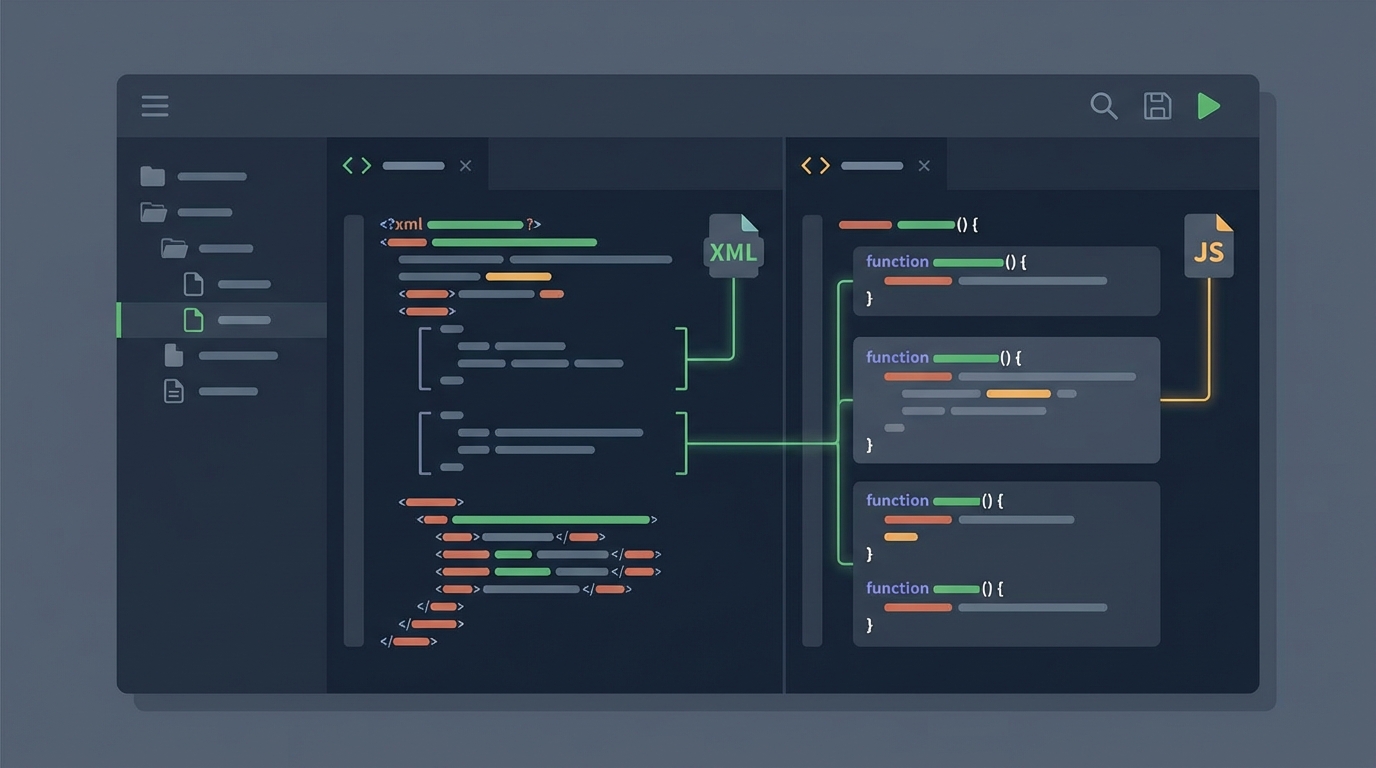
A code editor showing the split-view configuration of a Salesforce Lightning Web Component.
A quick look at the code
The logic is straightforward once you see it. Instead of a standard static import at the top of your file, you call the import() function inside an async method. Here is how I usually set it up:
// containerComponent.js import { LightningElement, createElement } from 'lwc';
export default class ContainerComponent extends LightningElement { async loadChild() { // We only fetch the code when this method runs const module = await import('c/myDynamicComponent'); const ChildClass = module.default;
const childEl = createElement('c-my-dynamic-component', { is: ChildClass });
this.template.querySelector('.container').appendChild(childEl);
} }
And don't forget that metadata change I mentioned. It looks like this:
When to use LWC dynamic import
The payoff here is performance, but you shouldn't use this for every single component. Overdo it and you end up with dozens of tiny network requests that actually make the app feel slower. I've found it works best for heavy charting libraries, complex modal editors, or conditional UI flows where the user might only see the component 10 percent of the time.
- Feature flags: load different versions of a component based on a user's permissions without shipping both versions to everyone.
- Tabbed interfaces: only load the content of a tab when the user actually clicks on it.
- Conditional wizards: if a user picks "Option A", you load the "A" components. If they pick "B", you load those instead.
Pro tip: Always include a loading spinner or some kind of placeholder. Since the component is coming over the network, there will be a tiny delay. You don't want your users thinking the button click didn't work.
Best practices and performance
There is a catch. Every time you use LWC dynamic import, you're creating a new network request. On a fast office connection, you won't notice it. For a sales rep out in the field on a spotty 4G connection, that delay is real. Which is why I tell people to measure their bundle sizes before and after making these changes.
The other thing that trips people up is API compatibility. If you're dynamically loading a component, make sure the public properties (the @api decorators) stay consistent. Change a property name in the child component but forget to update the createElement logic in the parent, and things break silently at runtime. These errors are much harder to catch than with static imports, where the compiler warns you.
Key takeaways
- Use LWS: this feature requires Lightning Web Security to be turned on.
- Check metadata: you must add the
lightning__dynamicComponentcapability. - Be selective: only use dynamic imports for large or rarely used components.
- Handle latency: always provide a visual cue that something is loading.
LWC dynamic import is a big win for anyone building complex apps on the platform. It gives us the kind of control over performance we used to take for granted in standard web development. Start small: pick one heavy component that isn't always needed and see what it does to your page load times.



Leave a Comment