
If you're heading to San Francisco this October, you're likely already trying to parse the massive list of Dreamforce 2025 tracks to see what's actually worth your time. Let's be honest, the catalog can be overwhelming. It's easy to get sucked into the big-stage spectacles and end up missing the sessions that actually help you fix that broken automation or messy data model back at the office.
I've spent years attending these events, and the secret is always in the breakout rooms. This year, the focus is shifting heavily toward Agentforce and Data Cloud, but there's plenty of "meat and potatoes" content for those of us who spend our days in the weeds of an org. So, how do you choose? I've looked through the schedule and picked out the sessions that look like they'll offer real value instead of just marketing slides.
Essential Dreamforce 2025 tracks for Admins
When you're looking through the Dreamforce 2025 tracks, prioritize the sessions that deal with the "messy" side of being an admin. We've all inherited an org that feels like a digital junk drawer, and there are some specific sessions this year designed to help you clean that up. Look for the "Decluttering Your Org" session. It covers technical debt and cleanup best practices that you can actually use the week you get back.
Flow is also a huge focus. But here's the thing: building a flow is easy, but fixing a broken one is where the real work happens. I'm specifically keeping an eye on the "Navigating Flow Errors" session. It's focused on troubleshooting and reducing downtime, which is a life-saver when your inbox is blowing up with error emails. You might also want to check out some Salesforce Flow error handling tips before you go so you can ask better questions during the Q&A.
- Reusable Flows: This is about modular design. Stop building giant, monolithic flows that are impossible to maintain.
- Cybersecurity for Admins: This isn't just for the IT security team anymore. You need to know your user access policies inside and out.
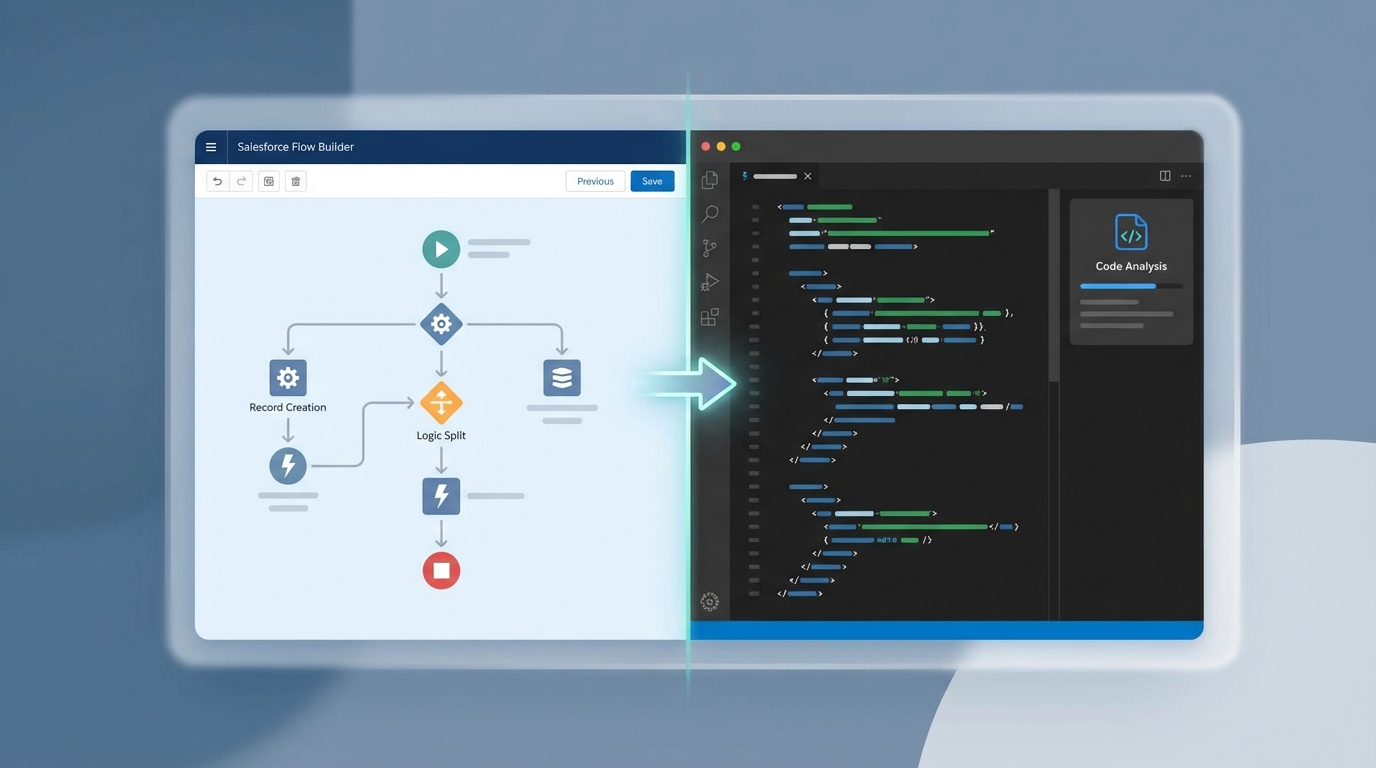
A split-screen visualization showing a Salesforce Flow Builder diagram next to a professional code editor with Apex code and analysis tools.
Technical deep-dives in the Dreamforce 2025 tracks for Developers
If you're a dev, you're probably hearing a lot about "Vibe Coding" lately. It sounds a bit fluffy, doesn't it? But the session on "Enterprise Vibe Coding" is actually about using AI tools like Code Analyzer and ApexGuru to write better code faster. It's about using the tools to do the heavy lifting so you can focus on the logic. I've seen teams struggle with code quality for years, and these tools are finally getting to a point where they're genuinely helpful.
Data Cloud is another big one. If you've been sticking to Apex and haven't looked at Python yet, the "Data Cloud Extensions" session might be a wake-up call. Being able to run custom Python to extend Data Cloud is going to be a massive skill to have in the next year. And for those still getting their feet wet with LWC, there are some solid sessions on the basics that bridge the gap for admins who want to start coding.
One thing that trips people up at Dreamforce is trying to do too much. Pick one new technology you want to master - like Data Cloud or Agentforce - and build your schedule around that. Don't try to learn everything at once or you'll leave with a notebook full of half-baked ideas.
Architecting for the AI era
Architects have a tough job this year. You have to figure out how to make all this "agentic AI" actually work in a secure, scalable way. The "Architecting Agentforce" session is probably the most important one for anyone responsible for a large-scale implementation. It covers five design pillars for making sure your AI agents are actually trusted and don't just hallucinate all over your customer data.
Now, you can't talk about AI without talking about RAG. If you're wondering what is RAG in Salesforce, there's a specific session on Data and AI Architecture that breaks down grounding strategies. It's not just about the tech; it's about the governance and how you structure your data so the AI actually knows what it's talking about. Honestly, most teams get the data part wrong, so don't skip the governance sessions.
Practical tips for the Moscone Center
Look, the Moscone Center is huge and the Wi-Fi can be hit or miss. Here is how you survive the week without losing your mind:
- Download the app early: Use the Salesforce Events app to bookmark your sessions now. The good ones fill up fast.
- Bring your own laptop: Even if a workshop says they provide hardware, having your own setup with your bookmarks and tools is always better.
- Prioritize the labs: Breakout sessions are great for listening, but the hands-on labs are where you actually learn by doing.
Key Takeaways
- Focus on "cleaning" sessions to tackle technical debt and org health.
- Developers should look into AI-powered coding tools and Data Cloud Python extensions.
- Architects need to focus on RAG and the security pillars of Agentforce.
- Networking isn't just for happy hours - community meetups are where the best "real world" advice happens.
Making the most of your time
So what does this actually mean for you? Don't just follow the crowds. Picking the right Dreamforce 2025 tracks is about finding the balance between what's cool and what's actually going to help you on Monday morning. If your org is a mess, spend your time in the admin cleanup sessions. If you're being pushed to "do something with AI," spend your time in the Data Cloud and Agentforce workshops.
The best part of Dreamforce isn't the slides - it's the people. When a session ends, stick around and talk to the speakers or the person sitting next to you. In my experience, that's where the most honest conversations about what's working (and what isn't) actually happen. See you in San Francisco!

Leave a Comment