
If you're heading into a technical round soon, you're almost certainly going to face some tough Salesforce Flow interview questions. I've sat on both sides of the table, and honestly, the days of just defining what a Flow is are long gone. Now, interviewers want to see if you actually know how to build things that won't break your org when the data volume picks up.
What interviewers actually look for in Salesforce Flow interview questions
Look, anyone can drag and drop elements on a canvas. But when I'm interviewing someone, I'm looking for an understanding of the order of execution. I want to know if they understand the difference between a fast field update and an after-save action. It's about showing that you've actually spent time in the Flow Builder solving real problems.
Flow is the platform's heavy lifter now. It's not just a "click-to-code" tool - it's a full-on automation engine. You'll need to explain how it handles complex branching, loops, and even how it talks to Apex when the standard elements aren't enough.
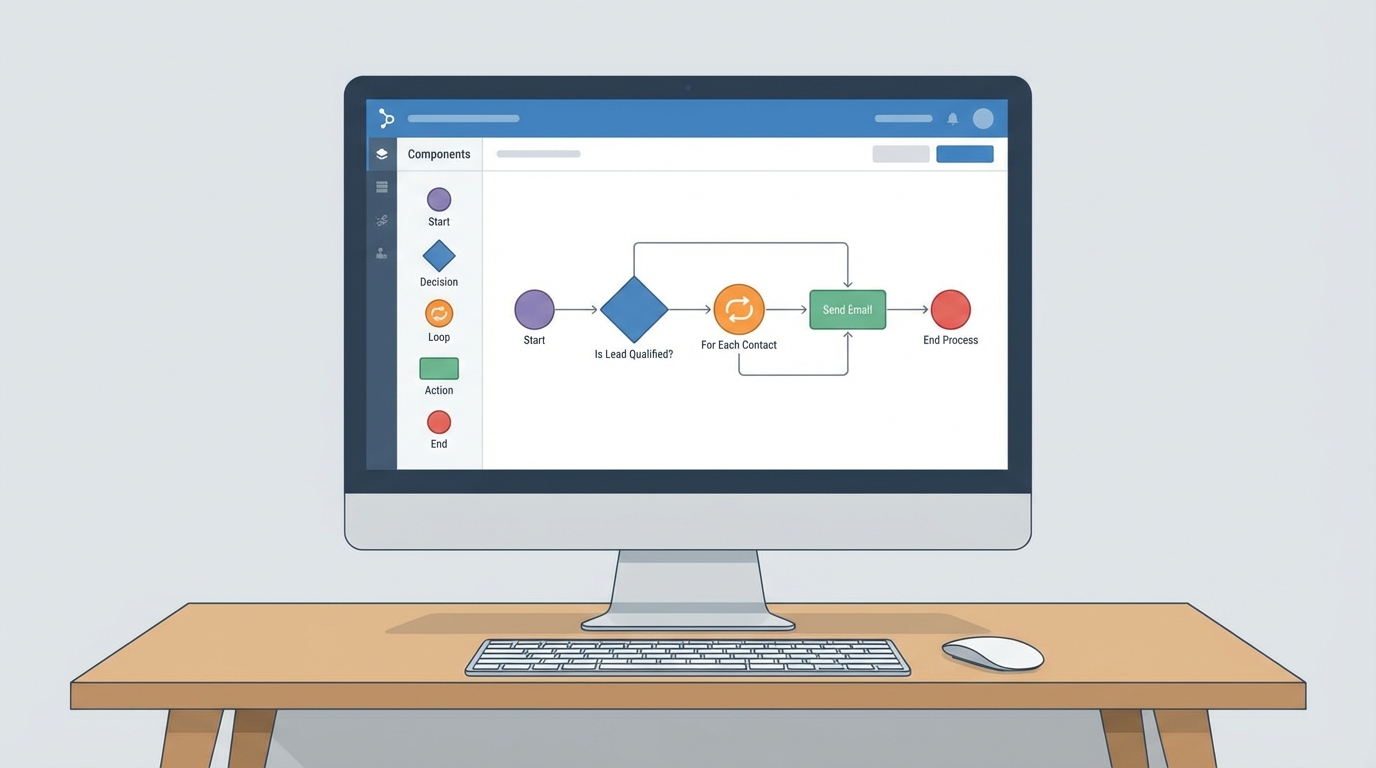
A detailed visual representation of a complex Salesforce Flow diagram featuring logic branches and automation nodes in a professional software interface.
Breaking down the core types of Flows
You'll likely get a question about which Flow to use and when. We've got several types now, but the big ones you'll get asked about are Screen Flows and Record-Triggered Flows. Here's how I usually break them down for a colleague.
- Screen Flow - These are your UI builders. If you need to walk a user through a process or take input, this is your tool.
- Record-Triggered Flow - The workhorse. It runs in the background when a record is created, updated, or deleted. Most of your logic lives here.
- Scheduled-Triggered Flow - Perfect for those "once a night" cleanup jobs. No user interaction needed.
- Autolaunched Flow - These don't have a trigger of their own. You'll call these from Apex, other Flows, or even the REST API.
Flow vs. the old guard
Workflow Rules and Process Builder are basically legacy at this point. If you're asked why we use Flow instead, the answer isn't just "because Salesforce says so." It's about the ability to handle multi-object transactions and fault handling. Plus, with the Salesforce Spring '26 Flow updates, we're seeing even more powerful features like the Flow Kanban that the old tools could never dream of.
Tackling scenario-based Salesforce Flow interview questions
The "how would you build this" questions are where most people stumble. Let's take a common one: "How would you notify a manager when an Opportunity over $50,000 hits Closed Won?"
Don't just say "add a criteria." Mention that you'd set the entry conditions to only run when the record is updated to meet those requirements. This prevents the Flow from firing every single time a tiny change is made to a won deal. Then, use an Action element to send that notification. Simple, clean, and efficient.
I once saw an org where every single field update was a separate Record-Triggered Flow. It was a disaster to debug. Always remind your interviewer that you value consolidation and clear entry criteria.
The recursion trap and how to avoid it
Recursion is what happens when your Flow updates a record, which then triggers the same Flow again. It's a nightmare for performance and can hit governor limits fast. This is a favorite topic for Salesforce Flow interview questions because it separates the juniors from the seniors.
I always suggest using the "Is Changed" operator in your entry conditions. It's the simplest way to stop a loop before it starts. If things get really messy, you might even need to look at Apex vs Flow to see if a trigger with a static variable is a better fit for that specific business case.
Common Salesforce Flow interview questions about limits
One thing that trips people up is putting a "Get Records" or an "Update Records" element inside a loop. That's a huge no-no. You've got to understand Salesforce Flow bulkification to pass any senior-level interview. Always collect your data in a collection variable and do your DML outside the loop. If you can explain that, you're already ahead of 80% of the candidates.
Pro tips for the interview room
When you're answering these questions, try to bring in your own experience. Instead of just giving a textbook definition, say something like, "In my last project, we ran into an issue where..." It shows you've been in the trenches. Also, don't be afraid to talk about error handling. Mentioning fault paths and how you log errors shows you're thinking about the long-term health of the org.
So, why does this matter so much? Because Flow is now the heart of Salesforce automation. If you can show an interviewer that you respect governor limits and know how to build for scale, you're going to stand out. It's not just about getting the logic right; it's about building something that's maintainable for the next admin who comes along.
Key Takeaways
- Understand the difference between before-save (fast updates) and after-save triggers.
- Always keep DML and SOQL elements out of loops to stay bulk-safe.
- Use entry conditions effectively to prevent unnecessary Flow executions and recursion.
- Be ready to explain when a requirement is too complex for Flow and needs Apex.
- Practice explaining your logic clearly - interviewers value your thought process as much as the solution.
Preparing for Salesforce Flow interview questions isn't just about memorizing facts. It's about proving you can think like an architect. Go into that room ready to talk about trade-offs, performance, and real-world impact. You've got this.



Leave a Comment