

I’ve spent years connecting Salesforce to everything from legacy ERPs to modern marketing stacks, and I’ve learned that Salesforce integration challenges are basically a rite of passage for any architect or developer. If you haven’t had a sync break at 2 AM or realized a middleware job wiped out 10,000 records, have you even really worked in the ecosystem? Most of the time, the technical “wiring” isn’t the hard part – it’s the logic and the scale that get you.
Look, we’ve all been there. You build a beautiful API connection, and then the business decides to upload a million records on a Monday morning. Suddenly, your limits are blown, and the integration is dead in the water. So, let’s talk about how to handle these hurdles without losing your mind.
Common Salesforce integration challenges and how to fix them
Integrating Salesforce with an ERP or a finance system requires a lot more than just hitting an endpoint. It’s about making sure your data stays consistent across the board. Here are the main things that usually go wrong and how I’ve seen teams fix them.
1. The “Single Source of Truth” struggle
One thing that trips people up is data synchronization. If you don’t have a clear plan for which system “owns” a piece of data, you’ll end up with stale records and reporting that makes no sense. I always suggest using a solid integration pattern like using External IDs for every record. It makes reconciliation jobs so much easier when things inevitably fail.
2. Hitting API limits at the worst time
This is probably the most common of all Salesforce integration challenges. If your integration is too “chatty” – meaning it makes a call for every single small change – you’re going to run out of API juice fast. Use Bulk API 2.0 for the heavy lifting and try to use delta queries so you’re only moving data that actually changed since the last sync.
GET /services/data/v61.0/query?q=SELECT+Id,Name+FROM+Account+WHERE+LastModifiedDate>2025-10-01T00:00:00Z
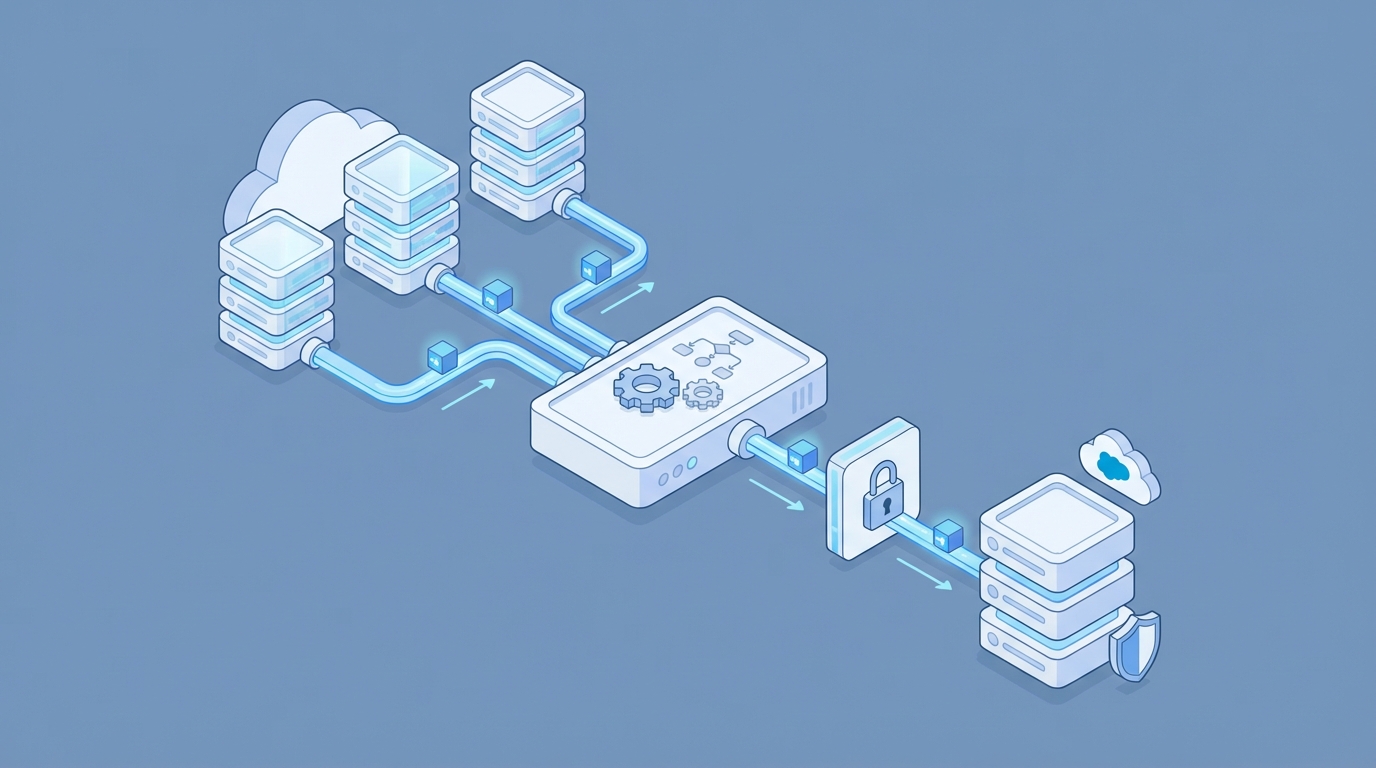
Beating Salesforce integration challenges with better design
Honestly, most teams get the security and mapping wrong because they’re in a rush to go live. But taking an extra few days to get the foundation right will save you weeks of debugging later. Here is where the real work happens.
3. Data mapping and the “Dirty Data” problem
Different systems have different rules. Your ERP might allow 100 characters for a name, but Salesforce might only want 80. If you don’t have a data dictionary, you’re just guessing. I’ve seen projects stall for weeks just because nobody agreed on how to format a phone number. Use ETL tools to clean the data before it even touches Salesforce.
Practical Tip: Never trust the source system’s data quality. Always implement validation rules in Salesforce to catch bad data before it creates a mess in your Org.
4. Security is not optional
Please, stop hardcoding credentials. I still see this in older Orgs, and it’s a massive risk. Use OAuth 2.0 and Named Credentials. If you need to handle server-to-server auth, the Salesforce JWT flow is the way to go. It’s secure, it’s stable, and it won’t break when someone changes their password.
HttpRequest req = new HttpRequest();
req.setEndpoint('callout:My_Secure_ERP_API/customers');
req.setMethod('GET');
HttpResponse res = new Http().send(req);
5. Error handling that actually works
If an integration fails and nobody knows about it, did it even happen? Actually, yes, and it usually costs the company money. You need a centralized way to log errors. I usually build a custom “Integration Log” object in Salesforce to track failures, request bodies, and error codes. It makes the “mean-time-to-repair” way faster.
6. Real-time vs. Batch: Choose wisely
Do you really need that data to sync in a millisecond? Probably not. Real-time integrations are expensive and hard to maintain. If the business can wait 15 minutes, go with a batch process. But if you truly need speed, look into Platform Events. They are much more reliable than old-school triggers for event-driven designs.
7. Monitoring and keeping things alive
Once you’re live, the job isn’t over. You need dashboards to track your API usage and failure rates. I’ve found that setting up simple Slack alerts for integration errors is a lifesaver. It’s much better to tell your boss you’re fixing a bug than to have them tell you the data has been broken for three days.
Key Takeaways
- Always use External IDs to keep records synced across systems.
- Protect your API limits by using Bulk API 2.0 for large data sets.
- Stop using hardcoded passwords; use Named Credentials and OAuth.
- Build a logging system so you aren’t flying blind when things break.
- Understand the difference between real-time needs and batch processing.
At the end of the day, solving Salesforce integration challenges comes down to being proactive. Don’t wait for the system to crash to think about error handling or API limits. Design for the “bad day” when the server is slow or the data is messy. If you do that, your integrations will actually scale as the business grows, and you might even get to sleep through the night.