
Why I prefer Salesforce Change Data Capture over polling
Look, we've all been there. You're trying to keep a SQL database or a search index updated with your CRM data, and your first instinct is to write a batch job that runs every five minutes. Don't do that. Salesforce Change Data Capture is a much cleaner way to handle data synchronization by streaming changes as they happen, rather than asking the database "is there anything new yet?" every few seconds.
In my experience, polling is a recipe for hit-or-miss data and wasted API limits. Salesforce Change Data Capture works as a native event-based system. When someone creates, updates, or deletes a record, Salesforce pushes a change event out to a stream. It's basically the system saying, "Hey, this just happened," and your external apps can just sit back and listen for those messages.
How the plumbing works
When you turn this on for an object, Salesforce starts publishing events to a specific channel. If you're working with the Account object, the channel is /data/AccountChangeEvent. For custom objects, it looks like /data/MyObject__cChangeEvent. It's predictable, which makes it easy to set up your listeners.
Subscribers usually connect using a CometD client. I've seen teams use the EMP Connector for Java or various Node.js libraries to catch these events. Once you're connected, you get a JSON payload that tells you exactly what changed. You don't get the whole record every time - just the fields that were actually touched, plus some header info to tell you if it was an update or a delete.
Pro tip: Always check the
changeTypein the header. I've seen developers get confused when they receive an event for a deleted record and try to query it back from Salesforce. If it's a delete, the record is gone!
Here is what a typical update event looks like for an Account:
{
  "payload": {
    "ChangeEventHeader": {
      "entityName": "Account",
      "changeType": "UPDATE",
      "recordIds": ["001xx000003DGbYAAW"]
    },
    "Name": "New Acme Corp",
    "Industry": "Technology"
  }
}
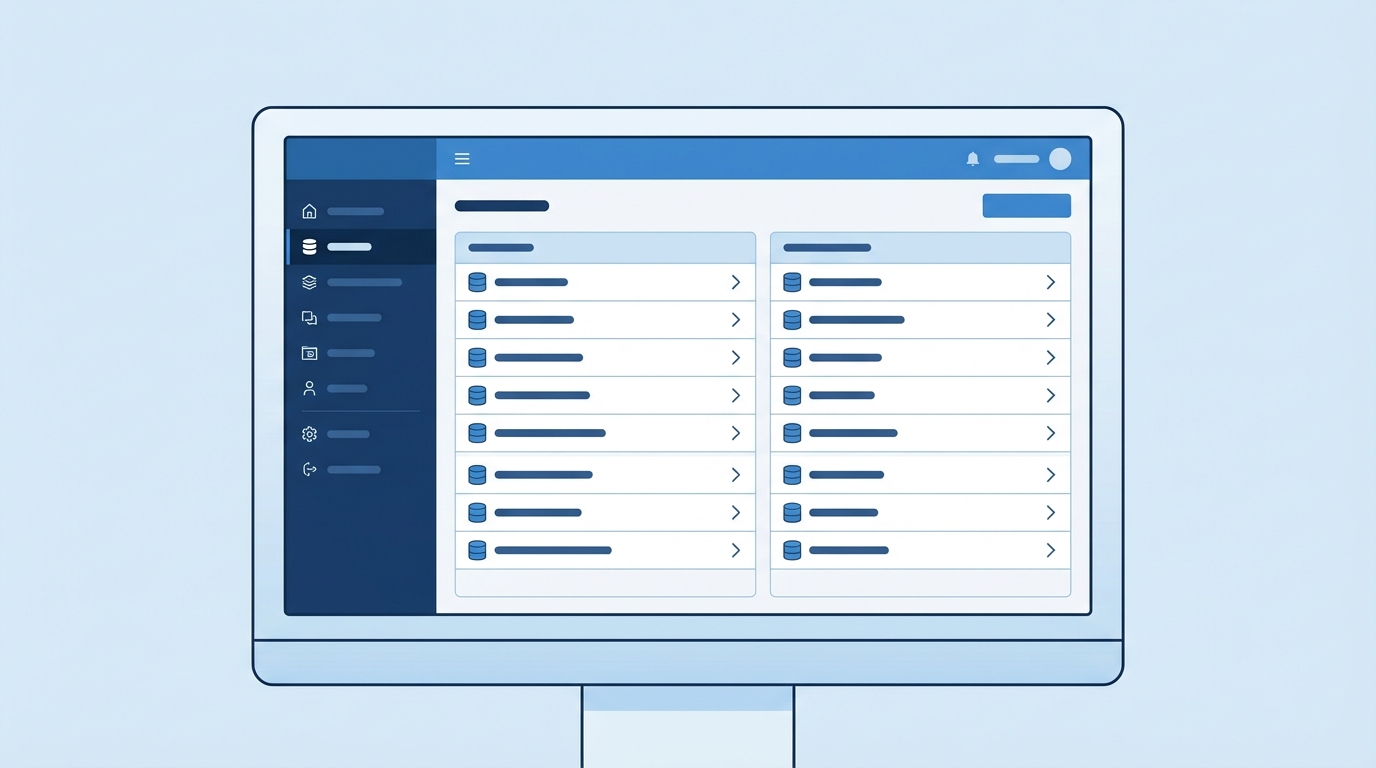
A professional UI mockup of a cloud software configuration page for selecting data objects for synchronization.
Configuring Salesforce Change Data Capture for your objects
Setting this up is actually one of the easiest things you'll do in Setup. You just search for "Change Data Capture," select the objects you want to track, and move them to the "Selected Entities" column. No triggers to write, no complex logic to manage. But don't just turn it on for everything. Each event counts against your limits, and if you have a high-volume org, you can hit those ceilings faster than you'd think.
So why does this matter? Well, it's all about reliability. One thing that trips people up is what happens when your listener goes down. Maybe your middleware server crashed or your internet blipped. Since these events have a replayId, your system can come back online and ask for everything it missed. It's a huge step up from older methods where a missed message was just lost forever.
Where this fits in your architecture
I usually recommend this tool for a few specific scenarios. If you're building a data warehouse or a real-time dashboard outside of Salesforce, this is your best friend. It's also great for triggering microservices. For example, when a Lead is converted, you might want a separate system to automatically provision a new user account. Instead of building a complex integration, that system just listens for the change event.
If you're trying to decide between this and other tools, it helps to look at a comparison of Platform Events vs Outbound Message. While they all send data out, CDC is unique because it's tied directly to the database layer. You don't have to manually fire it; it just happens.
Real-world limitations to keep in mind
Now, it isn't all sunshine and rainbows. There are some hard truths you need to deal with when using Salesforce Change Data Capture. First, the retention period is short. Usually, you've only got 24 hours to replay missed events (or 72 hours if you're paying for the high-volume add-on). If your system is down for a long weekend, you might have some manual syncing to do.
Another thing is the field types. Not every field is supported. I've had situations where we needed to track changes on long text areas or certain system fields, only to find out they aren't included in the event payload. Always check the documentation for your specific field types before you commit to this path. Also, remember that if you're comparing different Salesforce integration options, you'll find that CDC is great for data sync but might not be the right choice for complex multi-step orchestrations.
- Event Volume: Watch your hourly and daily limits. High-frequency updates can burn through your allocation quickly.
- Ordering: While Salesforce tries to keep things in order for a single record, don't bet your life on the order of events across different objects.
- Field Selection: You get the fields that changed. If you need a "full snapshot" every time, you'll have to do a callback to Salesforce using the ID from the event.
Key Takeaways
- Salesforce Change Data Capture is a native, event-driven tool for streaming record changes in real-time.
- It uses a publish-subscribe model, which is way more efficient than polling the API.
- You can enable it for standard or custom objects with just a few clicks in Setup.
- The built-in replay mechanism helps you recover data if your integration goes offline.
- Always monitor your event limits to avoid hitting governor caps in busy orgs.
The short answer? Use it when you need to keep data in sync across systems without the overhead of custom code. It's one of those features that, once you start using it, you'll wonder why you ever bothered with scheduled batch jobs for integration. Just keep an eye on those limits and make sure your listener is built to handle the volume.

Leave a Comment